中文
中文 English
 Français
 Русский
 日本語
日本語 Tiếng Việt
 한국어
한국어 Deutsch
 Español
 Italiano
 Português
 العربية
 ไทย
ไทย Bahasa Indonesia
 Bahasa Melayu
 Türkçe
 Polski
 Nederlands
 Dansk
Dansk Norsk
Norsk Қазақша
GLM 4.6 API Guide 2026: Tool Calling, RAG, and the Developer Playbook
A GLM 4.6 API guide for developers building tool-calling assistants, RAG systems, and multilingual applications.
GLM 4.6 API Guide 2026: Tool Calling, RAG, and the Developer Playbook#
A good GLM 4.6 API guide should help you answer two practical questions: when should you use GLM 4.6, and how should you wire it into a real application? The model matters, but so do the surrounding patterns: tool calling, retrieval, structured outputs, and multilingual support.
What is GLM 4.6?#
GLM 4.6 is part of the Zhipu model family used for chat, reasoning, and developer-centric workflows. It is especially interesting for teams building Chinese-language products, bilingual assistants, or cost-sensitive automation where they want more than one provider option.
GLM 4.6 vs alternatives#
| Model | Best for | Tradeoff |
|---|---|---|
| GLM 4.6 | bilingual assistants, tool use, regional fit | ecosystem varies by deployment path |
| Claude family | long-form reasoning and code quality | can cost more for some workloads |
| Gemini family | large ecosystem leverage | provider coupling |
| open-source models | infra control | more ops work |
How to use GLM 4.6 with code#
cURL example#
curl https://crazyrouter.com/v1/chat/completions           -H "Authorization: Bearer YOUR_API_KEY"           -H "Content-Type: application/json"           -d '{
    "model": "glm-4.6",
    "messages": [
      {"role": "system", "content": "You are a careful coding assistant."},
      {"role": "user", "content": "Design a bilingual support workflow with retrieval and escalation rules."}
    ]
  }'
Python example#
from openai import OpenAI

client = OpenAI(
    api_key="YOUR_API_KEY",
    base_url="https://crazyrouter.com/v1"
)

response = client.chat.completions.create(
    model="glm-4.6",
    messages=[
        {"role": "user", "content": "Write a function-calling plan for a travel support bot in Chinese and English."}
    ]
)

print(response.choices[0].message.content)
Node.js example#
import OpenAI from "openai";

const client = new OpenAI({
  apiKey: process.env.CRAZYROUTER_API_KEY,
  baseURL: "https://crazyrouter.com/v1",
});

const completion = await client.chat.completions.create({
  model: "glm-4.6",
  messages: [
    { role: "user", content: "Generate a RAG pipeline checklist for a multilingual knowledge base." }
  ]
});

console.log(completion.choices[0].message.content);
Tool calling and RAG patterns#
In practice, GLM 4.6 becomes more interesting when you pair it with tools.
Common patterns include:
- search + summarize for support systems
- database query + answer generation
- retrieval-augmented chat over internal docs
- bilingual classification pipelines
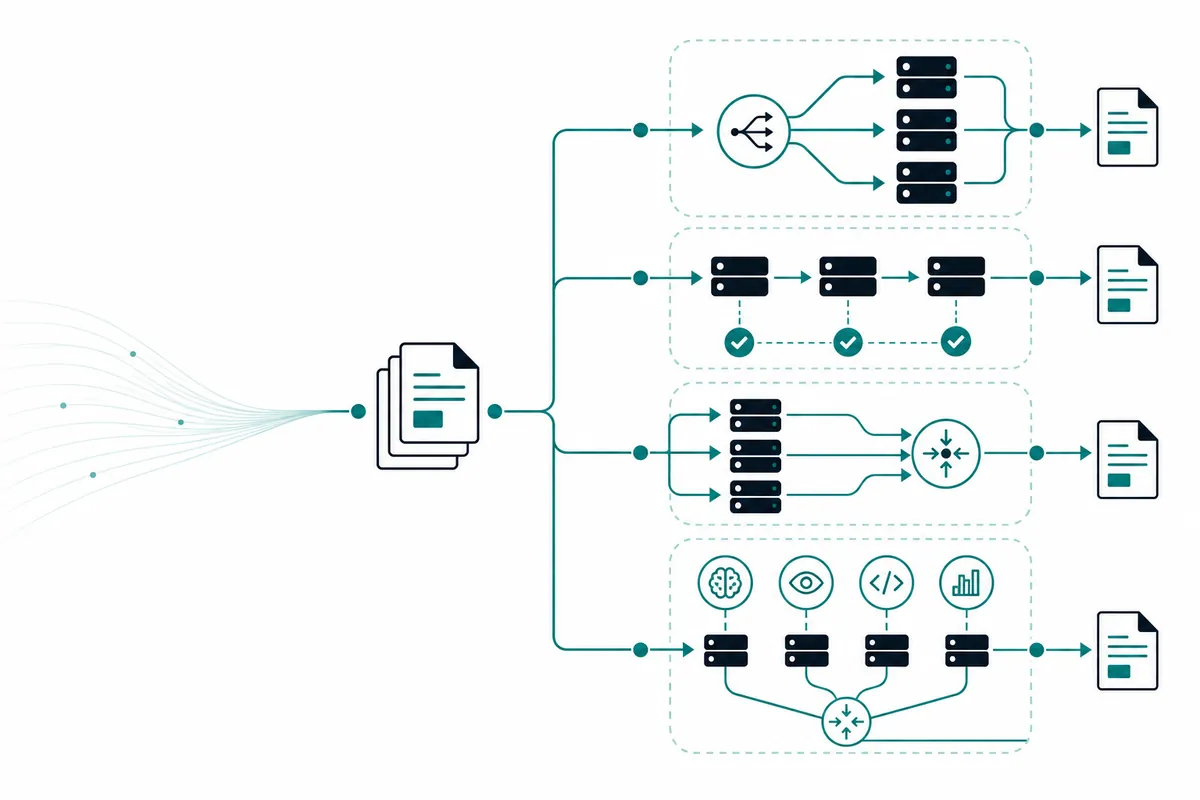
Your architecture should separate retrieval, ranking, and generation. Do not force the model to carry facts it can fetch more reliably from your own systems.
Pricing breakdown#
| Option | Pricing style | Best use |
|---|---|---|
| direct GLM access | token-based | dedicated GLM workflows |
| Crazyrouter unified API | token-based across vendors | benchmarking and fallback |
This is one of the clearest cases for a unified API. Teams exploring GLM 4.6 are often also testing Claude, Gemini, or open-source options. The easier it is to swap models, the faster you can find the right quality-to-cost ratio.
FAQ#
What is GLM 4.6 best for?#
GLM 4.6 is useful for bilingual assistants, structured tool workflows, and apps where Chinese-language capability matters.
Can I use GLM 4.6 for RAG?#
Yes. It works well as the generation layer in a retrieval-augmented pipeline.
Does GLM 4.6 support tool calling?#
In many deployments, yes. Check the exact endpoint and schema for your provider.
How can I compare GLM 4.6 with other models quickly?#
Use Crazyrouter to test GLM alongside Claude, Gemini, GPT, and others through one endpoint.
Summary#
The best GLM 4.6 API guide is not just about one request payload. It is about choosing the right workload: bilingual apps, tool use, and RAG-heavy systems. Keep the retrieval layer outside the model, benchmark quality carefully, and preserve the ability to reroute traffic as your product evolves.
If you want to test GLM 4.6 without building a multi-vendor integration from scratch, try Crazyrouter.