Crazyrouter
Pika 2.2 New Features Review: Scene Director, Sound Design, and API Updates
"Review of Pika 2.2's new features in May 2026 including Scene Director, AI Sound Design, improved motion control, and the updated API for developers."
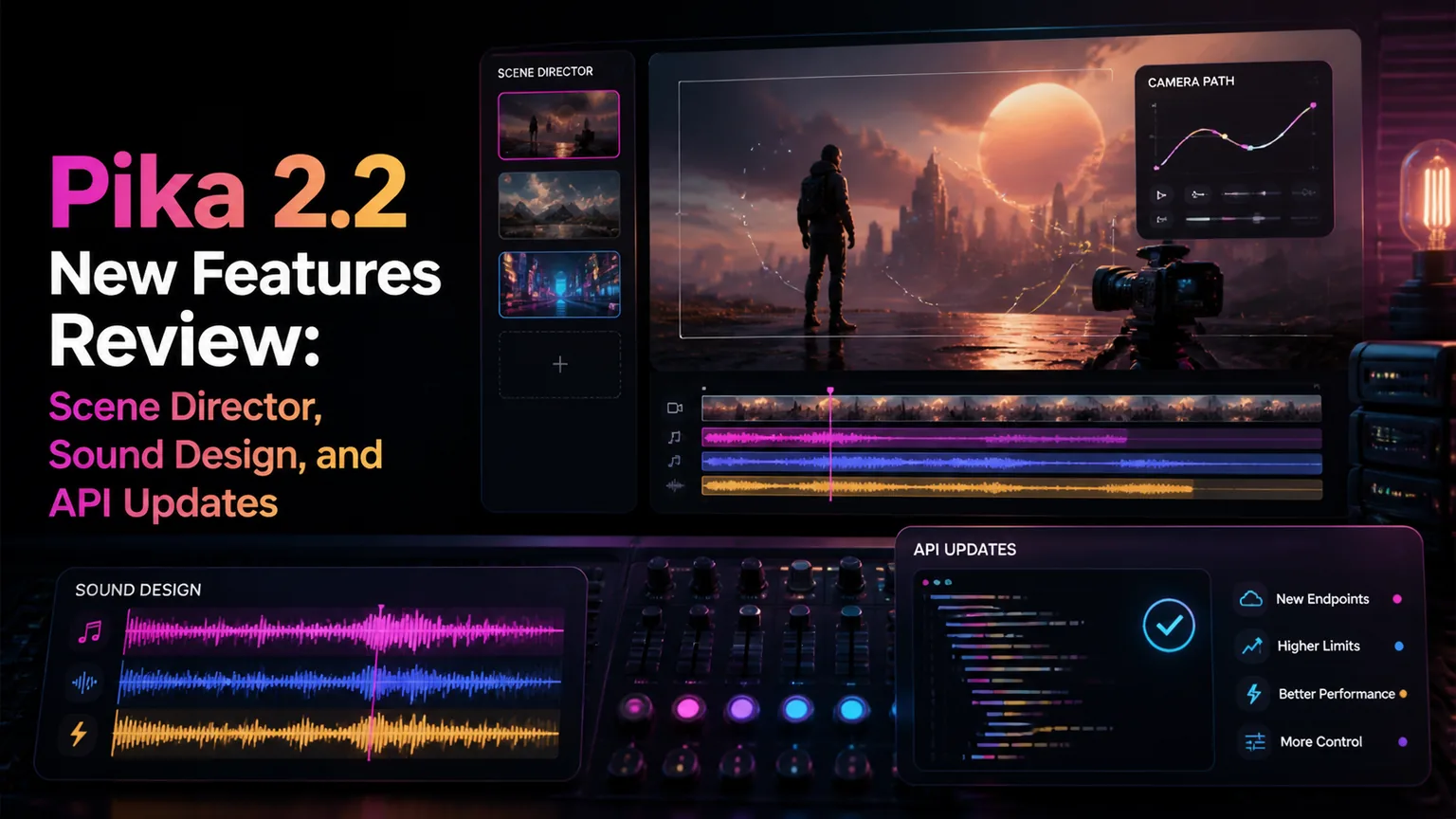
Pika 2.2 New Features Review: Scene Director, Sound Design, and API Updates#
Pika has been iterating fast. Version 2.2, released in April 2026, introduces Scene Director for multi-shot video planning, native AI Sound Design, and significant improvements to motion control. For developers, the updated API now supports batch processing and webhook callbacks.
Here's what's new, what works, and whether Pika 2.2 deserves a spot in your video generation stack.
What's New in Pika 2.2#
1. Scene Director#
Scene Director is Pika's answer to the "one clip at a time" limitation. Instead of generating individual 4-second clips, you can now plan multi-shot sequences:
- Define a storyboard with 2-6 scenes
- Maintain character consistency across shots
- Control camera transitions (cut, dissolve, pan)
- Generate all scenes in one batch
How it works:
Scene 1: Wide shot - A detective enters a dimly lit office
Scene 2: Close-up - She picks up a photograph from the desk
Scene 3: Over-shoulder - She examines the photo, rain on the window behind her
Pika generates all three scenes with consistent character appearance, lighting, and style. This is a significant workflow improvement over generating clips individually and hoping they match.
2. AI Sound Design#
Pika 2.2 now generates sound effects synchronized to video content. Unlike Veo 3's full audio (including dialogue), Pika focuses on:
- Ambient sounds (rain, wind, traffic)
- Action sounds (footsteps, doors, impacts)
- Environmental audio (room tone, nature)
It doesn't generate dialogue or music — those still require separate tools. But for adding atmosphere to generated clips, it's effective and automatic.
3. Improved Motion Brushes#
Motion brushes let you paint specific areas of an image and define how they should move. In 2.2:
- More precise boundary detection
- Support for complex motions (rotation + translation)
- Better physics simulation (cloth, water, hair)
- Reduced artifacts at motion boundaries
4. Extended Duration#
- Standard clips: up to 6 seconds (was 4)
- With Scene Director: up to 24 seconds (4 scenes × 6s)
- Higher frame rate option: 30fps (was 24fps)
Pika 2.2 API for Developers#
Pika's API has matured significantly. Here's how to integrate it:
Authentication and Basic Generation#
import requests
import time

PIKA_API_KEY = "your-pika-api-key"
BASE_URL = "https://api.pika.art/v2"

headers = {
    "Authorization": f"Bearer {PIKA_API_KEY}",
    "Content-Type": "application/json"
}

# Generate a single video
response = requests.post(
    f"{BASE_URL}/generate",
    headers=headers,
    json={
        "prompt": "A golden retriever running through autumn leaves in a park, "
                  "slow motion, warm afternoon light",
        "style": "cinematic",
        "duration": 6,
        "resolution": "1080p",
        "fps": 24,
        "sound_design": True,  # New in 2.2
        "negative_prompt": "blurry, distorted, low quality"
    }
)

job = response.json()
print(f"Job ID: {job['id']}")
Scene Director API#
# Multi-scene generation with Scene Director
response = requests.post(
    f"{BASE_URL}/generate/storyboard",
    headers=headers,
    json={
        "scenes": [
            {
                "prompt": "Wide establishing shot: A cyberpunk city at night, neon signs, flying cars",
                "duration": 4,
                "camera": "slow_dolly_forward"
            },
            {
                "prompt": "Medium shot: A woman in a leather jacket walks down a rain-soaked alley",
                "duration": 4,
                "camera": "tracking_shot"
            },
            {
                "prompt": "Close-up: She looks up at a holographic billboard, neon reflecting in her eyes",
                "duration": 3,
                "camera": "static"
            }
        ],
        "transitions": ["cut", "dissolve"],
        "style": "blade_runner",
        "consistency": "high",  # Enforce character/style consistency
        "sound_design": True,
        "resolution": "1080p"
    }
)

storyboard_job = response.json()
Webhook Integration#
# Set up webhook for async processing
response = requests.post(
    f"{BASE_URL}/generate",
    headers=headers,
    json={
        "prompt": "A timelapse of a flower blooming, macro lens, studio lighting",
        "duration": 6,
        "webhook_url": "https://your-app.com/api/pika-callback",
        "webhook_events": ["completed", "failed", "progress"]
    }
)

# Your webhook endpoint receives:
# {
#   "event": "completed",
#   "job_id": "abc123",
#   "video_url": "https://cdn.pika.art/...",
#   "audio_url": "https://cdn.pika.art/...",  # If sound_design enabled
#   "duration": 6.0,
#   "metadata": { ... }
# }
Batch Processing#
# New in 2.2: Submit multiple generations at once
response = requests.post(
    f"{BASE_URL}/generate/batch",
    headers=headers,
    json={
        "jobs": [
            {"prompt": "A sunrise over mountains, timelapse", "duration": 4},
            {"prompt": "Ocean waves crashing on rocks, slow motion", "duration": 4},
            {"prompt": "Northern lights dancing over a frozen lake", "duration": 6},
        ],
        "common_config": {
            "resolution": "1080p",
            "style": "cinematic",
            "sound_design": True
        },
        "webhook_url": "https://your-app.com/api/batch-done"
    }
)

batch = response.json()
print(f"Batch ID: {batch['batch_id']}, Jobs: {len(batch['jobs'])}")
Pricing (May 2026)#
| Plan | Monthly Cost | Credits | Per Video (6s, 1080p) |
|---|---|---|---|
| Free | $0 | 50 credits | ~10 videos |
| Standard | $8/month | 700 credits | ~140 videos |
| Pro | $28/month | 3,000 credits | ~600 videos |
| Enterprise | Custom | Unlimited | Volume pricing |
| API (pay-as-you-go) | — | — | $0.05/second |
Pika 2.2 vs Competitors#
| Feature | Pika 2.2 | Runway Gen-4 Turbo | Kling 2.1 | Veo 3 |
|---|---|---|---|---|
| Max Duration | 6s (24s storyboard) | 10s | 10s | 8s |
| Sound Design | ✅ (SFX only) | ❌ | ❌ | ✅ (full audio) |
| Multi-Scene | ✅ Scene Director | ❌ | ❌ | ❌ |
| Image-to-Video | ✅ | ✅ | ✅ | ✅ |
| Motion Control | ✅ Brushes | ✅ Motion Brush | ✅ | ❌ |
| API | ✅ | ✅ | ✅ | ✅ |
| Price (per 6s) | $0.30 | $0.50 | $0.20 | $0.35 |
| Quality (1-10) | 8.0 | 9.2 | 8.5 | 9.0 |
When to Choose Pika 2.2#
- Multi-scene content — Scene Director is unique in the market
- Budget-conscious teams — cheaper than Runway with decent quality
- Sound design needed — automatic SFX saves a pipeline step
- Rapid prototyping — fast generation, good iteration speed
When to Choose Alternatives#
- Maximum quality — Runway Gen-4 Turbo still leads on visual fidelity
- Full audio (dialogue) — Veo 3 handles speech, Pika doesn't
- Longer clips — Kling 2.1 and Runway offer 10s natively
- Cheapest option — Kling 2.1 at $0.20/video for budget projects
Integration with Crazyrouter#
For teams using multiple video AI models, Crazyrouter provides a unified API:
from openai import OpenAI

client = OpenAI(
    api_key="your-crazyrouter-key",
    base_url="https://crazyrouter.com/v1"
)

# Access Pika, Runway, Kling, and Veo through one endpoint
# Crazyrouter handles routing, retries, and fallback
response = client.chat.completions.create(
    model="pika-2.2",
    messages=[{
        "role": "user",
        "content": "Generate: A cat playing piano, funny, viral video style"
    }]
)
FAQ#
Is Pika 2.2 free?#
Pika offers a free tier with 50 credits (approximately 10 videos). Paid plans start at 0.05/second.
Can Pika 2.2 generate dialogue?#
No. Pika 2.2's sound design generates ambient sounds and sound effects only. For dialogue, use Google Veo 3 or add a separate TTS pipeline.
How long are Pika 2.2 videos?#
Individual clips are up to 6 seconds. Using Scene Director, you can create storyboards up to 24 seconds (4 scenes × 6 seconds each) with consistent characters and style.
Is Pika better than Runway?#
Pika 2.2 is better for multi-scene workflows (Scene Director) and budget projects. Runway Gen-4 Turbo produces higher visual quality and longer individual clips. Choose based on your priority: workflow flexibility (Pika) or raw quality (Runway).
Does Pika 2.2 have an API?#
Yes. Pika's v2 API supports text-to-video, image-to-video, Scene Director storyboards, batch processing, and webhook callbacks. API access is available on all paid plans.
Summary#
Pika 2.2 is a solid mid-tier video generation tool that punches above its weight with Scene Director and AI Sound Design. It's not the highest quality option (that's still Runway), but it offers the best workflow for multi-scene content creation at a competitive price.
For developers building video pipelines, access Pika 2.2 alongside other video models through Crazyrouter — one API key, unified format, and lower costs across all providers.