Crazyrouter
OpenClaw Applications: 10+ Real-World Use Cases in 2026
Discover 10+ OpenClaw applications from customer support automation to content creation. Learn how businesses use OpenClaw for AI-powered workflows across WhatsApp, Telegram, Discord, and more platforms.
OpenClaw Applications: 10+ Real-World Use Cases in 2026#
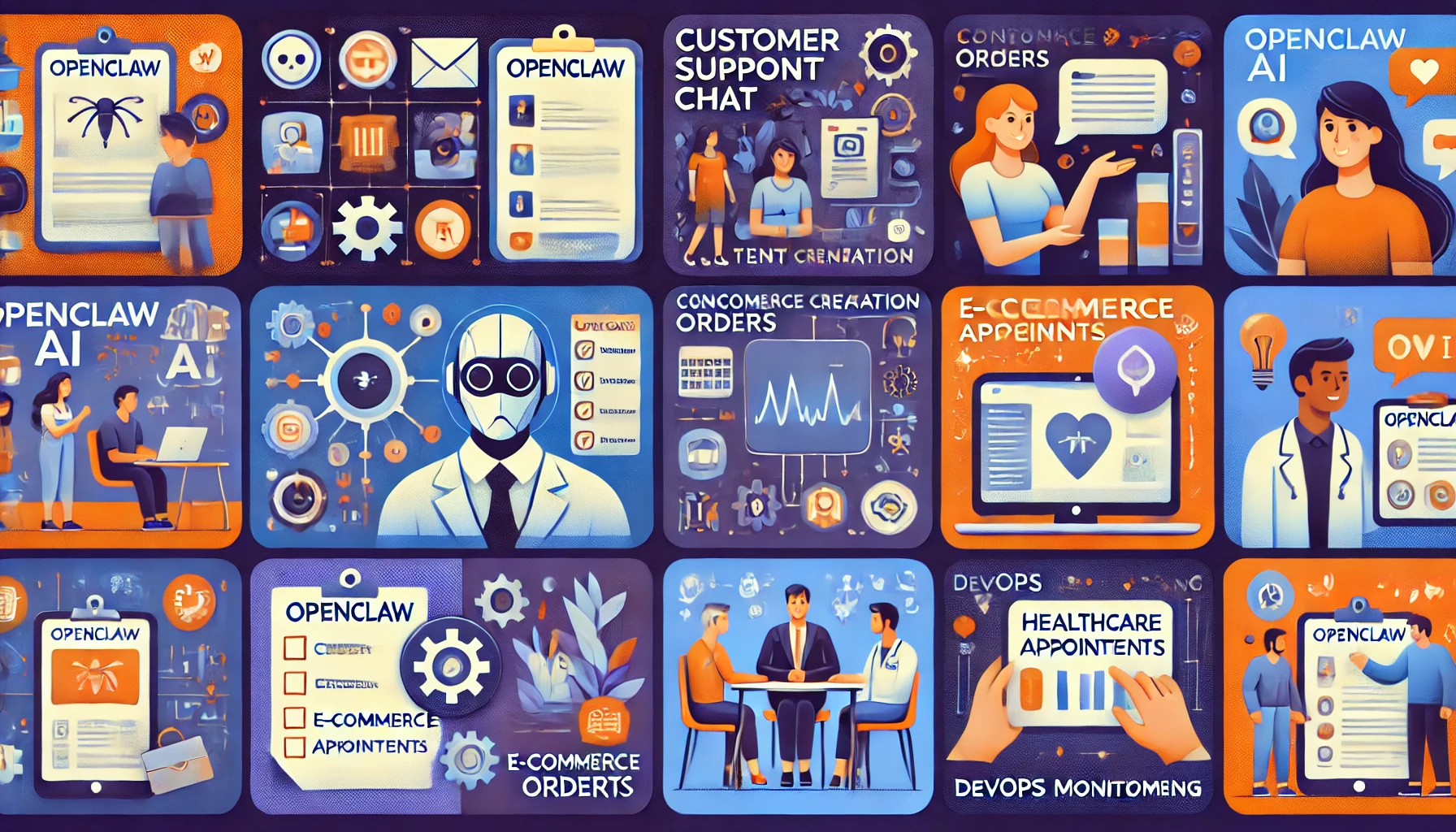
OpenClaw isn't just another chatbot platform — it's a versatile AI assistant runtime that powers everything from customer support to DevOps automation. Here are 10+ proven OpenClaw applications with practical implementation examples.
OpenClaw Application Categories#
OpenClaw excels across four major application categories, each with distinct use cases and implementation patterns:
OpenClaw for Business Automation#
Business automation represents the largest OpenClaw application category. Organizations use OpenClaw to:
- Automate customer support across multiple messaging platforms
- Qualify and route leads automatically
- Process orders and send tracking updates
- Manage internal team communications
Key OpenClaw Business Benefits:
- 70% reduction in support costs (average)
- 24/7 availability across all channels
- Consistent responses across platforms
- Scalable without proportional headcount increase
OpenClaw for Personal Productivity#
Individual users leverage OpenClaw applications for:
- Cross-platform personal assistant (WhatsApp + Telegram + Discord)
- Automated research and information gathering
- Task management and smart reminders
- Email and calendar automation
Key OpenClaw Personal Benefits:
- Single AI assistant across all messaging apps
- Context preserved across platforms
- Privacy-focused (self-hosted)
- Customizable to personal workflows
OpenClaw for Development and DevOps#
Development teams implement OpenClaw applications for:
- CI/CD pipeline monitoring and alerts
- Incident response automation
- Code review assistance
- Infrastructure monitoring
Key OpenClaw DevOps Benefits:
- Faster incident response (50% average)
- Reduced alert fatigue
- Automated routine tasks
- Team collaboration in existing chat tools
OpenClaw for Content Creation#
Content creators use OpenClaw applications for:
- Blog post generation and publishing
- Social media management
- Content translation and localization
- SEO content optimization
Key OpenClaw Content Benefits:
- 10x content output increase (reported)
- Multi-language support
- Consistent brand voice
- Automated publishing workflows
OpenClaw Customer Support Automation#
Building OpenClaw Multi-Platform Support Bots#
Customer support is the most popular OpenClaw application. Here's how to implement it:
OpenClaw Support Bot Architecture:
{
  "agents": {
    "support": {
      "model": "gpt-4o",
      "systemPrompt": "You are a helpful customer support agent for [Company]. Answer questions about products, orders, and policies. Escalate complex issues to human agents.",
      "tools": ["web_search", "database_query", "ticket_create"],
      "channels": ["whatsapp", "telegram", "discord", "slack"]
    }
  }
}
OpenClaw Support Workflow:
- Customer sends message on any platform
- OpenClaw identifies intent (question, complaint, order status)
- OpenClaw searches knowledge base or database
- OpenClaw provides answer or escalates to human
- OpenClaw logs interaction for analytics
Example OpenClaw Support Interaction:
Customer (WhatsApp): Where is my order #12345?
OpenClaw: [Queries database] Your order #12345 shipped yesterday via FedEx. Tracking: 1Z999AA10123456784. Expected delivery: March 9.

Customer: Can I change the delivery address?
OpenClaw: [Escalates] I've created ticket #789 for our team to help with address changes. You'll receive an email within 2 hours.
OpenClaw FAQ Automation Across Messaging Apps#
Implement OpenClaw FAQ automation to handle repetitive questions:
OpenClaw FAQ Configuration:
{
  "agents": {
    "faq": {
      "model": "gpt-4o-mini",
      "memory": {
        "enabled": true,
        "sources": ["faq.md", "policies.md", "product-docs.md"]
      },
      "cache": {
        "enabled": true,
        "ttl": 3600
      }
    }
  }
}
OpenClaw FAQ Benefits:
- Instant responses 24/7
- Consistent answers across platforms
- Reduced support ticket volume by 60-80%
- Cost savings: 5-10 for human agent
OpenClaw Ticket Routing and Escalation#
Configure OpenClaw to intelligently route complex issues:
OpenClaw Escalation Rules:
{
  "agents": {
    "support": {
      "escalation": {
        "triggers": [
          {"keyword": "refund", "action": "create_ticket", "priority": "high"},
          {"keyword": "bug", "action": "create_ticket", "team": "engineering"},
          {"sentiment": "negative", "threshold": -0.7, "action": "alert_manager"}
        ]
      }
    }
  }
}
OpenClaw Customer Support Analytics#
Track OpenClaw support performance:
Key OpenClaw Metrics:
- Resolution rate: % of queries resolved without escalation
- Response time: Average time to first response
- Customer satisfaction: CSAT scores from post-interaction surveys
- Cost per interaction: API costs + infrastructure
Example OpenClaw Analytics Dashboard:
| Metric | Before OpenClaw | After OpenClaw | Improvement |
|---|---|---|---|
| Avg Response Time | 15 minutes | 5 seconds | 99.4% |
| Resolution Rate | 45% | 75% | +30% |
| Support Cost/Month | $15,000 | $4,500 | 70% |
| CSAT Score | 3.8/5 | 4.6/5 | +21% |
OpenClaw Content Creation Workflows#
OpenClaw Blog Post Generation and Publishing#
Automate content creation with OpenClaw:
OpenClaw Content Workflow:
{
  "agents": {
    "content": {
      "model": "claude-opus-4-6",
      "tools": ["web_search", "file_write", "api_call"],
      "workflow": [
        "research_topic",
        "generate_outline",
        "write_content",
        "optimize_seo",
        "publish_to_cms"
      ]
    }
  }
}
Example OpenClaw Content Generation:
You: Write a blog post about "AI trends in 2026"
OpenClaw: [Executes workflow]
1. Researching AI trends... [web_search]
2. Generating outline... [claude-opus-4-6]
3. Writing 2000-word article... [claude-opus-4-6]
4. Optimizing for SEO... [keyword analysis]
5. Publishing to WordPress... [api_call]

✓ Published: https://yourblog.com/ai-trends-2026
OpenClaw Content Benefits:
- 10x faster content production
- SEO-optimized automatically
- Consistent brand voice
- Multi-language support
OpenClaw Social Media Management#
Manage social media with OpenClaw:
OpenClaw Social Media Configuration:
{
  "agents": {
    "social": {
      "model": "gpt-4o",
      "tools": ["twitter_api", "linkedin_api", "image_generation"],
      "schedule": {
        "posts_per_day": 3,
        "optimal_times": ["09:00", "13:00", "18:00"]
      }
    }
  }
}
OpenClaw Social Media Workflow:
- Generate post ideas based on trending topics
- Create engaging copy (platform-specific)
- Generate images with DALL-E or Midjourney
- Schedule posts at optimal times
- Monitor engagement and respond to comments
OpenClaw Content Translation and Localization#
Use OpenClaw for multi-language content:
OpenClaw Translation Configuration:
{
  "agents": {
    "translator": {
      "model": "gpt-4o",
      "languages": ["en", "es", "fr", "de", "ja", "zh"],
      "preserve": ["brand_names", "product_names", "urls"]
    }
  }
}
Example OpenClaw Translation:
You: Translate this blog post to Spanish, French, and Japanese
OpenClaw: [Translates content]
✓ Spanish: blog-es.md (2,150 words)
✓ French: blog-fr.md (2,200 words)
✓ Japanese: blog-ja.md (2,100 words)

All translations preserve brand names and URLs.
OpenClaw SEO Content Optimization#
Optimize content with OpenClaw:
OpenClaw SEO Tools:
- Keyword density analysis
- Meta title/description generation
- Internal linking suggestions
- Readability scoring
- Competitor content analysis
Example OpenClaw SEO Optimization:
You: Optimize this article for "OpenClaw tutorial"
OpenClaw: [Analyzes content]

SEO Recommendations:
✓ Keyword "OpenClaw tutorial" appears 12 times (optimal: 10-15)
✗ Meta description too short (85 chars, need 140-160)
✗ Missing H2 with target keyword
✓ Readability score: 68 (good)
✗ Only 1 internal link (recommend 3-5)

Applying fixes...
✓ Updated meta description (152 chars)
✓ Added H2: "OpenClaw Tutorial Best Practices"
✓ Added 3 internal links to related articles
OpenClaw Data Analysis and Reporting#
OpenClaw Automated Report Generation#
Generate reports automatically with OpenClaw:
OpenClaw Reporting Configuration:
{
  "agents": {
    "analyst": {
      "model": "gpt-4o",
      "tools": ["database_query", "data_analysis", "chart_generation"],
      "schedule": {
        "daily_report": "08:00",
        "weekly_report": "Monday 09:00",
        "monthly_report": "1st 10:00"
      }
    }
  }
}
OpenClaw Report Types:
- Sales performance reports
- Customer behavior analytics
- Marketing campaign ROI
- Operational metrics dashboards
Example OpenClaw Report:
OpenClaw: [Daily Report - March 7, 2026]

Sales Summary:
- Revenue: $45,230 (+12% vs yesterday)
- Orders: 234 (+8%)
- Avg Order Value: $193.29 (+4%)

Top Products:
1. Product A: 45 units ($8,910)
2. Product B: 38 units ($7,220)
3. Product C: 29 units ($5,510)

Alerts:
⚠ Inventory low for Product A (12 units remaining)
✓ All shipping targets met
OpenClaw Data Visualization with Canvas#
Create interactive dashboards with OpenClaw Canvas:
OpenClaw Canvas Dashboard:
// OpenClaw generates this automatically
const dashboard = {
  type: 'canvas',
  layout: 'grid',
  widgets: [
    {type: 'line_chart', data: salesData, title: 'Sales Trend'},
    {type: 'pie_chart', data: productMix, title: 'Product Mix'},
    {type: 'table', data: topCustomers, title: 'Top Customers'},
    {type: 'kpi', value: revenue, title: 'Total Revenue'}
  ]
};
OpenClaw Canvas Benefits:
- Interactive visualizations
- Real-time data updates
- Shareable via URL
- Mobile-responsive
OpenClaw Business Intelligence Dashboards#
Build BI dashboards with OpenClaw:
OpenClaw BI Integration:
{
  "agents": {
    "bi": {
      "model": "gpt-4o",
      "datasources": [
        {"type": "postgresql", "connection": "postgres://..."},
        {"type": "mongodb", "connection": "mongodb://..."},
        {"type": "api", "endpoint": "https://api.example.com"}
      ],
      "refresh_interval": 300
    }
  }
}
OpenClaw Real-Time Analytics Alerts#
Set up OpenClaw alerts for critical metrics:
OpenClaw Alert Configuration:
{
  "agents": {
    "monitor": {
      "alerts": [
        {
          "metric": "revenue",
          "condition": "< 10000",
          "period": "daily",
          "action": "notify_slack"
        },
        {
          "metric": "error_rate",
          "condition": "> 5%",
          "period": "hourly",
          "action": "page_oncall"
        }
      ]
    }
  }
}
OpenClaw Development and DevOps#
OpenClaw CI/CD Pipeline Integration#
Integrate OpenClaw with your CI/CD pipeline:
OpenClaw DevOps Configuration:
{
  "agents": {
    "devops": {
      "model": "gpt-4o",
      "tools": ["github_api", "jenkins_api", "kubernetes_api"],
      "channels": ["slack", "discord"],
      "notifications": {
        "build_started": true,
        "build_completed": true,
        "build_failed": true,
        "deployment_started": true,
        "deployment_completed": true
      }
    }
  }
}
OpenClaw CI/CD Workflow:
1. Developer pushes code to GitHub
2. GitHub webhook triggers OpenClaw
3. OpenClaw notifies team in Slack: "Build #123 started"
4. Build completes
5. OpenClaw runs tests and reports results
6. If tests pass, OpenClaw asks: "Deploy to staging?"
7. Team member replies: "yes"
8. OpenClaw deploys and monitors
Example OpenClaw DevOps Interaction:
OpenClaw (Slack): 🚀 Build #456 completed successfully
- Duration: 3m 42s
- Tests: 234 passed, 0 failed
- Coverage: 87%

Deploy to staging? Reply 'yes' to deploy.

Developer: yes

OpenClaw: Deploying to staging...
✓ Deployment completed in 1m 15s
✓ Health checks passed
✓ Staging URL: https://staging.example.com
OpenClaw Code Review Automation#
Automate code reviews with OpenClaw:
OpenClaw Code Review Configuration:
{
  "agents": {
    "reviewer": {
      "model": "claude-opus-4-6",
      "tools": ["github_api", "code_analysis"],
      "review_criteria": [
        "code_quality",
        "security_vulnerabilities",
        "performance_issues",
        "test_coverage",
        "documentation"
      ]
    }
  }
}
OpenClaw Code Review Process:
- Pull request created
- OpenClaw analyzes code changes
- OpenClaw posts review comments
- OpenClaw suggests improvements
- OpenClaw approves or requests changes
OpenClaw Infrastructure Monitoring#
Monitor infrastructure with OpenClaw:
OpenClaw Monitoring Configuration:
{
  "agents": {
    "monitor": {
      "model": "gpt-4o-mini",
      "datasources": [
        {"type": "prometheus", "url": "http://prometheus:9090"},
        {"type": "grafana", "url": "http://grafana:3000"},
        {"type": "cloudwatch", "region": "us-east-1"}
      ],
      "alerts": {
        "cpu_high": {"threshold": 80, "duration": "5m"},
        "memory_high": {"threshold": 90, "duration": "5m"},
        "disk_full": {"threshold": 95, "duration": "1m"}
      }
    }
  }
}
OpenClaw Incident Response Automation#
Automate incident response with OpenClaw:
OpenClaw Incident Response Workflow:
1. Alert triggered (high CPU, service down, etc.)
2. OpenClaw creates incident ticket
3. OpenClaw notifies on-call engineer
4. OpenClaw gathers diagnostic information
5. OpenClaw suggests remediation steps
6. Engineer approves action
7. OpenClaw executes fix
8. OpenClaw monitors recovery
9. OpenClaw generates post-mortem
Example OpenClaw Incident Response:
OpenClaw (PagerDuty): 🚨 INCIDENT #789
Service: api-gateway
Issue: High error rate (15%)
Started: 2026-03-07 14:23 UTC

Diagnostics:
- CPU: 45% (normal)
- Memory: 62% (normal)
- Database connections: 487/500 (high)
- Error logs: "Connection pool exhausted"

Suggested fix: Scale database connection pool

Approve fix? Reply 'yes' to execute.

Engineer: yes

OpenClaw: Executing fix...
✓ Scaled connection pool: 500 → 1000
✓ Error rate dropped to 2%
✓ Incident resolved in 4 minutes
OpenClaw Personal Assistant Applications#
OpenClaw Calendar and Task Management#
Use OpenClaw as your personal assistant:
OpenClaw Personal Assistant Configuration:
{
  "agents": {
    "assistant": {
      "model": "gpt-4o",
      "tools": ["calendar_api", "todo_api", "email_api"],
      "integrations": {
        "google_calendar": true,
        "todoist": true,
        "gmail": true
      }
    }
  }
}
OpenClaw Personal Assistant Features:
- Schedule meetings across calendars
- Create and manage tasks
- Send email reminders
- Summarize daily schedule
- Suggest optimal meeting times
Example OpenClaw Personal Assistant:
You: Schedule a meeting with John next week
OpenClaw: [Checks calendars]
John is available:
- Monday 2-3pm
- Wednesday 10-11am
- Friday 3-4pm

Which time works for you?

You: Wednesday 10am
OpenClaw: ✓ Meeting scheduled
- Title: Meeting with John
- Time: Wed, March 12, 10:00-11:00am
- Location: Zoom (link sent via email)
- Calendar invite sent to john@example.com
OpenClaw Email Automation and Filtering#
Automate email management with OpenClaw:
OpenClaw Email Configuration:
{
  "agents": {
    "email": {
      "model": "gpt-4o",
      "rules": [
        {"from": "newsletter@*", "action": "archive"},
        {"subject": "urgent", "action": "notify"},
        {"from": "boss@company.com", "action": "priority"}
      ],
      "auto_reply": {
        "enabled": true,
        "template": "Thanks for your email. I'll respond within 24 hours."
      }
    }
  }
}
OpenClaw Research and Information Gathering#
Use OpenClaw for research:
OpenClaw Research Workflow:
You: Research "quantum computing applications in finance"
OpenClaw: [Executes research workflow]
1. Searching academic papers... [Google Scholar]
2. Searching news articles... [web_search]
3. Analyzing findings... [claude-opus-4-6]
4. Generating summary... [claude-opus-4-6]

Research Summary:
- 47 relevant papers found
- 23 news articles analyzed
- Key applications: risk modeling, portfolio optimization, fraud detection
- Leading companies: IBM, Google, JPMorgan

Full report saved to: research-quantum-finance.md
OpenClaw Personal Knowledge Management#
Build a personal knowledge base with OpenClaw:
OpenClaw Knowledge Base:
{
  "agents": {
    "knowledge": {
      "model": "gpt-4o",
      "memory": {
        "enabled": true,
        "vector_search": true,
        "sources": ["notes/", "documents/", "bookmarks.md"]
      }
    }
  }
}
Example OpenClaw Knowledge Management:
You: Remember: My favorite programming language is Python
OpenClaw: ✓ Stored in MEMORY.md

[Later]
You: What's my favorite programming language?
OpenClaw: Your favorite programming language is Python.

You: Find my notes about machine learning
OpenClaw: [Searches memory]
Found 5 notes:
1. ML basics (2026-02-15)
2. Neural networks (2026-02-20)
3. TensorFlow tutorial (2026-03-01)
4. ML project ideas (2026-03-03)
5. ML resources (2026-03-05)
OpenClaw E-Commerce Automation#
OpenClaw Order Processing and Tracking#
Automate e-commerce operations with OpenClaw:
OpenClaw E-Commerce Configuration:
{
  "agents": {
    "ecommerce": {
      "model": "gpt-4o",
      "tools": ["shopify_api", "stripe_api", "shipstation_api"],
      "channels": ["whatsapp", "telegram", "sms"],
      "notifications": {
        "order_confirmed": true,
        "order_shipped": true,
        "order_delivered": true
      }
    }
  }
}
OpenClaw E-Commerce Workflow:
1. Customer places order on Shopify
2. OpenClaw sends confirmation via WhatsApp
3. Order ships
4. OpenClaw sends tracking number
5. Customer asks: "Where is my order?"
6. OpenClaw checks tracking and responds
7. Order delivered
8. OpenClaw requests review
OpenClaw Inventory Management Alerts#
Monitor inventory with OpenClaw:
OpenClaw Inventory Alerts:
{
  "agents": {
    "inventory": {
      "alerts": [
        {
          "product": "*",
          "condition": "stock < 10",
          "action": "notify_slack"
        },
        {
          "product": "bestseller",
          "condition": "stock < 50",
          "action": "auto_reorder"
        }
      ]
    }
  }
}
OpenClaw Customer Engagement Campaigns#
Run marketing campaigns with OpenClaw:
OpenClaw Campaign Configuration:
{
  "agents": {
    "marketing": {
      "model": "gpt-4o",
      "campaigns": [
        {
          "name": "abandoned_cart",
          "trigger": "cart_abandoned_24h",
          "message": "You left items in your cart. Complete your order and get 10% off!",
          "channels": ["email", "whatsapp"]
        },
        {
          "name": "win_back",
          "trigger": "no_purchase_90d",
          "message": "We miss you! Here's 20% off your next order.",
          "channels": ["email", "sms"]
        }
      ]
    }
  }
}
OpenClaw Product Recommendation Engine#
Implement recommendations with OpenClaw:
OpenClaw Recommendation System:
{
  "agents": {
    "recommender": {
      "model": "gpt-4o",
      "data_sources": [
        "purchase_history",
        "browsing_history",
        "product_catalog"
      ],
      "algorithm": "collaborative_filtering"
    }
  }
}
Example OpenClaw Recommendations:
Customer: Show me running shoes
OpenClaw: [Analyzes preferences]
Based on your previous purchases, I recommend:

1. Nike Air Zoom Pegasus 40 ($130)
   - Similar to your Nike Vaporfly
   - Great for daily training
   - Available in your size (10.5)

2. Adidas Ultraboost 23 ($180)
   - Customers who bought your shoes also bought this
   - Excellent cushioning
   - 4.8/5 stars (2,340 reviews)

3. Hoka Clifton 9 ($145)
   - Trending in your area
   - Lightweight and comfortable
   - Free shipping

Would you like more details on any of these?
OpenClaw Implementation Best Practices#
Choosing the Right OpenClaw Use Case#
Select OpenClaw applications based on:
High-Impact Use Cases:
- Repetitive tasks (FAQ, order status, scheduling)
- Multi-platform requirements (WhatsApp + Telegram + Discord)
- 24/7 availability needs
- Scalability requirements
Low-Impact Use Cases:
- Complex decision-making requiring human judgment
- Highly regulated industries (healthcare, finance) without proper compliance
- Tasks requiring physical presence
- One-off projects
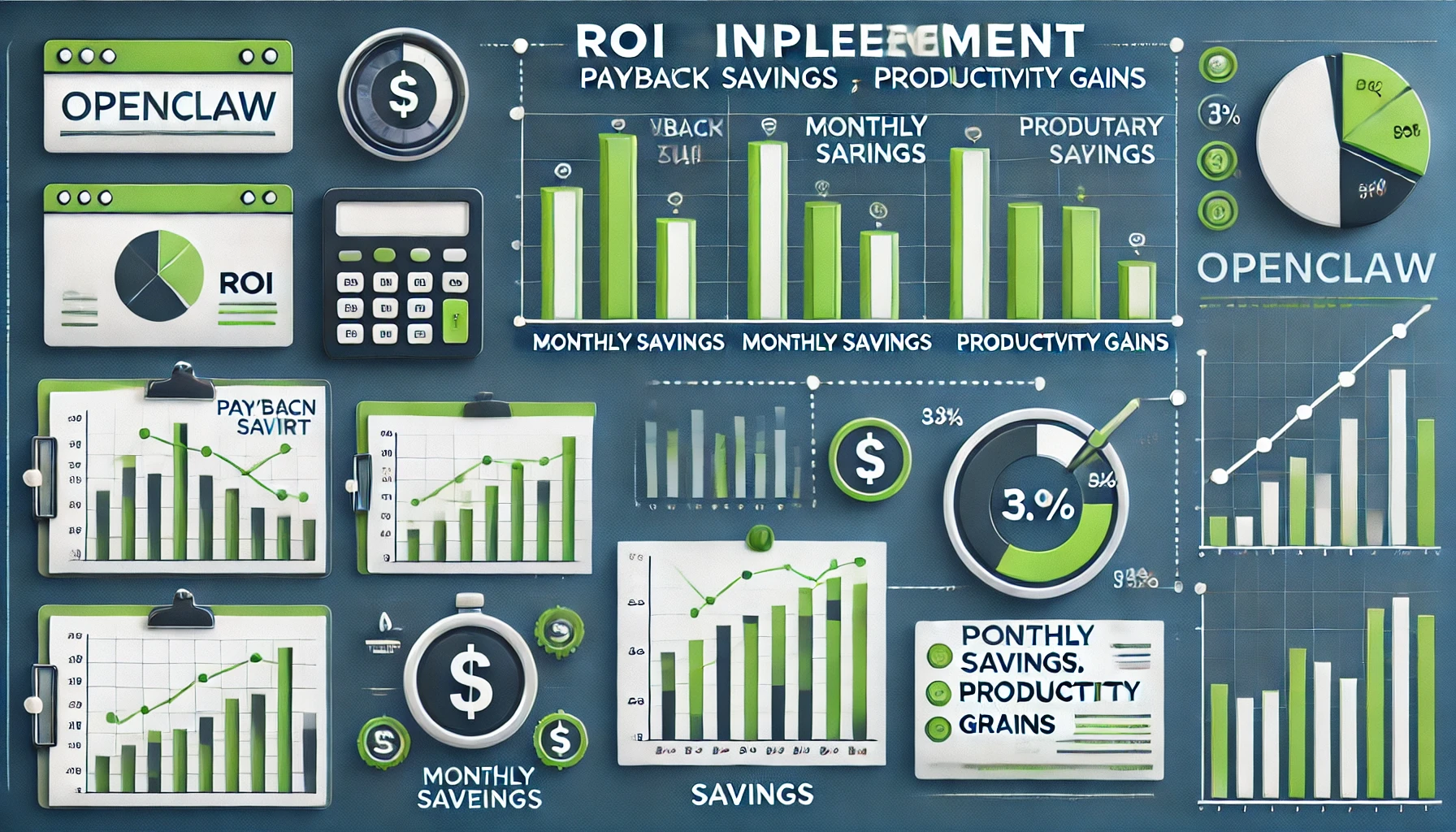
OpenClaw ROI Calculation:
ROI = (Cost Savings - Implementation Cost) / Implementation Cost

Example:
- Support cost before: $15,000/month
- Support cost after: $4,500/month
- Savings: $10,500/month
- Implementation cost: $5,000
- Monthly ROI: ($10,500 - $5,000) / $5,000 = 110%
- Payback period: 0.5 months
OpenClaw Scalability Considerations#
Plan for scale with OpenClaw:
Scaling Strategies:
- Start with one channel, expand gradually
- Use faster models (gpt-4o-mini) for high-volume use cases
- Implement caching for repeated queries
- Monitor API costs and optimize
OpenClaw Scaling Metrics:
| Users | Messages/Day | Model | Monthly Cost (Crazyrouter) |
|---|---|---|---|
| 100 | 1,000 | gpt-4o-mini | $15 |
| 1,000 | 10,000 | gpt-4o-mini | $150 |
| 10,000 | 100,000 | gpt-4o-mini | $1,500 |
| 100,000 | 1,000,000 | gpt-4o-mini | $15,000 |
OpenClaw Security and Compliance#
Ensure OpenClaw security:
OpenClaw Security Checklist:
- ✅ Enable Gateway token authentication
- ✅ Use HTTPS for all API calls
- ✅ Implement rate limiting
- ✅ Encrypt sensitive data at rest
- ✅ Regular security audits
- ✅ Compliance with GDPR/CCPA (if applicable)
OpenClaw Compliance Considerations:
- Data residency requirements
- User consent for AI interactions
- Data retention policies
- Audit logging
OpenClaw Cost Optimization with Crazyrouter#
Optimize OpenClaw costs:
Cost Optimization Strategies:
- Use Crazyrouter for 55% savings:
{
  "providers": {
    "openai": {
      "baseUrl": "https://crazyrouter.com/v1",
      "apiKey": "sk-your-key"
    }
  }
}
- Choose appropriate models:
- FAQ/simple queries: gpt-4o-mini ($0.15/1M tokens)
- Complex reasoning: gpt-4o ($1.13/1M tokens)
- Long-form content: claude-opus-4-6 ($6.75/1M tokens)
- Implement caching:
{
  "agents": {
    "defaults": {
      "cache": {
        "enabled": true,
        "ttl": 3600
      }
    }
  }
}
- Monitor usage:
# Check OpenClaw API usage
openclaw stats --provider openai

# View cost breakdown
openclaw costs --period month
OpenClaw Cost Comparison:
| Scenario | Direct API | Crazyrouter | Savings |
|---|---|---|---|
| 10K msgs/day (gpt-4o) | $450/mo | $203/mo | $247/mo (55%) |
| 50K msgs/day (gpt-4o-mini) | $225/mo | $101/mo | $124/mo (55%) |
| Mixed workload | $600/mo | $270/mo | $330/mo (55%) |
Ready to implement OpenClaw for your use case? Crazyrouter provides unified API access to 300+ AI models with 55% cost savings. Check our pricing to find the best plan for your OpenClaw deployment.
Related Articles:
- OpenClaw Tutorial: Complete Getting Started Guide
- OpenClaw Architecture: How It Works Under the Hood
- OpenClaw Case Studies: 5 Success Stories
Resources:
- OpenClaw Documentation: https://docs.openclaw.ai
- OpenClaw GitHub: https://github.com/openclaw/openclaw
- OpenClaw Community: https://discord.com/invite/clawd
- Crazyrouter Dashboard: https://crazyrouter.com/dashboard