简体中文
简体中文 繁體中文
繁體中文 English
 Français
 Русский
 日本語
日本語 Tiếng Việt
 한국어
한국어 Deutsch
 Español
 Italiano
 Português
 العربية
 ไทย
ไทย Bahasa Indonesia
 Bahasa Melayu
 Türkçe
 Polski
 Nederlands
 Dansk
Dansk Norsk
Norsk Қазақша
Claude Code Skills vs Subagents vs Dynamic Workflows: Which One Should You Use?
Claude Code, Codex, Cursor, and modern AI coding tools now expose multiple workflow primitives: skills, subagents, background agents, and dynamic workflows. This guide explains when to use each, with a small selector tool and Crazyrouter model-routing examples.
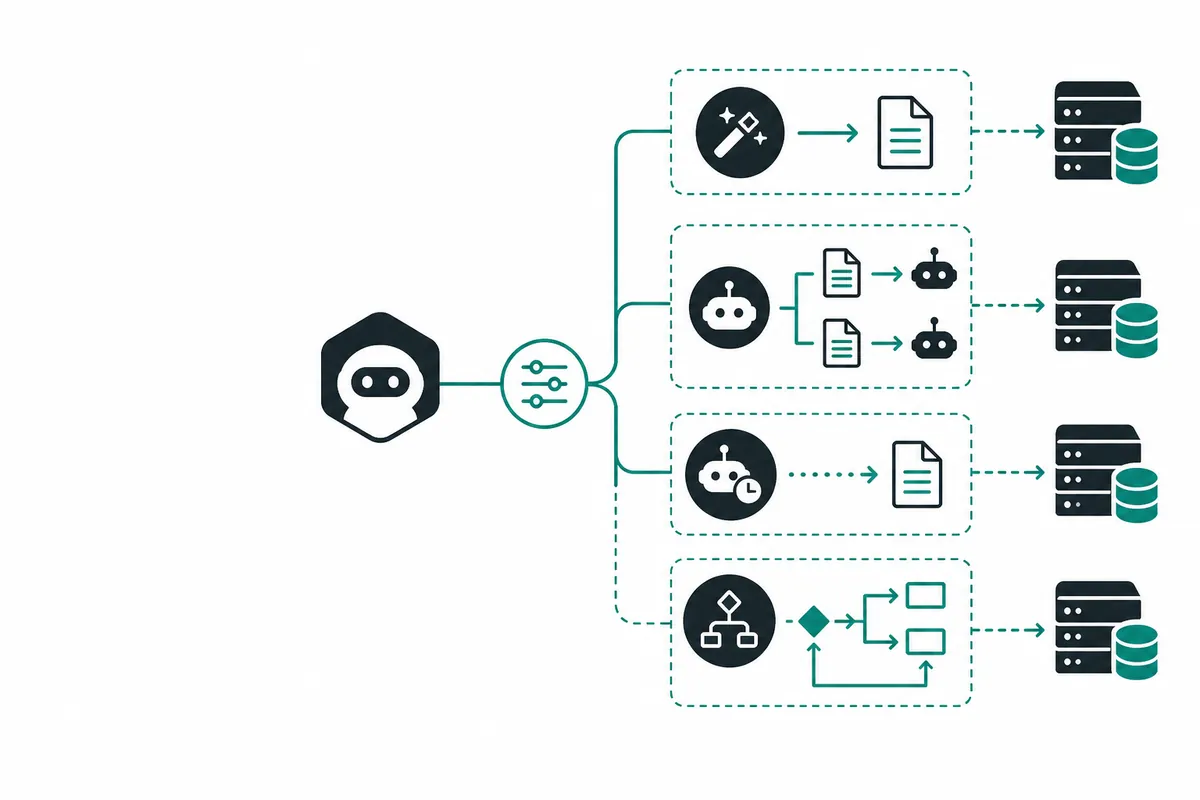
Claude Code Skills vs Subagents vs Dynamic Workflows: Which One Should You Use?#
AI coding tools are no longer just chat boxes.
Claude Code, Codex, Cursor, OpenClaw, and similar tools are moving toward workflow primitives: skills, subagents, background agents, and dynamic workflows.
That is good, but it creates a new problem: developers are starting to use the same hammer for every task.
A simple prompt, a reusable skill, a subagent, a background branch, and a dynamic workflow are not the same thing.
This guide gives a practical decision framework.
Quick answer#
| Primitive | Best for | Avoid when |
|---|---|---|
| Simple prompt | Small, low-risk one-off tasks | Multi-file or high-risk changes |
| Skill | Repeated SOPs, formatting rules, publishing workflows, domain procedures | One-off exploratory work |
| Subagent | Scoped research, audit, review, triage, isolated investigation | Tasks that require central orchestration |
| Background agent | Long-running branch/worktree tasks | Work requiring immediate tight feedback |
| Dynamic workflow | Complex multi-step work needing planning, implementation, review, verification | Tiny edits or cheap one-shot tasks |
The core idea: choose the primitive by workflow shape, not by hype.
1. Simple prompt#
Use a simple prompt when the task is small and reversible.
Examples:
- explain this function;
- rename a variable in one file;
- write a short regex;
- summarize an error message;
- draft a small README section.
A simple prompt is fast. It has low overhead. It does not need orchestration.
But it breaks down when the task has multiple phases or hidden risks.
2. Skill#
A skill is best when you repeat the same process many times.
Examples:
- invoice email SOP;
- blog publishing rules;
- daily growth report workflow;
- platform-specific formatting rules;
- support triage procedure;
- benchmark article checklist.
A skill is not a worker. It is reusable operational knowledge.
If you find yourself writing the same instructions again and again, turn them into a skill.
In our own workflow, we created:
skills/agent-workflow-replicator/SKILL.md
Its job is to turn viral Codex, Claude Code, and Cursor workflow examples into reproducible experiments, articles, and tools.
3. Subagent#
A subagent is useful when a task can be scoped and delegated.
Examples:
- audit this PR for security issues;
- inspect a repo for broken links;
- compare three API responses;
- research competing tools;
- review logs and summarize root cause.
A good subagent has a narrow mission and reports back.
The mistake is giving every subagent the full product goal. That creates duplication and inconsistent decisions.
Subagents are workers. They are not always orchestrators.
4. Background agent#
A background agent is useful when work can run asynchronously.
Examples:
- large refactor in a separate branch;
- generating tests across a codebase;
- dependency migration;
- overnight research;
- multiple git worktree experiments.
This is the pattern behind many Cursor background-agent discussions: move long-running work out of the local single-branch loop.
The key requirement is isolation. A background agent should not quietly corrupt the main working tree.
Use branches, worktrees, explicit diffs, and review gates.
5. Dynamic workflow#
A dynamic workflow is for complex work that needs multiple phases.
Examples:
- billing export with authorization tests;
- multi-file migration;
- security-sensitive refactor;
- agent workflow benchmark;
- production incident automation;
- model routing evaluation.
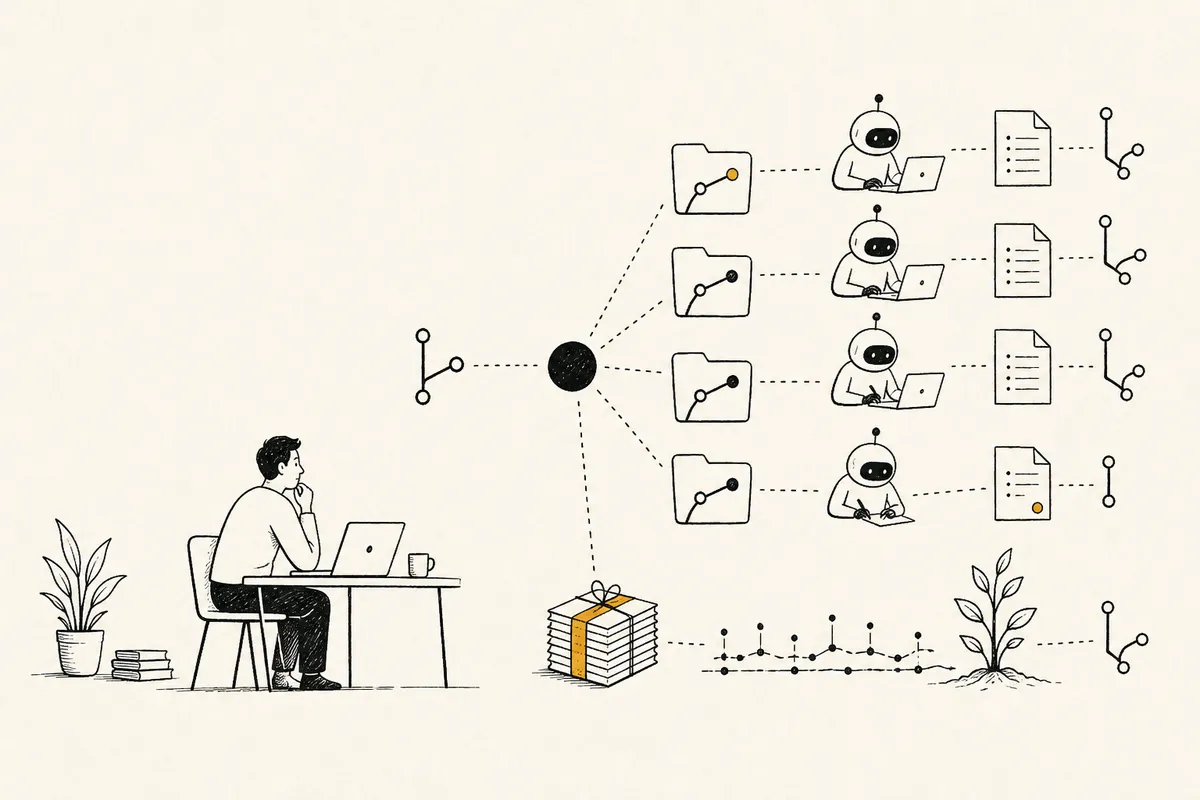
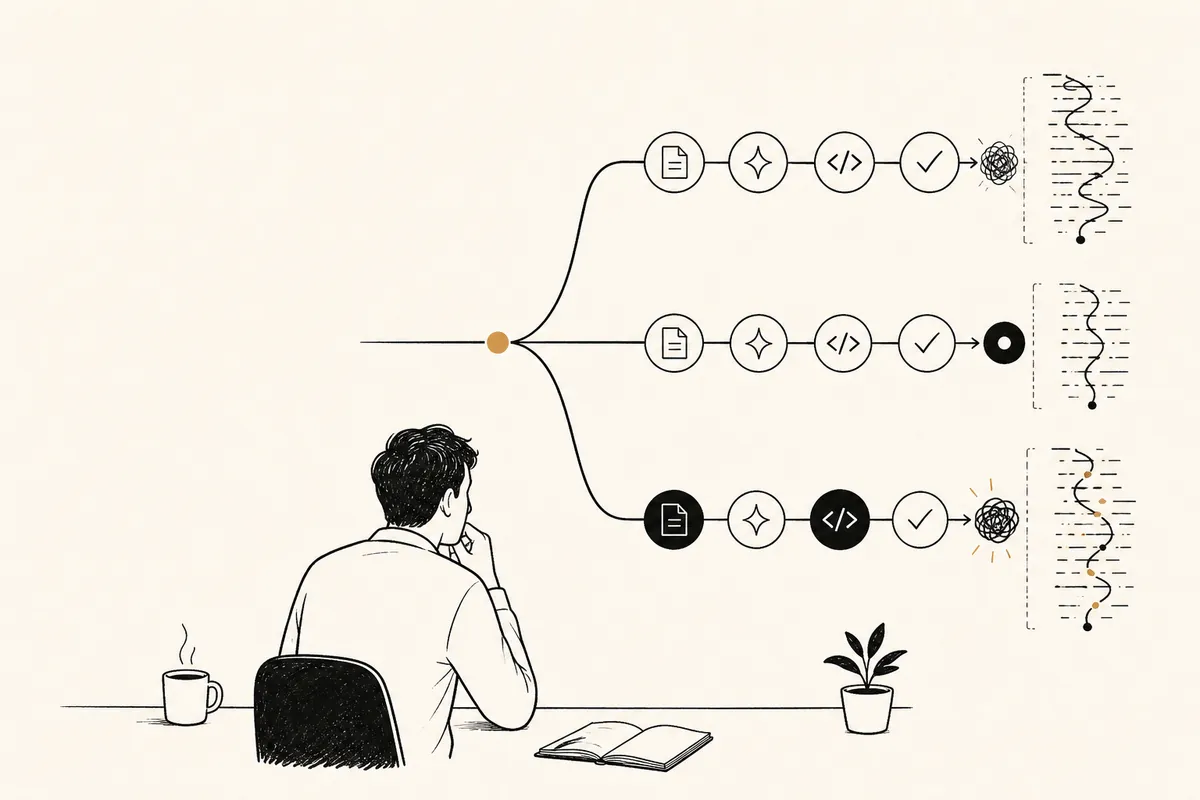
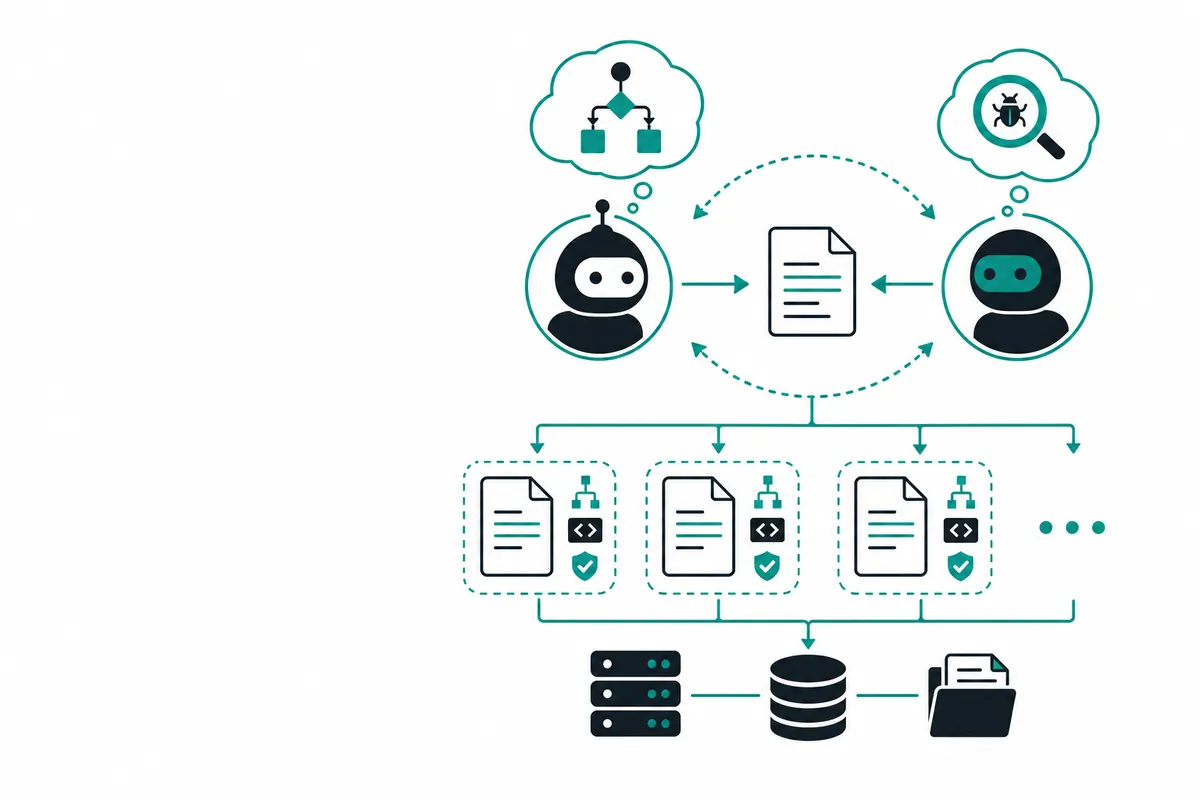
A dynamic workflow should create packets:
planner -> implementer -> adversarial reviewer -> verifier
That is why we built:
tools/agent_workflows/workflow_orchestrator.py
It generates a reproducible workflow folder with role packets, verification gates, and trace logging.
A selector tool#
We also created a small selector:
tools/agent_workflows/workflow_primitive_selector.py
Example:
python tools/agent_workflows/workflow_primitive_selector.py \
  --task "Refactor billing export across 20 files with authorization tests and rollback notes" \
  --json
Output:
{
  "task": "Refactor billing export across 20 files with authorization tests and rollback notes",
  "scores": {
    "simple_prompt": 0,
    "skill": 0,
    "subagent": 0,
    "dynamic_workflow": 5,
    "background_agent": 0
  },
  "recommendation": "dynamic_workflow",
  "reason": "Complex change needs planner, implementer, reviewer, verifier, and evidence gates."
}
The selector is intentionally simple. It is a starting point for teams to encode their own workflow policy.
Where model routing fits#
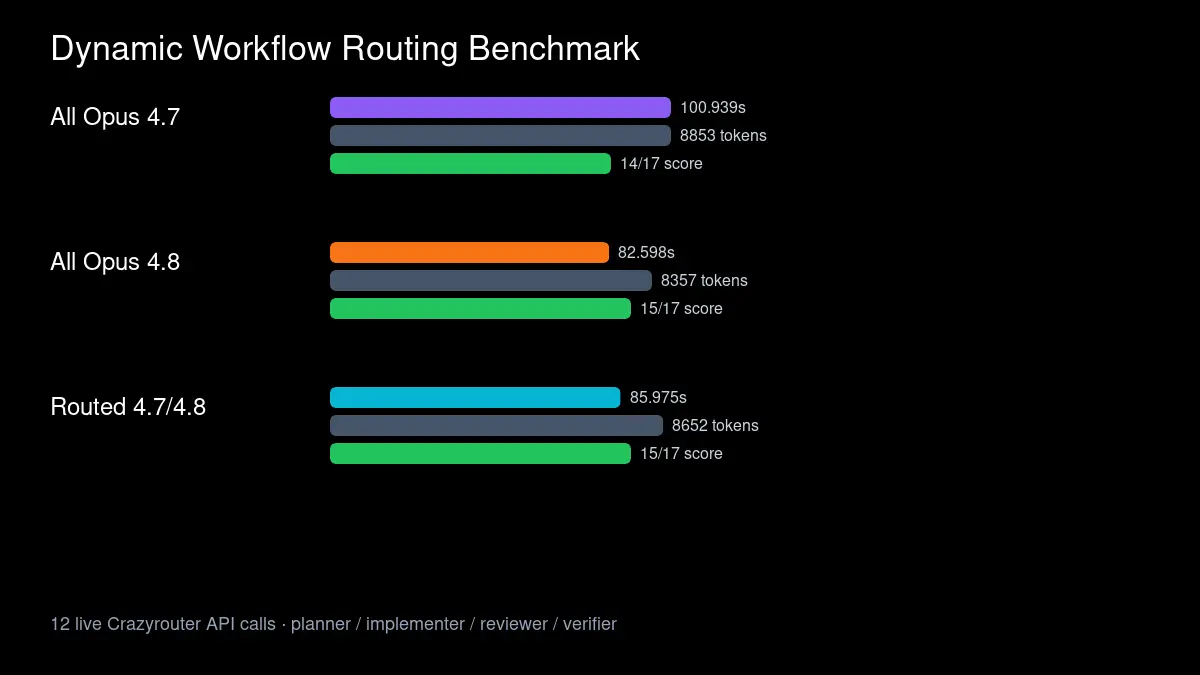
Once you choose the primitive, choose the model route.
For example:
| Step | Model route idea |
|---|---|
| Skill-guided formatting | fast/cheap model |
| Planning | stronger reasoning model |
| Implementation | coding-optimized model |
| Adversarial review | different model from implementer |
| Verification summary | fast model after tests run |
With Crazyrouter, the client can stay OpenAI-compatible:
from openai import OpenAI

client = OpenAI(
    api_key="YOUR_CRAZYROUTER_API_KEY",
    base_url="https://cn.crazyrouter.com/v1"
)

resp = client.chat.completions.create(
    model="claude-opus-4-8",
    messages=[{"role": "user", "content": "Review this implementation plan for missing tests."}],
    temperature=0
)
Do not add UTM parameters to API base URLs. Human-facing links can have UTM. Code endpoints should stay clean.
Decision tree#
Use this rule of thumb:
Is it tiny and low-risk?
  -> simple prompt

Is it a repeated SOP or domain process?
  -> skill

Can it be delegated as a scoped investigation?
  -> subagent

Does it need to run for a long time in isolation?
  -> background agent

Does it require planning, implementation, review, and verification?
  -> dynamic workflow
Common mistakes#
Mistake 1: turning every task into a dynamic workflow#
Dynamic workflows have overhead. Do not use them for tiny edits.
Mistake 2: using skills as if they were workers#
Skills are reusable instructions. They do not replace execution or verification.
Mistake 3: letting subagents make product-level decisions#
Subagents should report findings. The orchestrator or human owner should decide.
Mistake 4: no trace logs#
If a workflow has multiple steps, log the role, model, latency, tokens, result, and evidence.
Without logs, you cannot improve routing.
Final recommendation#
For production AI coding, build a small operating system around your agents:
- skills for repeated rules;
- subagents for scoped work;
- background agents for isolated long-running tasks;
- dynamic workflows for complex changes;
- model routing for cost and quality control;
- trace logs for evidence.
The future is not one magical coding agent. It is a set of workflow primitives, routed through the right models and verified with evidence.
Try model routing with Crazyrouter: Crazyrouter