Crazyrouter
Gemini 2.5 Flash Image Generation Guide: Create AI Images with Google's Model
Learn how to generate images with Gemini 2.5 Flash, Google's multimodal AI model. Includes API tutorial, code examples, and comparison with DALL-E and Midjourney.
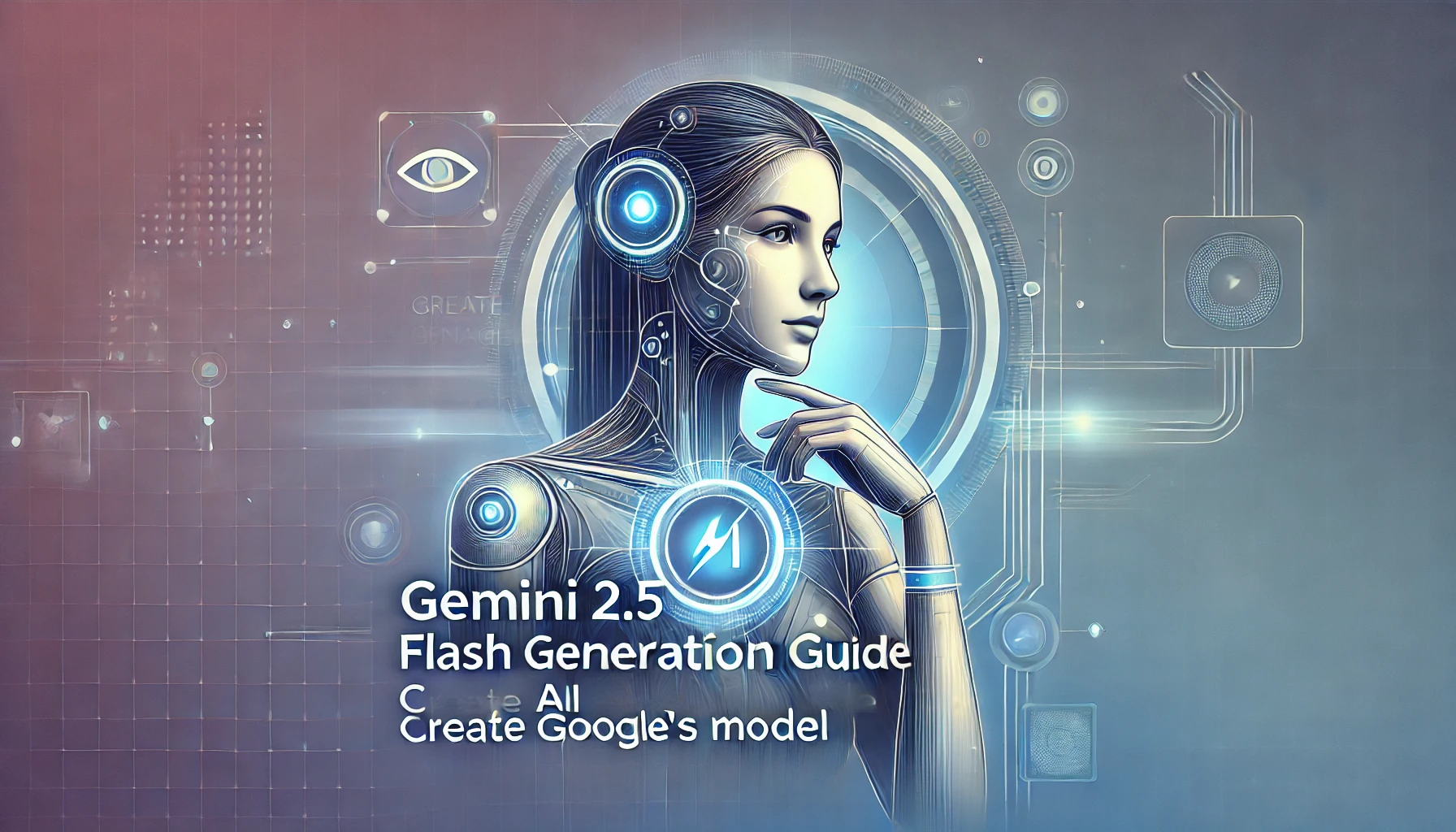
Google's Gemini 2.5 Flash isn't just a text model — it can generate and edit images natively. This multimodal capability means you can create images, modify existing ones, and combine text and image generation in a single conversation. Here's how to use it.
What is Gemini 2.5 Flash Image Generation?#
Gemini 2.5 Flash is Google's fast, efficient multimodal model that supports native image generation. Unlike dedicated image models (DALL-E, Midjourney), Gemini generates images as part of its multimodal understanding — meaning it can:
- Generate images from text prompts
- Edit existing images based on instructions
- Mix text and images in responses
- Understand context from conversation history when generating images
- Generate images with accurate text rendering
The key advantage is that Gemini understands both text and images natively, so it can reason about what to generate rather than just pattern-matching on prompts.
Gemini Image Generation vs Alternatives#
| Feature | Gemini 2.5 Flash | DALL-E 3 | Midjourney v7 | Stable Diffusion 3 |
|---|---|---|---|---|
| Text in images | ✅ Excellent | ✅ Good | ⚠️ Fair | ⚠️ Fair |
| Image editing | ✅ Native | ⚠️ Limited | ❌ No | ✅ Via inpainting |
| Conversational | ✅ Yes | ❌ No | ❌ No | ❌ No |
| Speed | ⚡ Fast | Medium | Slow | Fast (local) |
| Resolution | Up to 1024x1024 | 1024x1024 | Up to 2048x2048 | Variable |
| API available | ✅ Yes | ✅ Yes | ⚠️ Unofficial | ✅ Yes |
| Price per image | ~$0.02-0.04 | $0.04-0.08 | $0.01-0.02 | Free (self-hosted) |
How to Generate Images with Gemini 2.5 Flash API#
Using Google's Gemini API#
import google.generativeai as genai
import base64

genai.configure(api_key="your-google-api-key")

model = genai.GenerativeModel("gemini-2.5-flash")

response = model.generate_content(
    "Generate an image of a futuristic Tokyo skyline at sunset with flying cars and neon signs",
    generation_config=genai.GenerationConfig(
        response_modalities=["TEXT", "IMAGE"]
    )
)

# Extract image from response
for part in response.candidates[0].content.parts:
    if part.inline_data:
        image_data = base64.b64decode(part.inline_data.data)
        with open("tokyo_skyline.png", "wb") as f:
            f.write(image_data)
        print("Image saved!")
    elif part.text:
        print(part.text)
Using Crazyrouter (OpenAI-Compatible)#
Crazyrouter provides access to Gemini's image generation through an OpenAI-compatible API:
from openai import OpenAI

client = OpenAI(
    api_key="your-crazyrouter-key",
    base_url="https://api.crazyrouter.com/v1"
)

# Method 1: Using chat completions with image output
response = client.chat.completions.create(
    model="gemini-2.5-flash",
    messages=[
        {
            "role": "user",
            "content": "Generate an image: A cozy coffee shop interior with warm lighting, bookshelves, and a cat sleeping on a windowsill"
        }
    ]
)

# Method 2: Using the images endpoint
response = client.images.generate(
    model="gemini-2.5-flash",
    prompt="A minimalist logo design for a tech startup called 'NeuralFlow' with blue and purple gradients",
    size="1024x1024",
    n=1
)

image_url = response.data[0].url
print(f"Image URL: {image_url}")
Node.js Example#
import OpenAI from 'openai';
import fs from 'fs';

const client = new OpenAI({
  apiKey: 'your-crazyrouter-key',
  baseURL: 'https://api.crazyrouter.com/v1'
});

async function generateImage(prompt) {
  const response = await client.images.generate({
    model: 'gemini-2.5-flash',
    prompt: prompt,
    size: '1024x1024',
    n: 1,
    response_format: 'b64_json'
  });

  const imageBuffer = Buffer.from(response.data[0].b64_json, 'base64');
  fs.writeFileSync('output.png', imageBuffer);
  console.log('Image saved to output.png');
}

generateImage('An isometric illustration of a developer workspace with multiple monitors showing code');
cURL Example#
curl https://api.crazyrouter.com/v1/images/generations \
  -H "Content-Type: application/json" \
  -H "Authorization: Bearer your-crazyrouter-key" \
  -d '{
    "model": "gemini-2.5-flash",
    "prompt": "A watercolor painting of a Japanese garden in autumn",
    "size": "1024x1024",
    "n": 1
  }'
Image Editing with Gemini#
One of Gemini's unique strengths is conversational image editing:
import google.generativeai as genai
import PIL.Image

model = genai.GenerativeModel("gemini-2.5-flash")

# Load an existing image
image = PIL.Image.open("my_photo.jpg")

# Edit the image through conversation
response = model.generate_content(
    [
        image,
        "Remove the background and replace it with a professional studio backdrop. Keep the subject unchanged."
    ],
    generation_config=genai.GenerationConfig(
        response_modalities=["TEXT", "IMAGE"]
    )
)
You can chain multiple edits in a conversation:
chat = model.start_chat()

# First: generate base image
response1 = chat.send_message(
    "Generate a simple house illustration",
    generation_config=genai.GenerationConfig(response_modalities=["TEXT", "IMAGE"])
)

# Second: modify it
response2 = chat.send_message(
    "Add a garden with flowers in front of the house",
    generation_config=genai.GenerationConfig(response_modalities=["TEXT", "IMAGE"])
)

# Third: further refinement
response3 = chat.send_message(
    "Make it nighttime with stars and warm light coming from the windows",
    generation_config=genai.GenerationConfig(response_modalities=["TEXT", "IMAGE"])
)
Prompt Tips for Better Results#
Be Specific About Style#
❌ "A cat"
✅ "A photorealistic orange tabby cat sitting on a windowsill, golden hour lighting, shallow depth of field, shot on Canon EOS R5"
Specify Composition#
❌ "A city"
✅ "Bird's eye view of a cyberpunk city at night, wide angle, symmetrical composition, neon purple and blue color palette"
Use Art Style References#
✅ "A mountain landscape in the style of Studio Ghibli, soft watercolors, dreamy atmosphere"
✅ "A portrait in the style of Art Nouveau, ornate borders, muted earth tones"
✅ "An architectural rendering, clean lines, minimalist, Bauhaus style"
Text in Images#
Gemini excels at rendering text in images:
✅ "A vintage movie poster for a film called 'NEURAL DREAMS' with the tagline 'The future is thinking' in art deco style"
✅ "A neon sign that reads 'OPEN 24/7' on a brick wall, rainy night, reflections on wet pavement"
Pricing Comparison#
| Model | Price per Image | Quality | Speed |
|---|---|---|---|
| Gemini 2.5 Flash (via Crazyrouter) | ~$0.02 | Good | Fast |
| DALL-E 3 (via Crazyrouter) | ~$0.04 | Very Good | Medium |
| DALL-E 3 (OpenAI direct) | $0.04-0.08 | Very Good | Medium |
| Midjourney (subscription) | ~$0.01-0.02 | Excellent | Slow |
| Stable Diffusion (self-hosted) | Free (GPU cost) | Good | Fast |
For most use cases, Gemini 2.5 Flash offers the best balance of quality, speed, and cost — especially when you also need text understanding and image editing capabilities.
Frequently Asked Questions#
Can Gemini 2.5 Flash generate images for free?#
Google offers a free tier for the Gemini API with limited requests per day. For production use, you'll need a paid plan. Through Crazyrouter, you can access Gemini image generation at competitive per-image pricing.
What image resolutions does Gemini support?#
Gemini 2.5 Flash generates images up to 1024x1024 pixels. For higher resolutions, you can use upscaling tools or combine with dedicated image models.
Can Gemini generate NSFW content?#
No. Gemini has strict content safety filters and will not generate explicit, violent, or harmful imagery. This applies to both the direct API and third-party access.
How does Gemini's image quality compare to DALL-E 3?#
Gemini 2.5 Flash produces good quality images, especially for text rendering and conceptual illustrations. DALL-E 3 generally produces more photorealistic results. For artistic styles, both are competitive.
Can I use Gemini-generated images commercially?#
Yes, images generated through the Gemini API can be used commercially according to Google's terms of service. Always check the latest terms for your specific use case.
Does Gemini support image-to-image generation?#
Yes. You can provide an input image and ask Gemini to modify, extend, or transform it. This is one of Gemini's key advantages over text-only image generators.
Summary#
Gemini 2.5 Flash brings a unique approach to AI image generation — combining text understanding, image creation, and conversational editing in one model. It's fast, affordable, and particularly strong at rendering text in images.
Start generating images with Gemini and 300+ other AI models through Crazyrouter. One API key, unified access, competitive pricing. Sign up and start creating.