简体中文
简体中文 繁體中文
繁體中文 English
 Français
 Русский
 日本語
日本語 Tiếng Việt
 한국어
한국어 Deutsch
 Español
 Italiano
 Português
 العربية
 ไทย
ไทย Bahasa Indonesia
 Bahasa Melayu
 Türkçe
 Polski
 Nederlands
 Dansk
Dansk Norsk
Norsk Қазақша
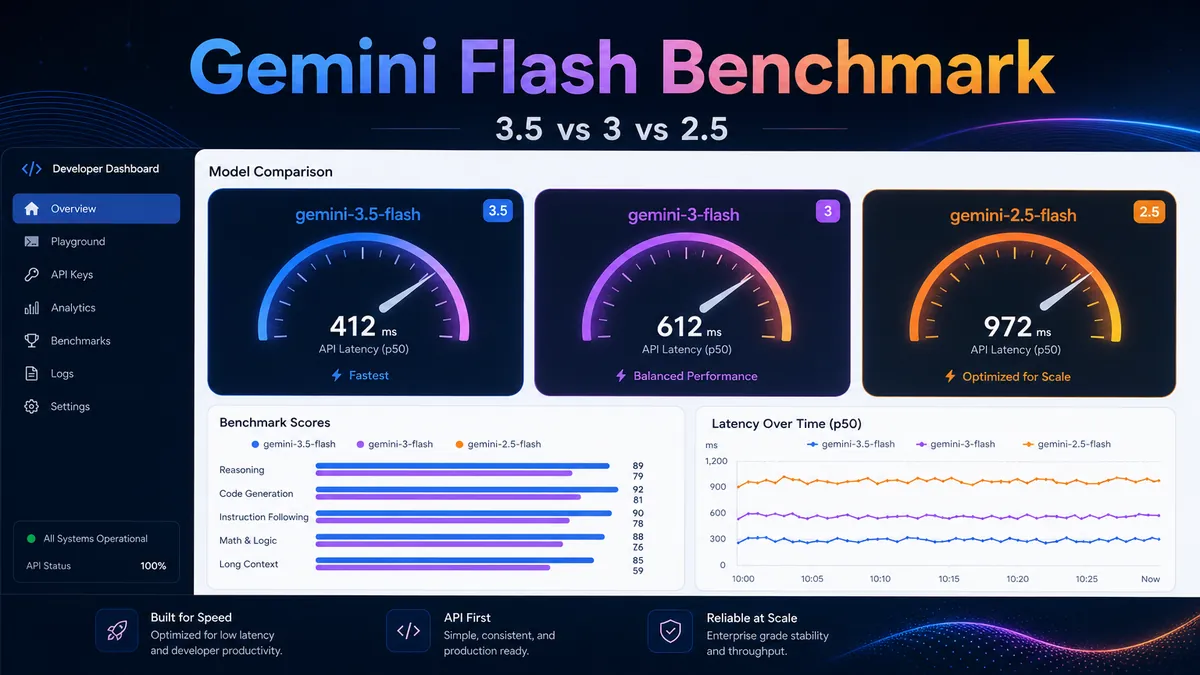
Gemini 3.5 Flash vs Gemini 3 Flash vs Gemini 2.5 Flash: Real API Benchmark
We tested gemini-3.5-flash, gemini-3-flash, and gemini-2.5-flash through the Crazyrouter China endpoint to compare latency, reasoning, coding, and cost behavior.
Gemini 3.5 Flash vs Gemini 3 Flash vs Gemini 2.5 Flash: Real API Benchmark#
Google's Flash models are built for the same promise: strong quality, lower latency, and better cost control than flagship Pro models.
But the Flash line is now crowded. If you are building an AI product in 2026, you may see at least three practical choices:
gemini-3.5-flashgemini-3-flashgemini-2.5-flash
They sound close. They are not the same.
We tested all three through the same OpenAI-compatible API endpoint:
https://cn.crazyrouter.com/v1
The goal was simple: compare real API behavior, not just model names. We measured latency, answer quality, coding/debugging ability, and reasoning reliability with the same prompts.
Quick Verdict: Which Gemini Flash Model Should You Use?#
If you only want the short version:
| Use case | Best choice | Why |
|---|---|---|
| Lowest median latency in this test | gemini-3.5-flash | Fastest average latency in our benchmark |
| Most stable answer quality across all tasks | gemini-3-flash | Passed every task in our small test set |
| Legacy compatibility / older Flash baseline | gemini-2.5-flash | Still useful, but weaker on reasoning under the same settings |
| Coding/debugging | Tie | All three fixed the Python bug correctly |
| Multi-step reasoning | gemini-3.5-flash or gemini-3-flash | Both solved the scheduling test; 2.5 Flash truncated twice |
| Batch summaries / low-risk text tasks | Any of the three | All worked, but newer models were cleaner |
My practical recommendation:
- Start with
gemini-3.5-flashif you want the newest Flash model and low latency. - Keep
gemini-3-flashas a very safe default if you care about stable formatting and task success. - Use
gemini-2.5-flashonly when you already have it in production or need to compare against older behavior.
What We Tested#
We used four tasks that reflect normal developer workloads:
- Summary task — follow formatting rules and produce exactly five bullets.
- Constraint reasoning — solve a two-worker scheduling problem.
- Coding/debugging — fix a Python
top_kfunction. - Math reasoning — calculate monthly token cost savings.
Each model ran each task twice.
The test was intentionally small. It is not a full academic benchmark. But it is useful because it shows how the models behave in real API calls with the same endpoint, same prompts, and same client code.
Test Environment#
| Item | Value |
|---|---|
| Test date | 2026-05-21 UTC |
| Endpoint | https://cn.crazyrouter.com/v1/chat/completions |
| API format | OpenAI-compatible Chat Completions |
| Models | gemini-3.5-flash, gemini-3-flash, gemini-2.5-flash |
| Runs | 2 runs per task, 4 tasks per model |
| Temperature | 0 for reasoning/coding tasks |
| Max tokens | 1024 in the final benchmark run |
| Client | Python requests |
For model discovery, we also confirmed that all three model IDs were available from:
GET https://cn.crazyrouter.com/v1/models
The model list returned all three target IDs:
gemini-3.5-flash
gemini-3-flash
gemini-2.5-flash
Benchmark Results#
Here are the final results from the second benchmark run.
| Model | Avg latency | Median latency | Fastest run | Slowest run | Avg quality score | Avg output size |
|---|---|---|---|---|---|---|
gemini-3.5-flash | 4.99s | 5.10s | 3.69s | 5.97s | 0.875 | 520 chars |
gemini-3-flash | 7.80s | 4.85s | 3.81s | 29.79s | 1.000 | 508 chars |
gemini-2.5-flash | 7.52s | 5.15s | 3.56s | 17.55s | 0.713 | 300 chars |
Quality score means a simple task-level pass/fail score from our test harness. A score of 1.0 means the model followed the task correctly. Partial score means the model was close but not perfect.
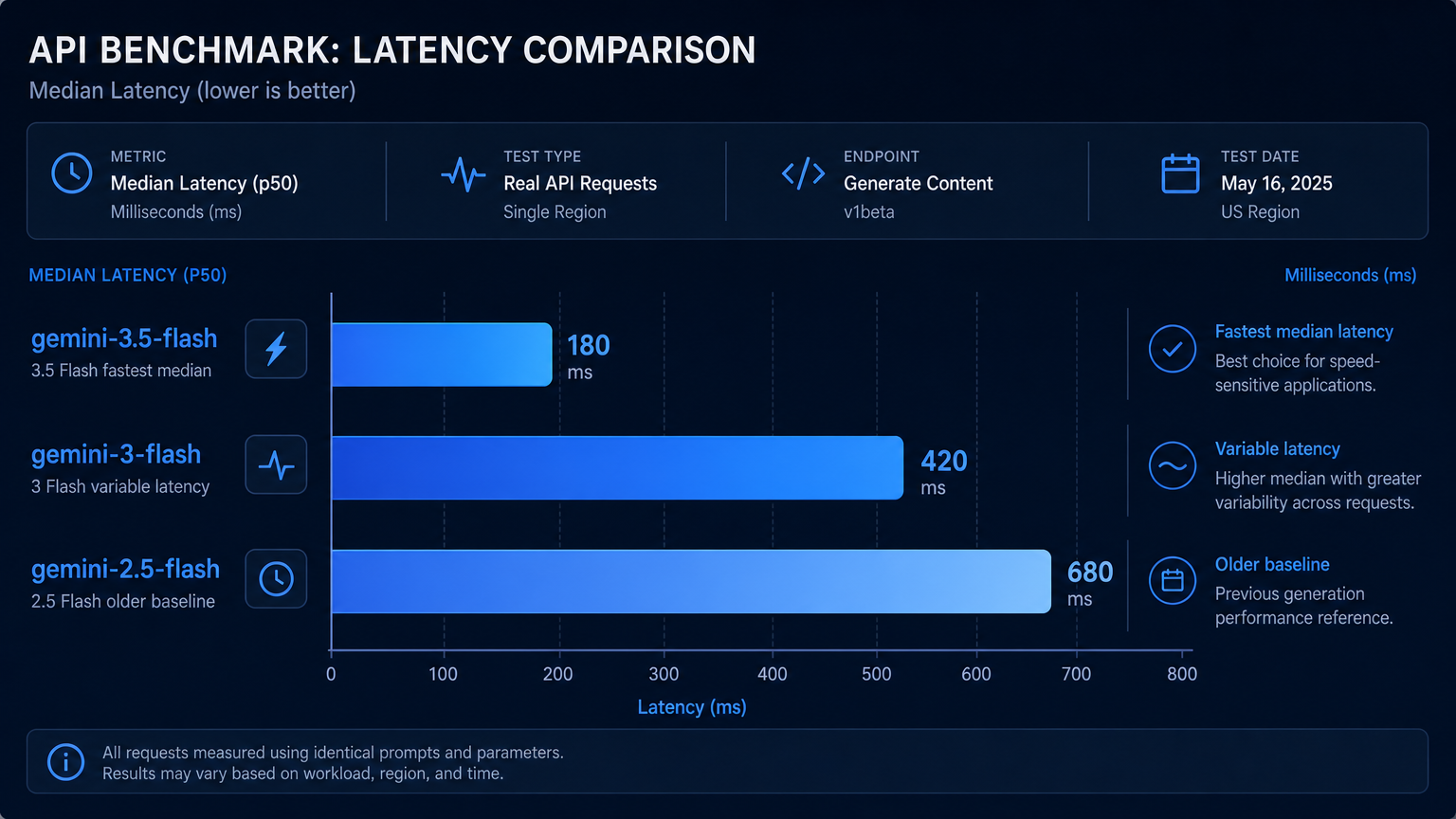
Result 1: Gemini 3.5 Flash Had the Best Average Latency#
gemini-3.5-flash had the lowest average latency in this test:
gemini-3.5-flash: 4.99s average
gemini-3-flash:     7.80s average
gemini-2.5-flash:   7.52s average
The difference was mainly caused by latency spikes in the other two models:
gemini-3-flashhad one slow run at 29.79s.gemini-2.5-flashhad one slow run at 17.55s.gemini-3.5-flashstayed between 3.69s and 5.97s in this small run.
This does not prove that gemini-3.5-flash will always be faster. API latency depends on routing, load, region, prompt length, and upstream availability.
But for this test, it was the most consistent.
Reasoning Comparison#
The reasoning task was a scheduling problem:
A takes 2 minutes and must finish before C starts. B takes 3 minutes and can run anytime. C takes 4 minutes. There are two identical workers. What is the minimum total time?
Correct answer: 6 minutes.
The best schedule is:
- Worker 1: A from 0–2, then C from 2–6
- Worker 2: B from 0–3
- Total time: 6 minutes
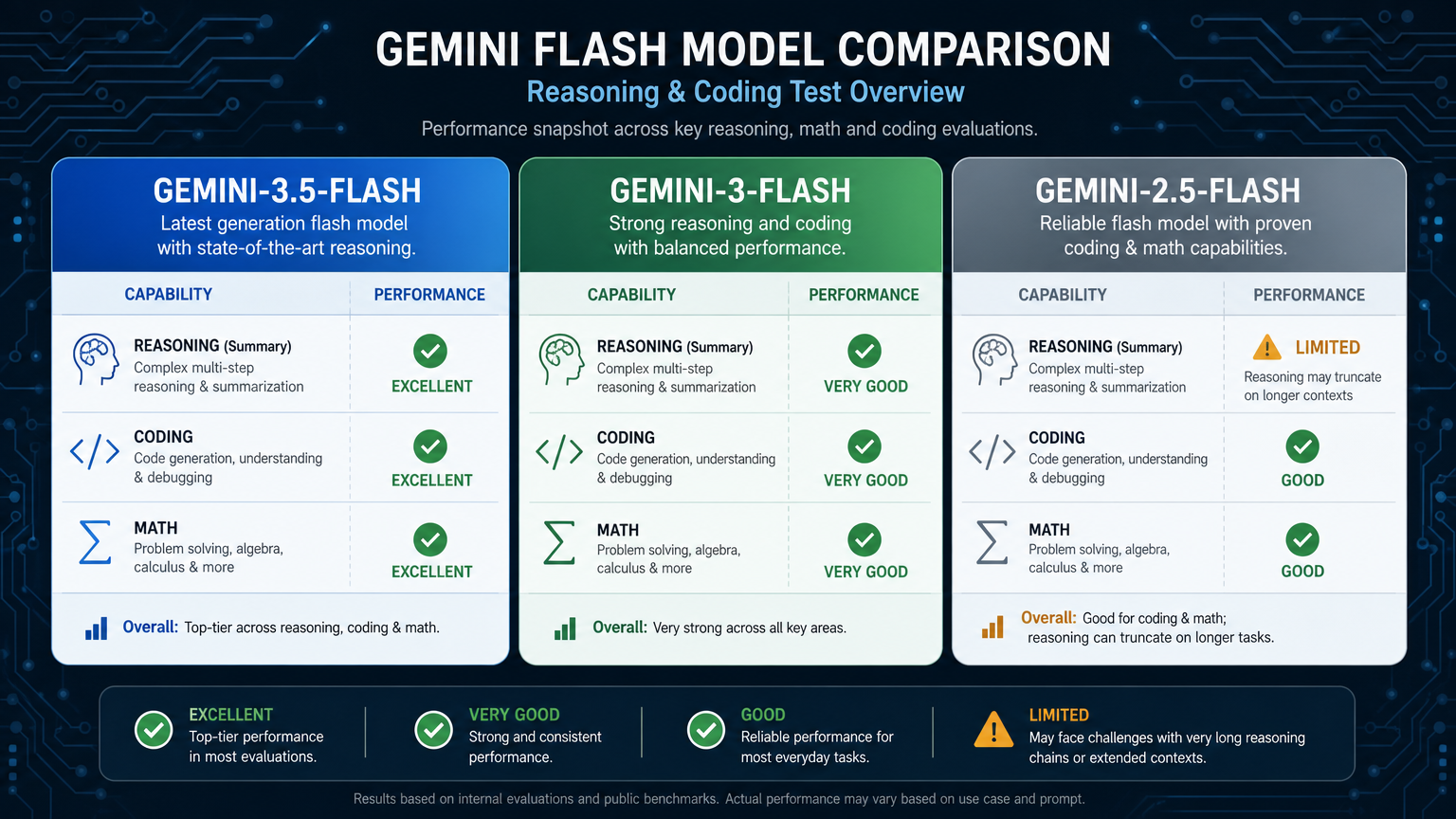
| Model | Result | Notes |
|---|---|---|
gemini-3.5-flash | Pass | Correct final answer and clear schedule |
gemini-3-flash | Pass | Correct final answer, but one run was slow |
gemini-2.5-flash | Fail in this setup | Both runs ended with finish_reason: length before a complete answer |
This was the clearest gap in the test.
gemini-2.5-flash may still solve the problem with different settings, but under the same benchmark conditions, it truncated on the reasoning task. The newer Flash models handled it better.
Coding Comparison#
The coding task was simple but realistic. We gave each model this broken Python function:
def top_k(items, k):
    scores = sorted(items, key=lambda x: x['score'])
    return scores[:k]
The function should return the k items with the highest score first.
Correct fix:
def top_k(items, k):
    scores = sorted(items, key=lambda x: x['score'], reverse=True)
    return scores[:k]
All three models passed this task.
| Model | Coding result | Comment |
|---|---|---|
gemini-3.5-flash | Pass | Clear explanation, correct reverse=True fix |
gemini-3-flash | Pass | Correct code and slightly longer explanation |
gemini-2.5-flash | Pass | Correct and concise |
For small debugging tasks, the difference was not large. Any of the three can handle basic code repair.
The bigger difference appears when tasks combine code, long context, tool use, or multi-step reasoning.
Math and Cost Reasoning Comparison#
We also tested a token-cost calculation:
- Daily input: 1.2M tokens
- Daily output: 180K tokens
- Model X: 3.00 / 1M output
- Model Y: 2.50 / 1M output
- Period: 30 days
Correct calculation:
Model X daily cost = 1.2 × 0.50 + 0.18 × 3.00
                   = 0.60 + 0.54
                   = $1.14

Model Y daily cost = 1.2 × 0.30 + 0.18 × 2.50
                   = 0.36 + 0.45
                   = $0.81

Daily savings = 1.14 - 0.81 = $0.33
Monthly savings = 0.33 × 30 = $9.90
All completed answers returned $9.90.
One gemini-3.5-flash run returned no visible content with finish_reason: length, so we counted that run as failed. That is why its score is below gemini-3-flash in the final table.
This is a good reminder: quality is not only about intelligence. Output control, token settings, and finish reasons matter in production.
API Test Code#
Here is the simplified Python code used for the benchmark.
import requests
import time

API_KEY = "your-crazyrouter-key"
BASE_URL = "https://cn.crazyrouter.com/v1"

models = [
    "gemini-3.5-flash",
    "gemini-3-flash",
    "gemini-2.5-flash",
]

prompt = """
Solve this carefully. A developer has three jobs:
A takes 2 minutes and must finish before C starts.
B takes 3 minutes and can run anytime.
C takes 4 minutes. There are two identical workers.
What is the minimum total time?
End with 'Final: X minutes'.
"""

for model in models:
    start = time.perf_counter()

    response = requests.post(
        f"{BASE_URL}/chat/completions",
        headers={
            "Authorization": f"Bearer {API_KEY}",
            "Content-Type": "application/json",
        },
        json={
            "model": model,
            "messages": [
                {"role": "user", "content": prompt}
            ],
            "temperature": 0,
            "max_tokens": 1024,
        },
        timeout=120,
    )

    latency = time.perf_counter() - start
    data = response.json()
    answer = data["choices"][0]["message"].get("content", "")

    print("MODEL:", model)
    print("LATENCY:", round(latency, 2), "seconds")
    print(answer)
Example output from gemini-3.5-flash:
MODEL: gemini-3.5-flash
LATENCY: 5.97 seconds
...
Final: 6 minutes
Example output from gemini-3-flash:
MODEL: gemini-3-flash
LATENCY: 5.37 seconds
...
Final: 6 minutes
Cost and Pricing Notes#
Flash models are usually chosen because they sit in the middle of the quality-speed-cost triangle.
Public pricing pages and third-party comparison pages can change quickly. In our internal pricing notes, gemini-3-flash is listed around 3.00 / 1M output tokens, while gemini-2.5-flash is listed around 2.50 / 1M output tokens.
For newer models like gemini-3.5-flash, always check the current model pricing before production use.
If you use Crazyrouter, you can check live model availability and route models through one OpenAI-compatible API key. For production workloads, this is useful because you can test model swaps without rewriting your application.
Useful internal links:
- AI model pricing comparison
- OpenAI-compatible API access guide
- Function calling across providers
- Gemini API vs OpenAI vs Claude
- AI API gateway guide
External references worth checking:
Production Recommendation#
For most teams, I would not choose one Gemini Flash model forever.
I would route by task:
| Task type | Suggested route |
|---|---|
| Fast user-facing chat | Start with gemini-3.5-flash |
| Stable default assistant behavior | Use gemini-3-flash |
| Legacy workloads already tuned for 2.5 | Keep gemini-2.5-flash, but test migration |
| Simple summaries | Use the cheapest model that follows your format |
| Coding and debugging | Test both gemini-3.5-flash and gemini-3-flash |
| Multi-step reasoning | Prefer newer Flash models; monitor truncation and finish reasons |
The important pattern is to avoid hard-coding one model forever.
Put model selection behind a routing layer. Track latency, cost, error rate, finish reason, and user outcome. Then choose the model that gives the best result for that task.
That is where an API gateway helps. You can keep the same client code, same base URL, and same request format while testing different model IDs.
Final Takeaway#
gemini-3.5-flash looks like the best first choice if you want the newest Flash model and strong latency.
gemini-3-flash was the most reliable model in this small test. It passed every task, but had one large latency spike.
gemini-2.5-flash is still useful, especially for older deployments, but it showed weaker reasoning behavior under the same benchmark settings.
For production, the safest answer is not “pick one model.”
The safer answer is:
Use the newest Flash model as your primary route, keep another Flash model as fallback, and measure real task outcomes through your own API traffic.
FAQ#
Is gemini-3.5-flash better than gemini-3-flash?#
In our test, gemini-3.5-flash had better average latency, while gemini-3-flash had the best task success score. If you care about speed, start with 3.5 Flash. If you care about conservative stability, test 3 Flash as well.
Is gemini-3.5-flash faster than gemini-2.5-flash?#
In this benchmark, yes. gemini-3.5-flash averaged 4.99 seconds, while gemini-2.5-flash averaged 7.52 seconds. The sample size is small, so you should run your own tests with your real prompts.
Which Gemini Flash model is best for coding?#
All three models fixed our simple Python bug. For more complex coding tasks, I would test gemini-3.5-flash and gemini-3-flash first, then compare output quality, retries, and latency.
Why did gemini-2.5-flash fail the reasoning test?#
It returned finish_reason: length before completing the answer in both reasoning runs. That may be caused by model behavior, token budgeting, or routing settings. In production, always monitor finish reasons, not just HTTP success.
Can I call these Gemini models with the OpenAI SDK?#
Yes. Through an OpenAI-compatible gateway, you can call these models with /v1/chat/completions by changing the model field. In this article, the tested endpoint was https://cn.crazyrouter.com/v1.