Crazyrouter
OpenClaw Architecture: How OpenClaw Works Under the Hood in 2026
A technical deep dive into OpenClaw architecture exploring the Gateway layer, Agent Runtime, Markdown-based memory system, plugin slots, and complete message lifecycle. Learn how OpenClaw processes AI assistant requests from send to reply.
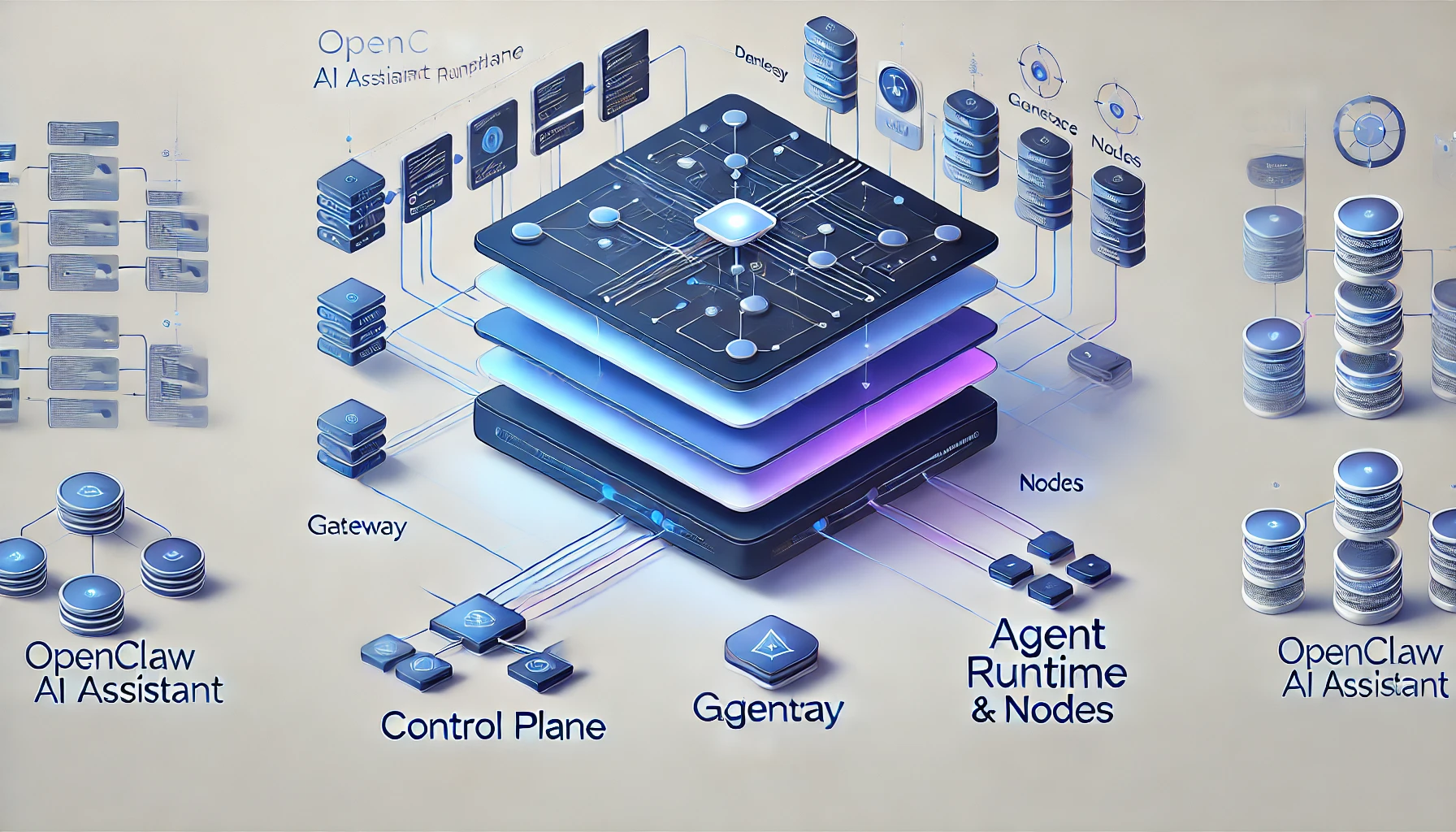
OpenClaw Architecture: How OpenClaw Works Under the Hood in 2026#
After tearing apart self-hosted AI assistant setups, OpenClaw's architecture stands out as genuinely interesting. Here's what I found after going through the internals — hopefully useful if you're exploring similar territory.
What Is OpenClaw? The One-Liner#
OpenClaw is an open-source AI assistant runtime platform. The core idea: one Gateway connects every chat platform, one Agent Runtime orchestrates every AI model.
Think of it as an "operating system for AI assistants" — it's not a chatbot itself, but the infrastructure that lets you run the same AI assistant across WhatsApp, Telegram, Discord, Slack, Signal, iMessage, and a dozen other platforms simultaneously.
Unlike drag-and-drop AI app builders like Dify or Coze, OpenClaw sits lower in the stack. It cares about how messages get routed, how context gets assembled, how tools get executed, and how memory gets persisted.
OpenClaw Architecture Overview: The Gateway + Agent Dual Core#
The entire OpenClaw architecture boils down to this:
┌─────────────────────────────────────────────────────────┐
│                     Control Plane                        │
│  ┌──────────┐  ┌──────────┐  ┌──────────┐  ┌─────────┐ │
│  │ macOS App│  │   CLI    │  │  Web UI  │  │ WebChat │ │
│  └────┬─────┘  └────┬─────┘  └────┬─────┘  └────┬────┘ │
│       └──────────────┼──────────────┼─────────────┘      │
│                      │  WebSocket   │                    │
│              ┌───────▼──────────────▼───────┐            │
│              │        GATEWAY               │            │
│              │  ┌─────────────────────────┐ │            │
│              │  │ Channel Adapters        │ │            │
│              │  │ WhatsApp│Telegram│Slack  │ │            │
│              │  │ Discord│Signal│iMessage  │ │            │
│              │  └─────────────────────────┘ │            │
│              │  ┌─────────────────────────┐ │            │
│              │  │ Session Manager         │ │            │
│              │  │ Auth │ Protocol │ Cron  │ │            │
│              │  └─────────────────────────┘ │            │
│              └──────────────┬───────────────┘            │
│                             │                            │
│              ┌──────────────▼───────────────┐            │
│              │      AGENT RUNTIME           │            │
│              │  ┌──────┐ ┌──────┐ ┌──────┐ │            │
│              │  │Memory│ │Tools │ │Canvas│ │            │
│              │  └──────┘ └──────┘ └──────┘ │            │
│              │  ┌──────────────────────────┐│            │
│              │  │    Model Providers       ││            │
│              │  │ GPT│Claude│Gemini│DeepSeek││           │
│              │  └──────────────────────────┘│            │
│              └──────────────────────────────┘            │
│                                                          │
│  ┌──────────────────────────────────────────────────┐   │
│  │                    NODES                          │   │
│  │  macOS │ iOS │ Android │ Headless                │   │
│  │  Camera│Screen│Location│Canvas                   │   │
│  └──────────────────────────────────────────────────┘   │
└─────────────────────────────────────────────────────────┘
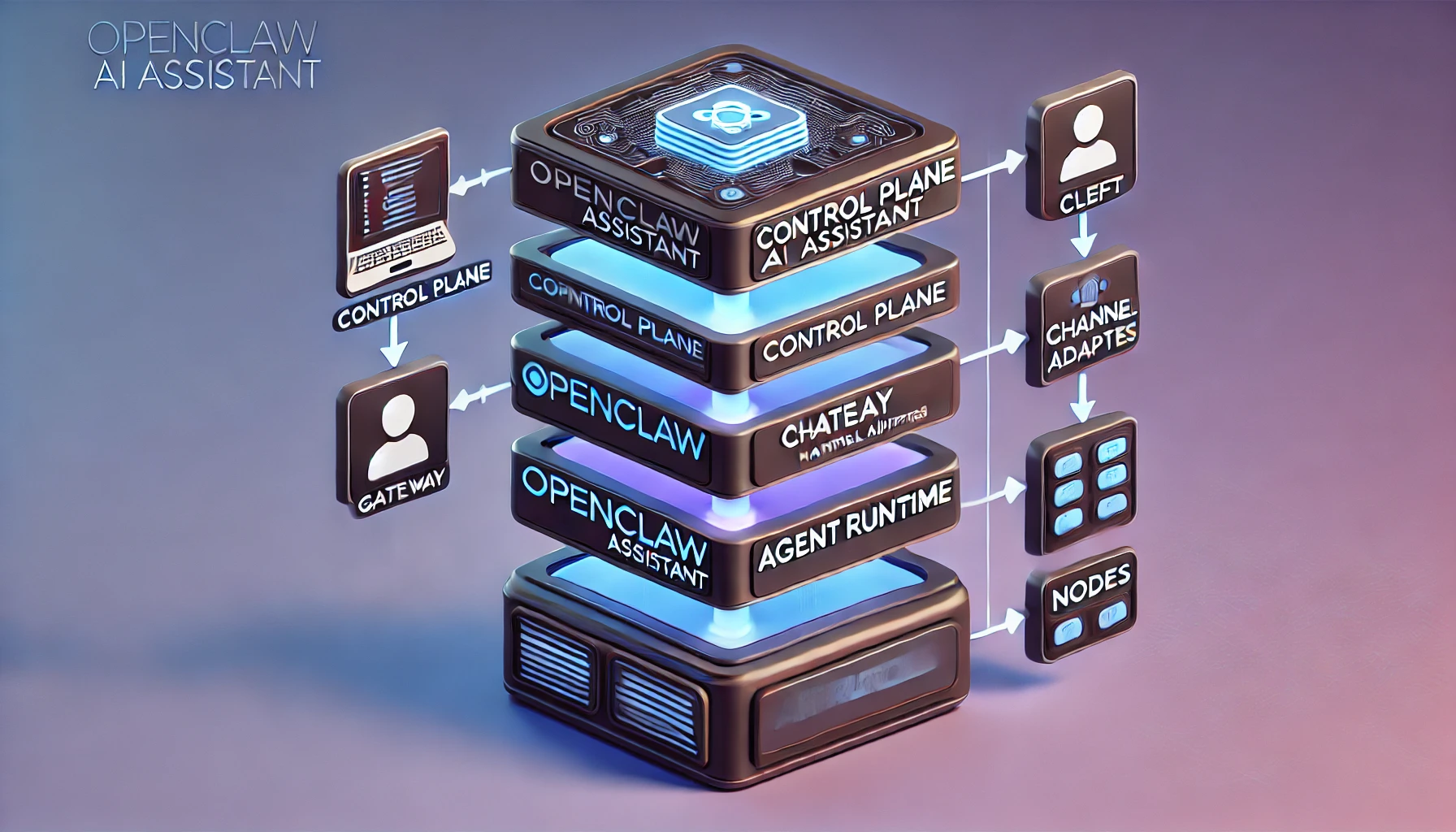
Four layers, each with a clear job:
- Control Plane: macOS App, CLI, Web UI, WebChat — all clients
- Gateway: The central hub that manages every message channel and session
- Agent Runtime: The AI brain — context assembly, model calls, tool execution
- Nodes: Distributed device nodes providing physical capabilities like cameras, screens, and GPS
The OpenClaw Gateway Layer, Dissected#
OpenClaw Gateway: One Gateway to Rule Them All#
OpenClaw follows a single-Gateway architecture: one host runs one Gateway process, and that process owns all channel connections.
# Start the OpenClaw Gateway
openclaw gateway

# Default listener
# WebSocket: 127.0.0.1:18789
# HTTP (Canvas): same port
Why single-process? WhatsApp (via the Baileys library) requires a single-session connection. Telegram bots are single-instance too. Rather than wrestling with distributed locks, OpenClaw just lets one process handle everything.
The OpenClaw WebSocket Protocol: Foundation of All Communication#
All OpenClaw Gateway communication runs over WebSocket. The protocol is refreshingly clean:
// Request
{"type": "req", "id": "abc123", "method": "agent", "params": {...}}

// Response
{"type": "res", "id": "abc123", "ok": true, "payload": {...}}

// Event (server push)
{"type": "event", "event": "agent", "payload": {...}, "seq": 42}
Key OpenClaw design decisions:
- First frame must be
connect: Any non-JSON or non-connect first frame gets an immediate disconnect - Idempotency keys: All side-effecting operations (
send,agent) require idempotency keys; the server maintains a short-lived dedup cache - No event replay: After a disconnect, clients refresh state themselves — no replay log
OpenClaw Security Model: Device Pairing + Token Auth#
OpenClaw security is two-layered:
Device Pairing:
- Every WebSocket client presents a device identity during
connect - New devices go through a pairing approval flow; the Gateway issues a device token
- Local (loopback) connections can auto-approve
- Signature payload v3 binds
platform+deviceFamily— metadata changes force re-pairing
Token Authentication:
- When
OPENCLAW_GATEWAY_TOKENis set, every connection must include a matching token inconnect.params.auth.token - For remote access, Tailscale or SSH tunnels are recommended
# SSH tunnel for remote OpenClaw access
ssh -N -L 18789:127.0.0.1:18789 user@host
The OpenClaw Agent Runtime: Where the Thinking Happens#
OpenClaw Session Management#
Sessions are the fundamental unit of the OpenClaw Agent Runtime. Each chat window, each user conversation gets its own session.
Key OpenClaw session behaviors:
- Isolated context: Every session maintains its own message history and context window
- Auto-compaction: When context approaches the model's token limit, older messages are automatically compressed
- Memory flush: Before compaction, a silent Agent turn fires, nudging the model to persist anything important
{
  agents: {
    defaults: {
      compaction: {
        reserveTokensFloor: 20000,
        memoryFlush: {
          enabled: true,
          softThresholdTokens: 4000,
          systemPrompt: "Session nearing compaction. Store durable memories now.",
          prompt: "Write any lasting notes to memory/YYYY-MM-DD.md; reply NO_REPLY if nothing to store."
        }
      }
    }
  }
}
This is a clever OpenClaw design — right before the context gets compressed, the AI gets a "last words" opportunity to write important information to disk.
OpenClaw Context Assembly#
Every OpenClaw Agent turn assembles the full context from multiple sources:
- System prompt: Loaded from
SOUL.md,AGENTS.md,USER.md, etc. - Memory injection:
MEMORY.md(main session only) plusmemory/YYYY-MM-DD.md - Tool definitions: Available tools filtered by policy
- Message history: The current session's conversation
- Workspace files: Key files from the working directory injected into context
The OpenClaw Tool Execution Loop#
OpenClaw tool execution follows a classic ReAct loop:
User message → Model thinks → Tool call → Result → Model thinks again → ... → Final reply
The built-in OpenClaw toolkit is extensive:
exec: Run shell commandsread/write/edit: File operationsweb_search/web_fetch: Web search and scrapingbrowser: Browser automationmemory_search/memory_get: Memory retrievalmessage: Cross-platform messagingcron: Scheduled taskssessions_spawn: Sub-agent orchestration
The OpenClaw Memory System: Markdown Is Memory#
This might be my favorite design decision in the entire OpenClaw system. No fancy vector database as the source of truth — just plain Markdown files.
OpenClaw Two-Tier Memory Architecture#
workspace/
├── MEMORY.md              # Long-term memory (curated)
└── memory/
    ├── 2026-03-05.md      # Yesterday's log
    ├── 2026-03-06.md      # Today's log
    └── heartbeat-state.json
MEMORY.md: Long-term memory — think of it as the AI's "crystallized knowledge." Stores decisions, preferences, important facts. Only loaded in the main session for security.memory/YYYY-MM-DD.md: Daily logs — the AI's "working memory." Append-only, with today's and yesterday's files loaded each session.
OpenClaw Vector Search on Top#
While memory lives in Markdown, OpenClaw layers vector indexing on top:
- Auto-watches file changes (debounced)
- Supports multiple embedding providers: OpenAI, Gemini, Voyage, Mistral, and even local models
- Semantic retrieval via the
memory_searchtool
# Internal OpenClaw agent call
memory_search(query="deployment plan from last discussion")
# → Returns relevant memory fragments + file paths + line numbers
Why OpenClaw Uses Markdown#
The OpenClaw philosophy: files are the single source of truth.
- Viewable and editable with any text editor
- Git-friendly — version control your AI's memories
- Zero database dependencies
- What the model "remembers" is exactly what's on disk — transparent and auditable
The OpenClaw Plugin System: Four Extension Slots#
OpenClaw's plugin architecture is built around four core slots:
| Slot | Responsibility | Examples |
|---|---|---|
| Channel | Message platform adapters | WhatsApp, Telegram, Discord, Slack, Signal, iMessage, IRC, Matrix, LINE, Nostr... |
| Memory | Memory storage & retrieval | memory-core (default), custom vector backends |
| Tool | Capability extensions | Browser control, file ops, API integrations, Feishu |
| Provider | Model providers | OpenAI, Anthropic, Google, DeepSeek... |
OpenClaw configuration example:
{
  plugins: {
    slots: {
      memory: "memory-core",  // or "none" to disable
      // other slots...
    }
  }
}
The OpenClaw Channel plugin coverage is impressive — from mainstream platforms like WhatsApp/Telegram/Discord to niche ones like Nostr, Tlon, Synology Chat, and even IRC. You can run your AI assistant on virtually any chat platform.
OpenClaw Multi-Device Coordination: Canvas, A2UI & Nodes#
OpenClaw Canvas: Agent-Editable Web Surfaces#
The OpenClaw Gateway's HTTP server exposes two special paths:
/__openclaw__/canvas/: HTML/CSS/JS pages that the agent can dynamically create and edit/__openclaw__/a2ui/: A2UI (Agent-to-UI) host
OpenClaw Canvas breaks the AI assistant out of text-only replies — it can generate interactive web interfaces, data visualizations, and even small apps.
OpenClaw Nodes: Distributed Device Capabilities#
Nodes might be the most imaginative part of OpenClaw's design. Any device — macOS, iOS, Android, headless — can connect to the Gateway as a Node:
// Node declares capabilities on connect
{
  "role": "node",
  "caps": ["camera", "screen", "location", "canvas"],
  "commands": ["camera.snap", "screen.record", "location.get"]
}
This means your OpenClaw AI assistant can:
- Snap photos through a phone camera
- Record a computer screen
- Get device location
- Display Canvas interfaces on the device
Node pairing follows the same flow as clients — device identity + approval + token.
Lifecycle of a Single OpenClaw Message#
Let's trace an OpenClaw message from the moment a user hits send to the AI's reply:
1. User sends "What's the weather today?" on Telegram
   │
2. Telegram Bot API → OpenClaw Gateway Channel Adapter (grammY)
   │  Parse message, extract text, identify session
   │
3. OpenClaw Gateway Session Manager
   │  Find/create session, check permissions
   │
4. OpenClaw Agent Runtime kicks off a new turn
   │
   ├─ 4a. Assemble context
   │      System Prompt + SOUL.md + MEMORY.md
   │      + memory/2026-03-06.md
   │      + tool definitions
   │      + message history
   │
   ├─ 4b. Call AI model
   │      POST /v1/chat/completions
   │      → Model responds: call the weather tool
   │
   ├─ 4c. Execute tool
   │      weather("Beijing") → fetch weather data
   │
   ├─ 4d. Call model again
   │      Inject tool results into context
   │      → Model generates final reply
   │
5. OpenClaw Gateway routes the reply back to Telegram
   │  Send via grammY
   │
6. User receives weather info on Telegram
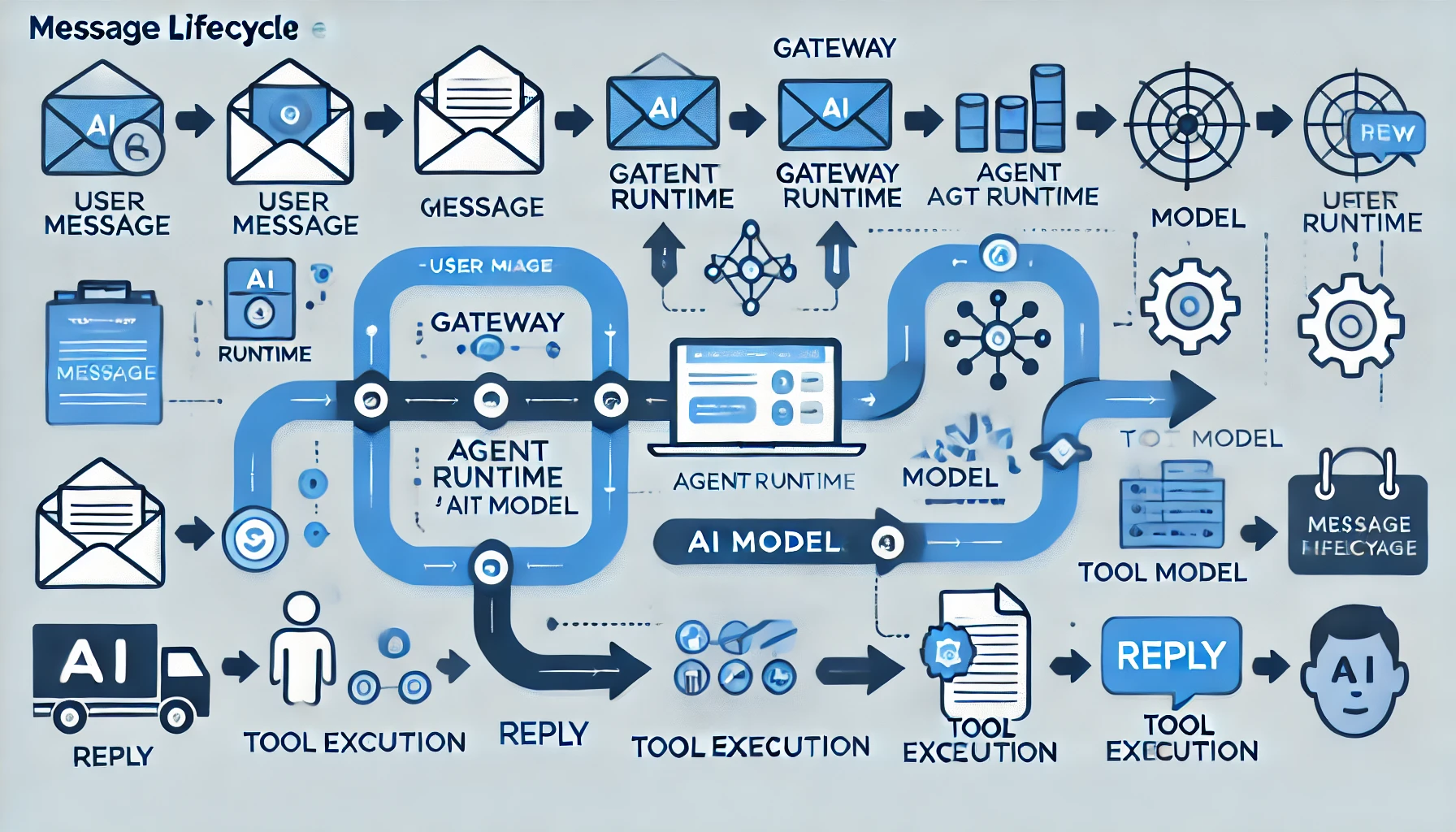
Throughout this process, the OpenClaw Gateway pushes event:agent events over WebSocket to all connected clients (macOS App, Web UI, etc.) for real-time streaming display.
How OpenClaw Stacks Up Against Alternatives#
| Feature | OpenClaw | Dify | Coze | AutoGPT |
|---|---|---|---|---|
| Focus | AI assistant runtime | AI app builder | AI bot platform | Autonomous AI agent |
| Deployment | Self-hosted (single process) | Self-hosted / Cloud | Cloud only | Self-hosted |
| Chat platforms | 15+ native | Requires extra integration | Limited | None |
| Memory | Markdown + vector | Vector DB | Cloud-based | File system |
| Extensibility | Plugins + Skills | Visual workflow | Plugin marketplace | Python code |
| Multi-device | Canvas + Nodes | No | No | No |
| Open source | ✅ | ✅ | ❌ | ✅ |
| Difficulty | Medium | Low | Low | High |
Where OpenClaw stands out:
- True multi-platform native support: Not webhook forwarding — native SDK adapters for each platform
- Markdown memory: Transparent, auditable, Git-friendly
- Node system: Brings physical device capabilities into the AI's reach
- Single-process simplicity: No Redis, no PostgreSQL, no message queues
Configuring OpenClaw AI Model Providers#
OpenClaw needs an AI model API to function. One clean approach is to use Crazyrouter as a unified API gateway — a single key gives you access to 300+ models (GPT-5, Claude 4.6, Gemini 3, DeepSeek V3, etc.) at roughly 55% of official pricing.
OpenClaw configuration with Crazyrouter:
{
  // OpenClaw config
  providers: {
    openai: {
      baseUrl: "https://crazyrouter.com/v1",
      apiKey: "sk-your-crazyrouter-key"
    }
  }
}
With this setup, all of OpenClaw's model calls route through Crazyrouter, automatically getting load balancing and failover.
💡 Crazyrouter supports OpenAI, Anthropic, and Gemini API formats — a natural fit for OpenClaw's multi-model architecture. New signups get $0.2 in credits that never expire.
OpenClaw Architecture Takeaways: What Makes This Design Worth Studying#
A few design principles worth borrowing from OpenClaw:
-
Single process > microservices: For a personal AI assistant, one process is plenty. No Kubernetes, no message queues — just a process that does its job.
-
Files > databases: Markdown memory, JSON config, filesystem workspace. Simple, transparent, portable.
-
Protocol-first design: Define the WebSocket protocol (TypeBox Schema → JSON Schema → Swift codegen) before building features. This makes multi-platform support feel natural instead of bolted on.
-
Plugin-friendly without over-engineering: Four core slots cover 90% of extension needs, without complex plugin lifecycle management.
-
Security baked in: Device pairing, token auth, signature verification — security is part of the architecture, not a patch applied afterward.
If you're building your own AI assistant infrastructure, the OpenClaw codebase is well worth a read.
Ready to deploy OpenClaw with production-grade AI models? Crazyrouter provides unified API access to 300+ AI models with competitive pricing. Check our pricing to find the best plan for your OpenClaw deployment.
Related Articles:
- OpenClaw Tutorial: Complete Getting Started Guide
- OpenClaw Applications: 10+ Real-World Use Cases
- OpenClaw Skills Development Guide
Links:
- OpenClaw Docs: https://docs.openclaw.ai
- OpenClaw GitHub: https://github.com/openclaw/openclaw
- OpenClaw Discord: https://discord.com/invite/clawd
- Crazyrouter (AI API Gateway): https://crazyrouter.com