Crazyrouter
WAN 2.2 Animate Tutorial: Complete Guide to ByteDance Video AI
"Complete tutorial on WAN 2.2 Animate by ByteDance. Learn how to use this AI video generation model for animation, image-to-video, and more with API examples."

WAN 2.2 Animate is ByteDance's latest AI video generation model, and it's turning heads in the AI video space. With capabilities ranging from text-to-video to image animation, WAN 2.2 delivers impressive results that compete with Sora, Kling, and Runway. This tutorial covers everything you need to know to get started.
What is WAN 2.2 Animate?#
WAN 2.2 Animate is an AI video generation model developed by ByteDance (the company behind TikTok). It specializes in:
- Text-to-Video: Generate videos from text descriptions
- Image-to-Video: Animate still images into video clips
- Character Animation: Bring characters and illustrations to life
- Motion Transfer: Apply motion patterns to static content
- Video Editing: Modify existing videos with AI
The "2.2" version brings significant improvements in motion quality, temporal consistency, and resolution compared to earlier versions.
WAN 2.2 Animate Key Features#
| Feature | WAN 2.2 | WAN 2.1 | Competitors |
|---|---|---|---|
| Max Resolution | 1080p | 720p | Varies |
| Video Length | Up to 10s | Up to 5s | 4-16s |
| Motion Quality | Excellent | Good | Varies |
| Character Consistency | High | Medium | Medium-High |
| Image-to-Video | Yes | Yes | Most |
| Text-to-Video | Yes | Limited | Most |
| API Access | Yes | Yes | Some |
How to Use WAN 2.2 Animate#
Method 1: Through Crazyrouter API (Recommended)#
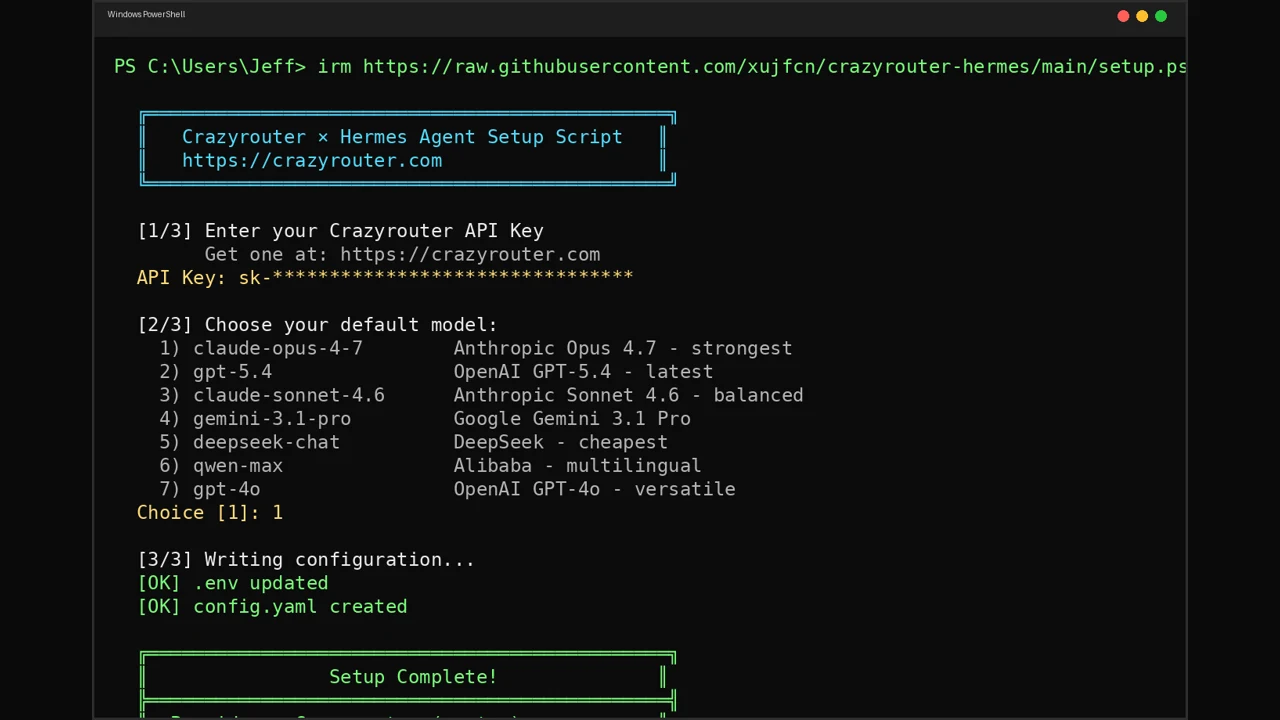
The easiest way to access WAN 2.2 Animate is through Crazyrouter, which provides a unified API for video generation models.
Python Example — Text-to-Video:
from openai import OpenAI

client = OpenAI(
    api_key="YOUR_CRAZYROUTER_KEY",
    base_url="https://crazyrouter.com/v1"
)

# Generate video from text prompt
response = client.chat.completions.create(
    model="wan-2.2-animate",
    messages=[
        {
            "role": "user",
            "content": "A golden retriever running through a field of sunflowers, cinematic lighting, slow motion, 4K quality"
        }
    ]
)

# Get the video URL from the response
video_url = response.choices[0].message.content
print(f"Video generated: {video_url}")
Python Example — Image-to-Video:
from openai import OpenAI

client = OpenAI(
    api_key="YOUR_CRAZYROUTER_KEY",
    base_url="https://crazyrouter.com/v1"
)

# Animate a still image
response = client.chat.completions.create(
    model="wan-2.2-animate",
    messages=[
        {
            "role": "user",
            "content": [
                {
                    "type": "text",
                    "text": "Animate this image: the character waves and smiles, camera slowly zooms in"
                },
                {
                    "type": "image_url",
                    "image_url": {
                        "url": "https://example.com/character.png"
                    }
                }
            ]
        }
    ]
)

print(response.choices[0].message.content)
cURL Example:
curl https://crazyrouter.com/v1/chat/completions \
  -H "Content-Type: application/json" \
  -H "Authorization: Bearer YOUR_CRAZYROUTER_KEY" \
  -d '{
    "model": "wan-2.2-animate",
    "messages": [
      {
        "role": "user",
        "content": "A cyberpunk city at night with neon lights reflecting on wet streets, flying cars passing by"
      }
    ]
  }'
Node.js Example:
import OpenAI from "openai";

const client = new OpenAI({
  apiKey: "YOUR_CRAZYROUTER_KEY",
  baseURL: "https://crazyrouter.com/v1",
});

const response = await client.chat.completions.create({
  model: "wan-2.2-animate",
  messages: [
    {
      role: "user",
      content:
        "A serene Japanese garden with cherry blossoms falling, koi fish swimming in a pond",
    },
  ],
});

console.log(response.choices[0].message.content);
Method 2: Self-Hosted with ComfyUI#
For users who prefer local inference:
- Install ComfyUI
- Download the WAN 2.2 model weights
- Use the WAN Animate node in your workflow
# Clone ComfyUI
git clone https://github.com/comfyanonymous/ComfyUI.git
cd ComfyUI

# Install WAN 2.2 custom nodes
cd custom_nodes
git clone https://github.com/wan-video/ComfyUI-WAN.git

# Download model weights (requires ~20GB VRAM)
# Place in models/wan/
Hardware Requirements for Self-Hosting:
| Quality | VRAM Required | GPU Examples |
|---|---|---|
| 480p | 12GB | RTX 4070 |
| 720p | 16GB | RTX 4080 |
| 1080p | 24GB+ | RTX 4090, A100 |
WAN 2.2 Animate Pricing#
Cloud API Pricing Comparison#
| Provider | Price per Video (5s) | Price per Video (10s) | API Access |
|---|---|---|---|
| ByteDance Official | ~$0.10-0.30 | ~$0.20-0.60 | Limited regions |
| Crazyrouter | ~$0.05-0.15 | ~$0.10-0.30 | Worldwide |
| WaveSpeed | ~$0.08-0.20 | ~$0.15-0.40 | API only |
| Self-hosted (A100) | ~$0.02-0.05 | ~$0.04-0.10 | Full control |
Crazyrouter offers competitive pricing with the added benefit of accessing 300+ other AI models through the same API key.
Self-Hosting Cost Estimate#
| Setup | Monthly Cost | Videos/Month | Cost per Video |
|---|---|---|---|
| RTX 4090 (own) | ~$50 (electricity) | ~3,000 | ~$0.02 |
| Cloud A100 (rent) | ~$1,500 | ~10,000 | ~$0.15 |
| Cloud T4 (budget) | ~$300 | ~1,000 | ~$0.30 |
Tips for Best Results with WAN 2.2#
Prompt Engineering#
- Be specific about motion: "slowly walks forward" beats "moves"
- Describe camera movement: "camera pans left", "dolly zoom in"
- Include lighting details: "golden hour lighting", "dramatic shadows"
- Specify style: "cinematic", "anime style", "photorealistic"
- Keep it focused: One main action per video works best
Good Prompt Examples#
✅ "A woman in a red dress walks along a beach at sunset,
    wind blowing her hair, cinematic wide shot, golden hour lighting"

✅ "Close-up of a coffee cup on a wooden table, steam rising slowly,
    morning light streaming through a window, shallow depth of field"

❌ "A person doing stuff in a city" (too vague)
❌ "Multiple characters fighting in a war scene with explosions" (too complex)
Image-to-Video Tips#
- Use high-resolution input images (at least 1024x1024)
- Ensure the subject is clearly visible
- Simple backgrounds animate better
- Portraits and character art work best
- Avoid images with text (it will distort)
WAN 2.2 vs Other Video AI Models#
| Feature | WAN 2.2 | Kling 2.0 | Pika 2.2 | Luma Ray 2 | Sora |
|---|---|---|---|---|---|
| Text-to-Video | ★★★★☆ | ★★★★★ | ★★★★☆ | ★★★★☆ | ★★★★★ |
| Image-to-Video | ★★★★★ | ★★★★☆ | ★★★☆☆ | ★★★★☆ | ★★★★☆ |
| Motion Quality | ★★★★☆ | ★★★★★ | ★★★☆☆ | ★★★★☆ | ★★★★★ |
| Speed | ★★★★☆ | ★★★☆☆ | ★★★★★ | ★★★★☆ | ★★★☆☆ |
| API Access | ★★★★★ | ★★★★☆ | ★★★☆☆ | ★★★★☆ | ★★☆☆☆ |
| Price | ★★★★★ | ★★★☆☆ | ★★★★☆ | ★★★☆☆ | ★★☆☆☆ |
Frequently Asked Questions#
What is WAN 2.2 Animate?#
WAN 2.2 Animate is ByteDance's AI video generation model that can create videos from text prompts or animate still images. It's known for high-quality motion, character consistency, and competitive pricing. The model supports up to 1080p resolution and 10-second video clips.
Is WAN 2.2 Animate free?#
The model weights are available for research use, but running it requires significant GPU resources (12-24GB VRAM). Cloud API access through providers like Crazyrouter starts at around $0.05 per video, making it very affordable for most use cases.
How does WAN 2.2 compare to Sora?#
WAN 2.2 Animate offers comparable quality to Sora for most use cases, with better API accessibility and lower pricing. Sora excels in complex scene generation and longer videos, while WAN 2.2 is stronger in image-to-video animation and character consistency.
Can I use WAN 2.2 Animate for commercial projects?#
Yes, videos generated through API providers like Crazyrouter can be used for commercial purposes. Check the specific terms of service for your use case. Self-hosted usage should follow ByteDance's model license.
What GPU do I need to run WAN 2.2 locally?#
For 720p output, you need at least 16GB VRAM (RTX 4080 or equivalent). For 1080p, 24GB+ VRAM is recommended (RTX 4090 or A100). For most users, using a cloud API like Crazyrouter is more practical than self-hosting.
Summary#
WAN 2.2 Animate is a powerful and cost-effective AI video generation model from ByteDance. Whether you're creating content, building applications, or experimenting with AI video, it's one of the best options available in 2026. The easiest way to get started is through Crazyrouter's API, which provides instant access to WAN 2.2 and 300+ other AI models with a single API key.