Crazyrouter
AI API Latency Optimization: 10 Proven Strategies to Make Your AI Apps Faster
"Reduce AI API latency by 50-80% with these proven optimization strategies. From streaming responses and edge routing to model selection and connection pooling."
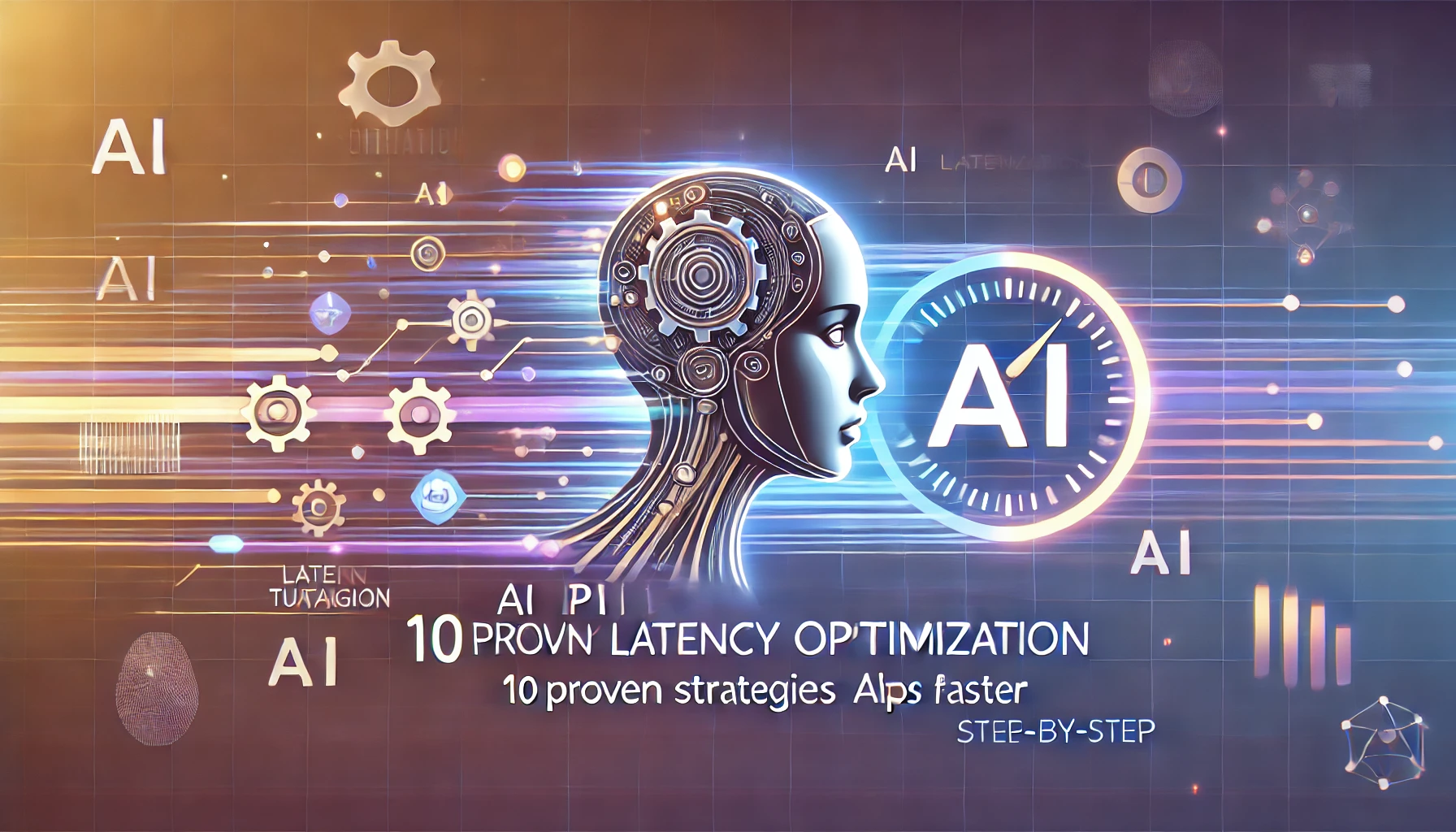
AI API Latency Optimization: 10 Proven Strategies to Make Your AI Apps Faster#
Every millisecond counts when your users are waiting for an AI response. High AI API latency is the silent killer of user engagement — it turns snappy chatbots into frustrating loading screens and makes real-time AI features feel sluggish. In this guide, you'll learn 10 proven strategies to reduce AI API latency by 50–80% and deliver the fast AI experience your users expect.
Why AI API Latency Matters#
Users abandon apps that feel slow. Research consistently shows that response times above 3 seconds cause significant drop-off, and for AI-powered interfaces — chatbots, code assistants, search — users expect near-instant feedback.
- User Experience: A chatbot that takes 5 seconds to start responding feels broken. Streaming the first token in under 500ms feels alive.
- Conversion Rates: E-commerce AI assistants with sub-second response times see 15–25% higher conversion rates compared to slower alternatives.
- Real-Time Applications: Voice assistants, live translation, and AI-powered gaming require fast AI API responses measured in tens of milliseconds, not seconds.
Optimizing AI API performance isn't optional — it's a competitive advantage.
Understanding AI API Latency Components#
Before optimizing, understand where time is spent. AI API latency breaks down into four components:
- Network Latency: Round-trip time between your server and the API endpoint (50–300ms depending on geography).
- Queue Wait Time: Time spent waiting in the provider's request queue, especially during peak hours (0–2000ms+).
- Inference Time: The actual model computation — larger models take longer (200–5000ms for first token).
- Tokenization Overhead: Processing input/output tokens adds marginal but measurable delay.
Now let's attack each component systematically.
Strategy 1: Use Streaming Responses#
The single biggest perceived latency improvement is streaming. Instead of waiting for the entire response to generate, stream tokens as they're produced. Users see the first token in milliseconds instead of waiting seconds for the complete answer.
from openai import OpenAI

client = OpenAI(
    api_key="your-api-key",
    base_url="https://api.crazyrouter.com/v1"
)

stream = client.chat.completions.create(
    model="gpt-4o",
    messages=[{"role": "user", "content": "Explain quantum computing"}],
    stream=True
)

for chunk in stream:
    if chunk.choices[0].delta.content:
        print(chunk.choices[0].delta.content, end="", flush=True)
Streaming doesn't reduce total generation time, but it slashes Time to First Token (TTFT) — the metric users actually feel.
Strategy 2: Choose the Right Model#
Model selection is the highest-leverage decision for AI API latency. Larger models are smarter but slower. Match model size to task complexity.
| Model | Avg TTFT | Tokens/sec | Best For |
|---|---|---|---|
| GPT-5 | ~800ms | 60–80 | Complex reasoning, analysis |
| GPT-5-mini | ~300ms | 120–150 | General tasks, chat |
| Claude 3.5 Haiku | ~250ms | 140–170 | Fast classification, extraction |
| Gemini 2.0 Flash | ~200ms | 150–180 | High-throughput, simple tasks |
Rule of thumb: Use the smallest model that meets your quality requirements. Route simple queries (FAQs, classification) to fast models and reserve large models for complex reasoning.
Strategy 3: Optimize Prompt Length#
Every input token adds processing time. A 4,000-token system prompt takes measurably longer than a 500-token one.
- Trim system prompts: Remove verbose instructions. Be concise.
- Compress context: Summarize conversation history instead of sending raw transcripts.
- Use structured formats: JSON instructions parse faster than natural language paragraphs.
Reducing prompt length from 3,000 to 800 tokens can cut TTFT by 20–40%.
Strategy 4: Connection Pooling and Keep-Alive#
Creating a new HTTPS connection for every API call adds 100–300ms of TLS handshake overhead. Reuse connections instead.
import httpx

# Create a persistent client with connection pooling
client = httpx.Client(
    base_url="https://api.crazyrouter.com/v1",
    headers={"Authorization": "Bearer your-api-key"},
    http2=True,
    limits=httpx.Limits(max_connections=20, max_keepalive_connections=10)
)

# All requests reuse existing connections
response = client.post("/chat/completions", json={
    "model": "gpt-4o-mini",
    "messages": [{"role": "user", "content": "Hello"}]
})
HTTP/2 multiplexing and connection keep-alive eliminate redundant handshakes and can reduce per-request overhead by 60–80%.
Strategy 5: Edge Routing with Crazyrouter#
Network latency depends on physical distance. If your server is in Tokyo but the API endpoint is in Virginia, that's 150ms+ of round-trip time — before inference even starts.
Crazyrouter solves this with intelligent edge routing. It automatically routes your API calls to the nearest available endpoint, cutting network latency dramatically:
- Asia-Pacific requests route to Asian endpoints
- European requests route to EU endpoints
- Automatic failover if a region is congested
Simply point your base URL to https://api.crazyrouter.com/v1 and the routing happens transparently. No code changes needed beyond updating the endpoint.
Strategy 6: Parallel API Calls for Independent Tasks#
When you need multiple AI operations that don't depend on each other, run them in parallel instead of sequentially.
import asyncio
from openai import AsyncOpenAI

client = AsyncOpenAI(
    api_key="your-api-key",
    base_url="https://api.crazyrouter.com/v1"
)

async def parallel_calls():
    tasks = [
        client.chat.completions.create(
            model="gpt-4o-mini",
            messages=[{"role": "user", "content": "Summarize this article..."}]
        ),
        client.chat.completions.create(
            model="gpt-4o-mini",
            messages=[{"role": "user", "content": "Extract keywords from..."}]
        ),
        client.chat.completions.create(
            model="gpt-4o-mini",
            messages=[{"role": "user", "content": "Classify the sentiment of..."}]
        ),
    ]
    results = await asyncio.gather(*tasks)
    return results

results = asyncio.run(parallel_calls())
Three sequential 500ms calls take 1.5 seconds. In parallel, they complete in ~500ms total — a 3x speedup.
Strategy 7: Response Caching for Repeated Queries#
Many applications see the same or similar queries repeatedly. Cache responses to eliminate API calls entirely for known inputs.
- Use exact-match caching for deterministic queries (e.g., classification, extraction).
- Use semantic caching with embeddings for similar-but-not-identical queries.
- Set reasonable TTLs — AI responses don't expire like stock prices, so cache aggressively.
A simple Redis cache with a 1-hour TTL can reduce API calls by 30–50% in production chatbots.
Strategy 8: Use Smaller Max Tokens When Possible#
Setting max_tokens to 4096 when you only need 100 tokens wastes resources. Some providers pre-allocate memory based on max output length.
- For yes/no classification:
max_tokens: 5 - For short answers:
max_tokens: 150 - For summaries:
max_tokens: 500
This signals to the inference engine that a shorter response is expected, potentially reducing queue priority time and memory allocation overhead.
Strategy 9: Warm-up Requests for Cold Start Prevention#
Serverless AI endpoints can have cold starts of 2–10 seconds. If your application has predictable usage patterns, send periodic warm-up requests.
- Fire a lightweight request every 30–60 seconds during expected usage windows.
- Use the cheapest model/shortest prompt possible — the goal is keeping the connection warm, not generating useful output.
- Schedule warm-ups 5 minutes before peak traffic begins.
Strategy 10: Monitor and Benchmark Regularly#
You can't optimize what you don't measure. Track these metrics continuously:
- TTFT (Time to First Token): How long until the user sees something.
- Total Latency: End-to-end request duration.
- Tokens per Second: Generation throughput.
- P95/P99 Latency: Worst-case experience for tail users.
Log every API call with timestamps and set alerts for latency regressions.
Latency Benchmark Table (2026)#
| Model | Avg TTFT | Tokens/sec | Best Region | Provider |
|---|---|---|---|---|
| GPT-5 | 750–900ms | 60–80 | US-East | OpenAI |
| GPT-5-mini | 250–350ms | 120–150 | US-East | OpenAI |
| GPT-4o | 300–450ms | 90–110 | US-East | OpenAI |
| Claude Sonnet 4 | 400–550ms | 80–100 | US-East | Anthropic |
| Claude 3.5 Haiku | 200–300ms | 140–170 | US-East | Anthropic |
| Gemini 2.0 Flash | 150–250ms | 150–180 | US-Central | |
| DeepSeek V3 | 300–500ms | 100–130 | Asia | DeepSeek |
Benchmarks measured via Crazyrouter edge routing. Actual latency varies by load and region.
FAQ#
What is good AI API latency?#
For interactive applications, aim for TTFT under 500ms and total response time under 3 seconds. For real-time applications (voice, gaming), target TTFT under 200ms. Batch processing can tolerate higher latency in exchange for throughput.
Which AI model is fastest?#
As of 2026, Gemini 2.0 Flash and Claude 3.5 Haiku are the fastest mainstream models, with TTFT around 200ms and 150+ tokens/sec. For OpenAI models, GPT-5-mini offers the best speed-to-quality ratio.
How to measure AI API latency?#
Track three timestamps: request sent, first token received (TTFT), and last token received (total latency). Calculate tokens/sec from output length divided by generation time. Use tools like curl -w for quick benchmarks or structured logging in production.
Does streaming reduce latency?#
Streaming reduces perceived latency dramatically but doesn't change total generation time. The first token arrives in milliseconds instead of waiting for the full response. For user-facing applications, streaming is the single most impactful optimization.
What is TTFT?#
Time to First Token (TTFT) measures how long it takes from sending a request to receiving the first output token. It's the most important latency metric for interactive AI applications because it determines when the user first sees a response. Lower TTFT = faster-feeling application.
Summary#
Reducing AI API latency isn't about one silver bullet — it's about stacking optimizations across the entire request lifecycle. Start with streaming (Strategy 1) and model selection (Strategy 2) for the biggest immediate wins, then layer in connection pooling, edge routing, and caching for cumulative improvements.
The combination of these 10 strategies can realistically reduce your AI API latency by 50–80%, turning sluggish AI features into responsive, delightful experiences.
Ready to optimize your AI API performance? Crazyrouter provides intelligent edge routing, unified API access to 300+ models, and built-in latency optimization — so you can focus on building great AI applications instead of fighting infrastructure.
👉 Get started with Crazyrouter — faster AI APIs, zero configuration.