简体中文
简体中文 繁體中文
繁體中文 English
 Français
 Русский
 日本語
日本語 Tiếng Việt
 한국어
한국어 Deutsch
 Español
 Italiano
 Português
 العربية
 ไทย
ไทย Bahasa Indonesia
 Bahasa Melayu
 Türkçe
 Polski
 Nederlands
 Dansk
Dansk Norsk
Norsk Қазақша
17|Claude Code Integration with Crazyrouter, Part 17: From Idea to AI Product
17|Claude Code Integration with Crazyrouter, Part 17: From Idea to AI Product. This article covers unified access for Claude Code and Crazyrouter, configuration checks, and hands-on workflows to help readers follow the site docs and build a reusable development workflow.
17|Claude Code Integration with Crazyrouter Series 17: From Idea to AI Product#
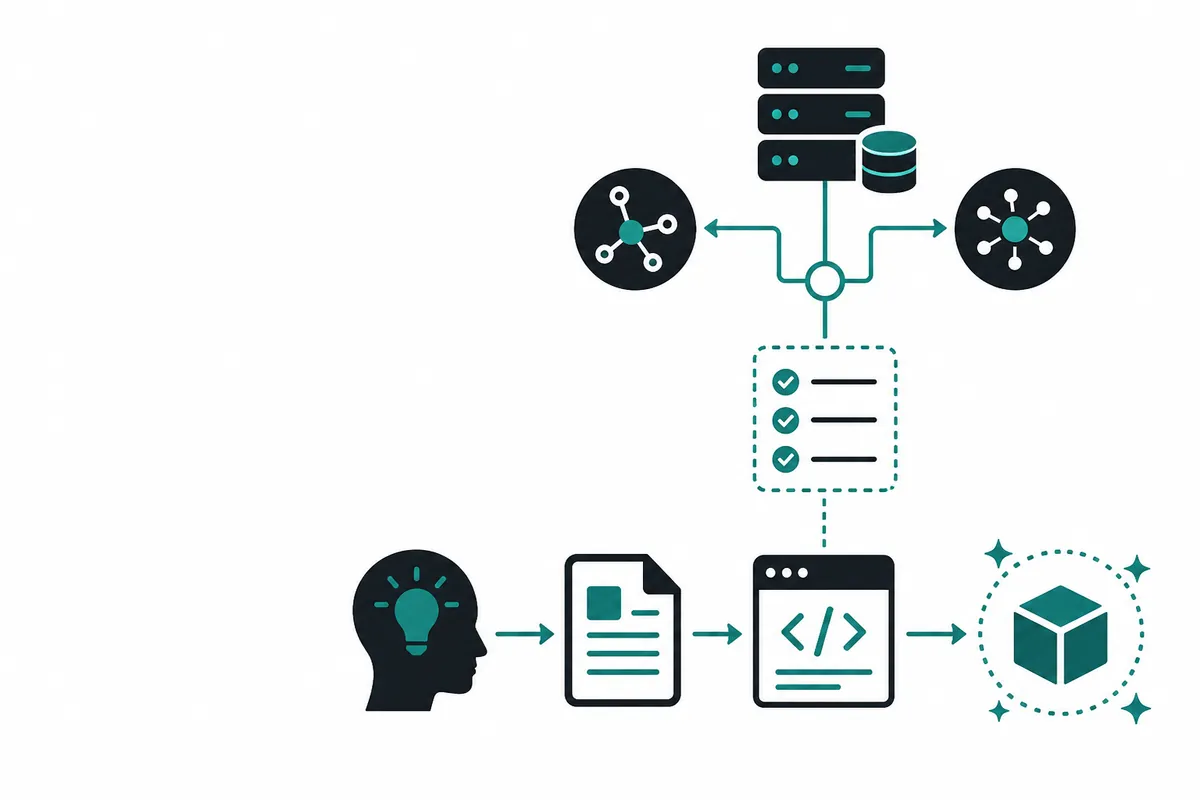
This article is the 17th in the Crazyrouter Claude Code series. It focuses on 'Claude Code Integration with Crazyrouter Series 17: From Idea to AI Product', covering topics such as moving from an idea to an AI product, the growth path from 'knowing how to use AI' to 'knowing how to build AI products', and what you can do after finishing the course.
Standard entry points: the native Claude Code / Anthropic client uses
ANTHROPIC_BASE_URL=https://cn.crazyrouter.com; OpenAI-compatible SDKs, HTTP requests, and front/back-end apps usebase_url=https://cn.crazyrouter.com/v1.
This article at a glance#
- Audience: Developers who are using Claude Code, preparing to integrate domestic models, or who want to centralize model calls through Crazyrouter.
- What you'll learn: How to set environment variables according to Crazyrouter docs, organize your workflow, and avoid the common mistake that leads to
/v1/v1/...in the Base URL. - Recommended prep: Create a separate API token in the Crazyrouter Console and follow the Claude Code integration docs for basic setup.
From Idea to AI Product#
From Idea to AI Product#
In the past, building software had a high barrier: you needed programming skills, algorithms knowledge, and years of project experience. That's different now. If you have an idea, AI can help you write the code.
This is a huge shift: programming languages are turning into natural language.
Large language models (LLMs) have made development no longer the exclusive domain of technical experts; they are now tools anyone can use. The hardest part used to be 'how to write the code'; today, the hardest part is 'what are you trying to build?'
What is Vibe Coding? In short, it's 'programming by talking'. Vibe Coding means relying on dialogue with AI—rather than writing code directly—to complete coding projects.
Of course, getting AI to generate code is only the first step. To build a usable product you'll face questions like:
- How do you make AI-generated code clean and maintainable?
- How do you assemble disparate code snippets into a working application?
- How do you launch the app so real users can use it?
- How do you integrate AI capabilities like text generation and image recognition into your product?
| Who you are | How this guide helps |
|---|---|
| Student | Do assignments, contests, or build startup projects on your own without relying on others |
| Professional | Automate repetitive tasks, boost efficiency, or build a side project |
| Product manager / Designer | Turn ideas into clickable demos quickly for stakeholders or clients |
| Founder / SMB owner | Validate ideas cheaply and build an MVP without paying tens of thousands for contractors |
| Teacher / Educator | Create teaching tools, lesson materials, and automated question generators to improve teaching efficiency |
| Doctor / Lawyer / Specialist | Automate professional workflows and build your own efficiency tools |
| Anyone | Use AI to solve practical problems in life and work, turning the impossible into the possible |
In the AI era, execution and ideas always matter more than raw technical skill.
Growth path: from 'knowing how to use AI' to 'knowing how to build AI products'#
By following this complete learning path you'll gain:
- Vibe Coding skills: Become fluent with the Vibe Coding mindset and AI-assisted coding tools to multiply your productivity. You won't need to memorize syntax; you'll learn how to prompt and guide AI to produce high-quality code.
- Full-stack development skills: From UI design to front-end implementation, from database design to API development, and from local development to cloud deployment—master the modern web stack.
- AI capability integration: Learn to call various multimodal AI APIs and smoothly integrate text, image, and voice capabilities into your apps, and use techniques like RAG to build intelligent products.
- Product thinking and ops skills: From user research to requirement breakdown, from MVP design to iteration, and from payment integration to user management—form a complete product development and operations loop.
What can you build after finishing?#
Phase 1: Build your first product prototype#
This phase is ideal for people with no programming background or those who know a little but lack confidence. You don't need to study a lot of theory first; follow along and learn to use AI tools to write code as you build.
After this phase you'll be able to:
- Use AI coding tools to independently build a web app
- Turn a product idea into a clickable, interactive prototype
- Add AI features to the prototype (for example, text-to-image or intelligent chat)
- Troubleshoot and fix common errors when they occur
In short, you'll be able to produce something that runs and can be demoed.
We start with small games to get a feel for AI-assisted coding, then use AI tools to write code and fix errors. From there, we'll build simple pages and gradually create an interactive multi-page app, then add AI features like text-to-image and intelligent chat. Finally you'll complete a full project so your idea can actually be realized.
Why train by building projects?#
Real-world challenges
The reason is simple: given the current state of most learners, jumping straight into the workplace often leads to being overwhelmed by real projects and clients. Real-world situations usually look like:
Your mentor / boss: We need to build xxx and hit yyy.
Documentation? Frameworks? Detailed requirements? Often they don't exist.
Many tasks in real work are about solving unseen problems under high uncertainty: requirements are vague, boundaries change, there's no definitive answer, and you must research, experiment, prototype, and iterate until you deliver something that runs, works, and can go live.
This course aims to simulate that 'real-world pressure' in a safer environment:
- Provide challenging project tasks to force you to practice problem decomposition, solution design, and independent research
- Use scaffolding and code that are not overly 'hand-holding' so you learn to read, understand, and modify medium-to-large codebases
- Guide you through the full loop from idea to launch so you experience the entire 0-to-1 product process
Short-term this can be tough; long-term it will dramatically increase your competitiveness when job hunting and advancing your career. You'll be better at handling responsibility, finding breakthroughs in uncertain situations, and turning AI into real products rather than just demos.
The art of asking: a must-have skill in the AI era#
Asking good questions is a core skill in the AI age. For the same code and the same error, how you ask will almost determine the quality of the AI's answer: whether it's vague or a step-by-step, actionable fix.
Form the habit of making 'asking AI' part of your daily development flow: when you're stuck or don't understand something, ask immediately.
Why is this essential?#
- Complete documentation is rare: you're more likely to face unclear requirements, half-finished code, and fragmented error messages
- AI is your on-demand mentor and teammate: those who ask well can turn AI into effective pair programmers
- Communication sets the upper bound: the better you provide key context and constraints, the more usable the answer
Common mistake: asking just 'Why does this error occur?' usually yields guesses. Fill in the context and you'll get executable suggestions.
How to 'feed' information to AI: screenshots vs copy-paste#
Both methods work but serve different purposes:
| Method | Suitable scenarios | Key requirements |
|---|---|---|
| Copy & paste | Error stacks, logs, code, config, API responses | Paste as much as possible—don't only copy one keyword line |
| Screenshot | UI layout issues, interaction bugs, missing buttons in tools | Capture the whole screen and highlight key areas; add a short text note |
⚠️ Important prerequisite
Not all AI supports image input. Screenshot-based communication requires a multimodal AI that can understand and analyze images. Currently, models that accept image input include: Claude (Anthropic), GPT-4V/GPT-4o (OpenAI), Gemini (Google), and some domestic models such as 通义千问, 文心一言, etc.
If the AI you use doesn't accept images, screenshots won't be recognized—use copy & paste text instead.
Prompt tips to get AI to 'explain very well'#
If you don't just want an answer but want to learn the answer, the following prompt patterns can greatly improve explanation quality:
Learning-style prompt examples
- 'First explain this concept in 5 sentences, then give several questions for me to answer so I can verify my understanding.'
- 'Please explain this error message in detail; I don't understand why it happened.'
Further reading#
- Previous article: Episode 16
- Next article: Episode 18
- Integration docs: Claude Code integration with Crazyrouter
- API endpoint notes: Base URL and
/v1usage - One-click setup script: Crazyrouter Claude Code one-click setup script
Getting Started with Crazyrouter#
If you want to connect Claude Code, domestic models, or your own application to Crazyrouter in one place, follow this order:
- Go to the Crazyrouter console to create a dedicated API Token, and manage permissions separately by project or team.
- Claude Code should use the root domain:
https://cn.crazyrouter.com; OpenAI-compatible SDKs should use:https://cn.crazyrouter.com/v1. - If you need to check the environment automatically or write config quickly, use the Crazyrouter Claude Code one-click setup script.
- If debugging fails, check the console logs first, then verify the API Endpoint documentation, especially whether the Base URL was entered with an extra
/v1.
If you need to evaluate model costs or choose between different models, start with the Crazyrouter pricing and models page, then add the commonly used models to the Token allowlist.