简体中文
简体中文 繁體中文
繁體中文 English
 Français
 Русский
 日本語
日本語 Tiếng Việt
 한국어
한국어 Deutsch
 Español
 Italiano
 Português
 العربية
 ไทย
ไทย Bahasa Indonesia
 Bahasa Melayu
 Türkçe
 Polski
 Nederlands
 Dansk
Dansk Norsk
Norsk Қазақша
05|Use Crazyrouter to Access Chinese Models in Claude Code
05|Use Crazyrouter to access Chinese models in Claude Code. This article walks through unified integration, configuration checks, and a hands-on workflow for Claude Code and Crazyrouter, helping you build a reusable development workflow based on the site documentation.

05|Use Crazyrouter to Access Chinese Models Uniformly in Claude Code#
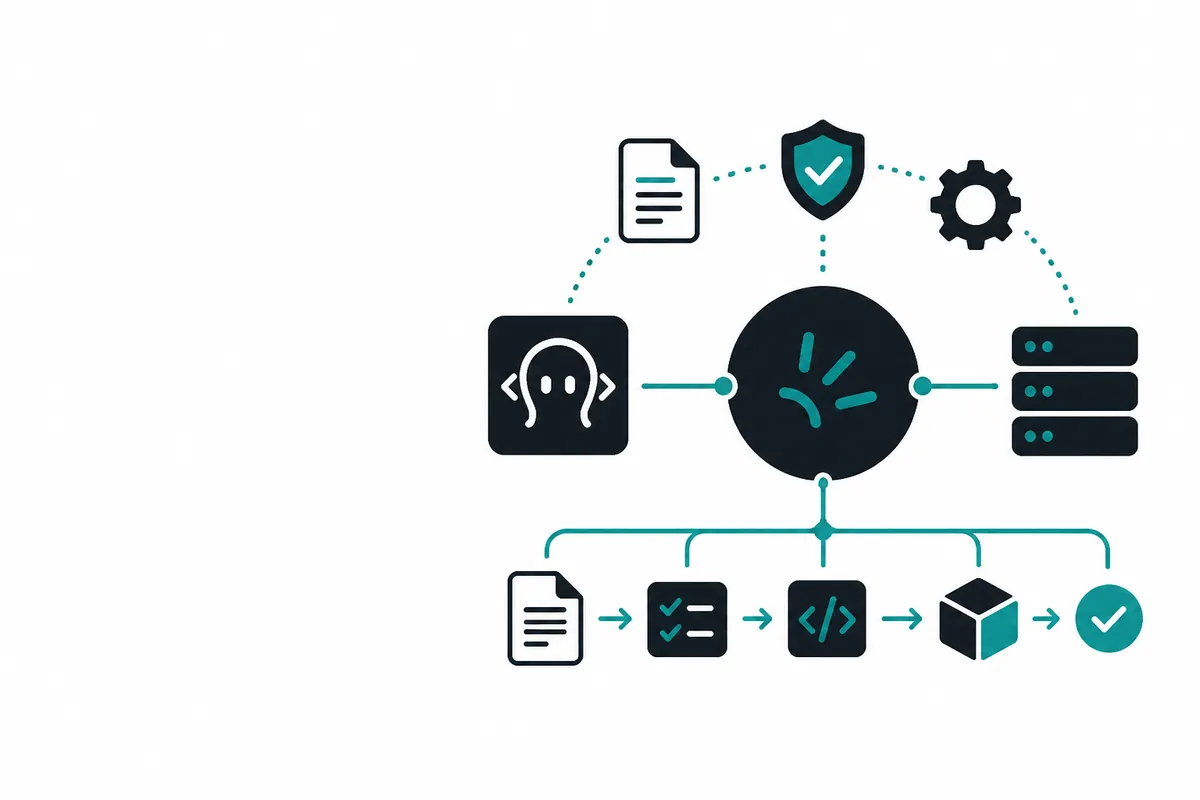
This is Part 05 of the Crazyrouter Claude Code series. This article focuses on “using Crazyrouter to access Chinese models uniformly in Claude Code,” covering why you should route everything through Crazyrouter, the correct Claude Code configuration, and the correct configuration for OpenAI-compatible applications.
Unified access pattern: Claude Code / Anthropic native clients use
ANTHROPIC_BASE_URL=https://cn.crazyrouter.com; OpenAI-compatible SDKs, HTTP requests, and frontend/backend applications usebase_url=https://cn.crazyrouter.com/v1.
What This Article Covers#
- Who this is for: developers who are using Claude Code, preparing to connect Chinese models, or want to unify their team’s model calls through Crazyrouter.
- What you will learn: how to configure environment variables according to the Crazyrouter documentation, organize your workflow, and avoid
/v1/v1/...issues caused by an incorrect Base URL. - Recommended preparation: first create a separate API Token in the Crazyrouter console, then follow the Claude Code integration documentation to complete the basic setup.
Claude Code can use Claude series models, and it can also use some Chinese models through the Anthropic Messages-compatible protocol. For readers of this site, the key point is not to register with each vendor platform, enable services, and copy keys one by one. Instead, you should route model access uniformly through Crazyrouter.
Use the following unified entry point:
ANTHROPIC_BASE_URL=https://cn.crazyrouter.com
ANTHROPIC_API_KEY=YOUR_CRAZYROUTER_API_KEY
Claude Code appends /v1/messages by itself, so ANTHROPIC_BASE_URL must be the root domain. Do not set it to https://cn.crazyrouter.com/v1, and do not include the full /v1/messages path.
Why Route Everything Through Crazyrouter#
Putting Claude Code and Chinese models behind Crazyrouter brings several practical benefits:
- One Token can manage multiple types of models, so you do not need to copy keys across multiple platforms.
- You can view logs, balance, failure reasons, and model usage in one console.
- You can create a dedicated Token for Claude Code, set budgets and model allowlists, and avoid mixing it with other tools.
- For networks in China, prioritize
https://cn.crazyrouter.comto reduce cross-border routing instability. - When switching models later, you only need to adjust the model name or console configuration, without rewriting the entire integration flow.
Correct Claude Code Configuration#
macOS / Linux:
export ANTHROPIC_BASE_URL=https://cn.crazyrouter.com
export ANTHROPIC_API_KEY=YOUR_CRAZYROUTER_API_KEY
claude
Windows PowerShell:
[Environment]::SetEnvironmentVariable("ANTHROPIC_BASE_URL", "https://cn.crazyrouter.com", "User")
[Environment]::SetEnvironmentVariable("ANTHROPIC_API_KEY", "YOUR_CRAZYROUTER_API_KEY", "User")
After reopening the terminal, run:
claude
If you want to automatically check Git, Node.js, and Claude Code, and write the environment variables, you can use Crazyrouter’s one-click setup repository: Crazyrouter Claude Code one-click setup script.
Correct Configuration for OpenAI-Compatible Applications#
If you are not configuring Claude Code, but are calling OpenAI-compatible APIs from your own application, SDK, or backend service, use the /v1 address:
base_url=https://cn.crazyrouter.com/v1
Example:
curl https://cn.crazyrouter.com/v1/chat/completions \
  -H "Content-Type: application/json" \
  -H "Authorization: Bearer YOUR_CRAZYROUTER_API_KEY" \
  -d '{
    "model": "deepseek-v4-pro",
    "messages": [
      {"role": "user", "content": "Explain the purpose of Crazyrouter in one sentence"}
    ]
  }'
Model Selection Suggestions#
Do not understand “accessing Chinese models” as jumping to a specific vendor platform. Articles on this site use Crazyrouter’s model list and Token permissions as the default admission criteria.
Choose models based on the task:
- Code reading, refactoring, and complex engineering tasks: prioritize Claude series models or Coding models that have been verified as compatible with Claude Code.
- Chinese documentation, summaries, and content processing: choose general-purpose models with strong Chinese capability and moderate cost.
- Long-context project analysis: choose models with longer context windows and stable output.
- Batch tasks: prioritize models with lower cost and more stable throughput, and set a budget for the Token.
Available models are subject to the Crazyrouter console and the response from GET https://cn.crazyrouter.com/v1/models.
Common Mistakes#
1. Incorrect Base URL#
Claude Code:
ANTHROPIC_BASE_URL=https://cn.crazyrouter.com
OpenAI-compatible SDK:
base_url=https://cn.crazyrouter.com/v1
If you see /v1/v1/messages or /v1/v1/models in the logs, it usually means /v1 was added to the Base URL twice.
2. The Token Does Not Have Permission for the Model#
If the response returns model not allowed or 403, check the Token allowlist in the Crazyrouter console. Creating a separate Token for Claude Code usually makes troubleshooting easier.
3. Putting the Example Key into Code#
Articles and examples use YOUR_CRAZYROUTER_API_KEY as a placeholder. Do not commit real Tokens to Git, and do not send them to AI tools as long-term context.
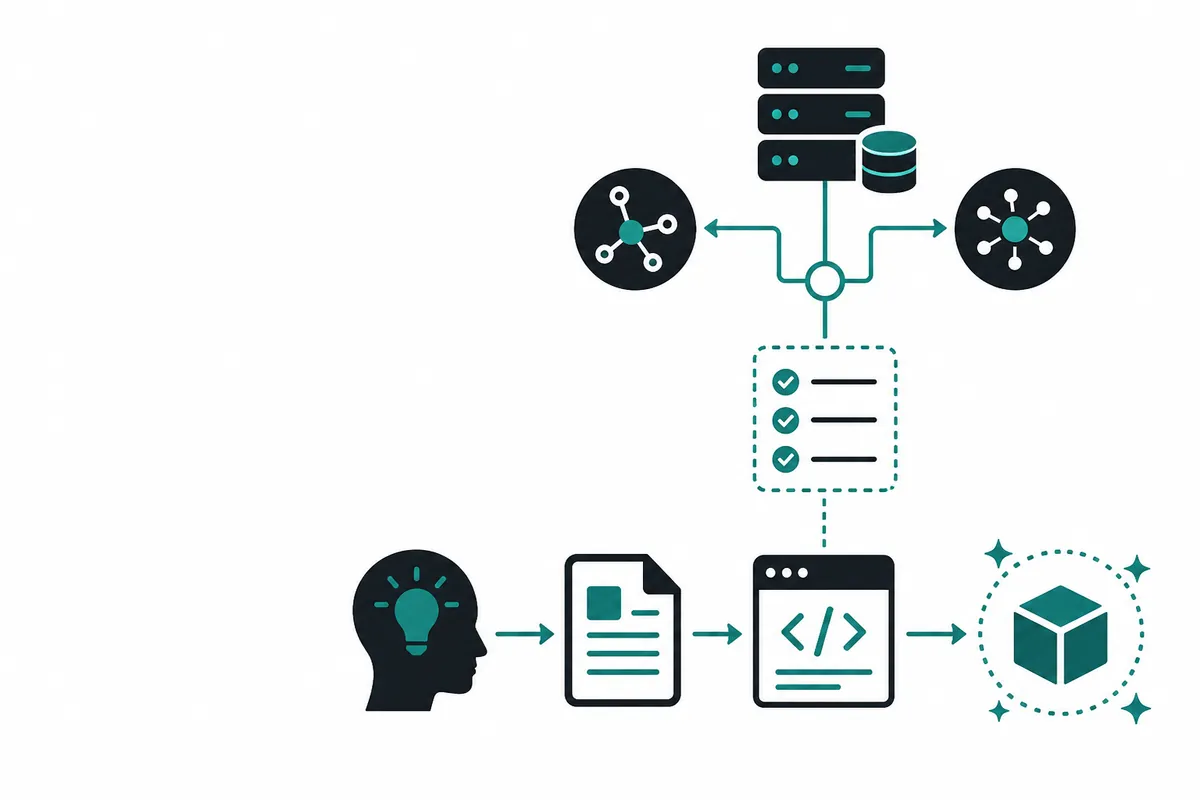
Recommended Workflow#
- Create a dedicated Claude Code Token in the Crazyrouter console.
- Configure
ANTHROPIC_BASE_URL=https://cn.crazyrouter.com. - Start Claude Code and use
/statusfirst to check the current model and status. - Confirm in the Crazyrouter console that the request appears in the logs.
- Then switch models or adjust the Token allowlist based on the task.
This workflow works for Claude series models and also for Chinese models accessed compatibly through Crazyrouter. Readers do not need to be directed to other model platforms. All keys, billing, logs, and troubleshooting are handled inside Crazyrouter.
Related Reading#
- Previous: Part 04
- Next: Part 06
- Configuration documentation: Integrate Claude Code with Crazyrouter
- API address guide: Base URL and
/v1usage - One-click setup script: Crazyrouter Claude Code one-click setup script
Getting Started with Crazyrouter#
If you want to connect Claude Code, Chinese models, or your own applications to Crazyrouter through a unified interface, follow this sequence:
- Go to the Crazyrouter console, create a dedicated API Token, and manage permissions separately by project or team.
- Use the root domain for Claude Code:
https://cn.crazyrouter.com; usehttps://cn.crazyrouter.com/v1for OpenAI-compatible SDKs. - If you need to check the environment automatically or write configuration quickly, use the Crazyrouter one-click Claude Code configuration script.
- When debugging failures, check the console logs first, then verify the API Endpoint documentation. Pay special attention to whether the Base URL has an extra
/v1.
When you need to evaluate model costs or choose different models, check the Crazyrouter pricing and models page first, then add the models you commonly use to the Token whitelist.