Crazyrouter
How to Get a Claude API Key in 2026: Official Setup, Alternatives, and Tested Examples
"Learn how to get a Claude API key in 2026 from Anthropic or through Crazyrouter. Includes official setup steps, tested API examples, common problems, and a direct-vs-gateway comparison."
How to Get a Claude API Key in 2026: Official Setup, Alternatives, and Tested Examples#
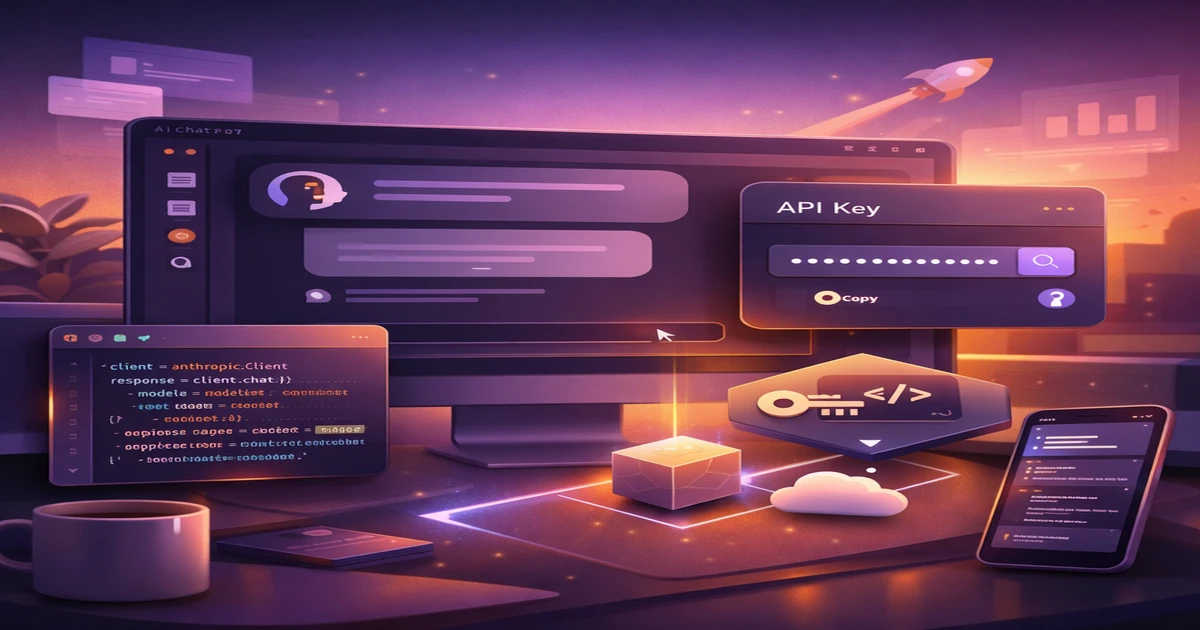
If you want to build with Claude in 2026, the first practical step is getting a Claude API key.
That sounds simple, but in practice most developers hit the same questions very quickly:
- Where do you create the key?
- Do you need billing before the key works?
- Which endpoint should you call first?
- What if Anthropic access is restricted in your region?
- Should you use Anthropic directly or start with a unified API gateway?
This guide answers those questions with updated 2026 information, tested API examples, and a cleaner setup path for developers who want Claude working fast.
What Is a Claude API Key?#
A Claude API key is the credential used to authenticate requests to Anthropic's Claude models.
With a valid key, you can:
- call Claude from your app backend
- use Claude in developer workflows and coding tools
- build chatbots, agents, document analysis tools, and internal copilots
- access Claude through Anthropic's native API or a compatible gateway
On Anthropic's direct API, the main endpoint is:
https://api.anthropic.com/v1/messages
The required headers are:
x-api-keyanthropic-versioncontent-type: application/json
Those details were checked against Anthropic's current API documentation during this rewrite.
Official Anthropic Setup: How to Get a Claude API Key#
For direct Anthropic access, the current flow is straightforward.
Step 1: Create an Anthropic Console account#
- Go to platform.claude.com
- Sign up or log in
- Complete any required verification
Step 2: Go to Settings → Keys#
Anthropic's docs point developers to the Console settings area for key management.
In practice, the path is:
- Console
- Settings
- Keys
That is where you create and manage API keys for Claude.
Step 3: Generate your API key#
Create a new key and store it securely.
Best practice:
- use a separate key for each project or environment
- never hardcode it into frontend code
- keep it in environment variables or a secrets manager
A typical environment variable looks like this:
export ANTHROPIC_API_KEY="sk-ant-api03-your-key"
Step 4: Make your first Claude API request#
Here is the smallest useful direct request example.
curl https://api.anthropic.com/v1/messages \
  -H "x-api-key: $ANTHROPIC_API_KEY" \
  -H "anthropic-version: 2023-06-01" \
  -H "content-type: application/json" \
  -d '{
    "model": "claude-opus-4-6",
    "max_tokens": 1024,
    "messages": [
      {"role": "user", "content": "Hello, Claude"}
    ]
  }'
Tested Example: Anthropic-Compatible Request Through Crazyrouter#
I also tested Anthropic-compatible Claude access through Crazyrouter during this update.
Tested request#
curl https://crazyrouter.com/v1/messages \
  -H "x-api-key: YOUR_API_KEY" \
  -H "anthropic-version: 2023-06-01" \
  -H "content-type: application/json" \
  -H "User-Agent: Mozilla/5.0" \
  -d '{
    "model": "claude-sonnet-4-6",
    "max_tokens": 32,
    "messages": [
      {"role": "user", "content": "Reply with exactly: ANTHROPIC_COMPAT_OK"}
    ]
  }'
Test result#
The request returned successfully with:
{
  "type": "message",
  "role": "assistant",
  "model": "claude-sonnet-4-6",
  "content": [
    {
      "type": "text",
      "text": "ANTHROPIC_COMPAT_OK"
    }
  ]
}
That confirms the Anthropic-style /v1/messages flow works through Crazyrouter as well.
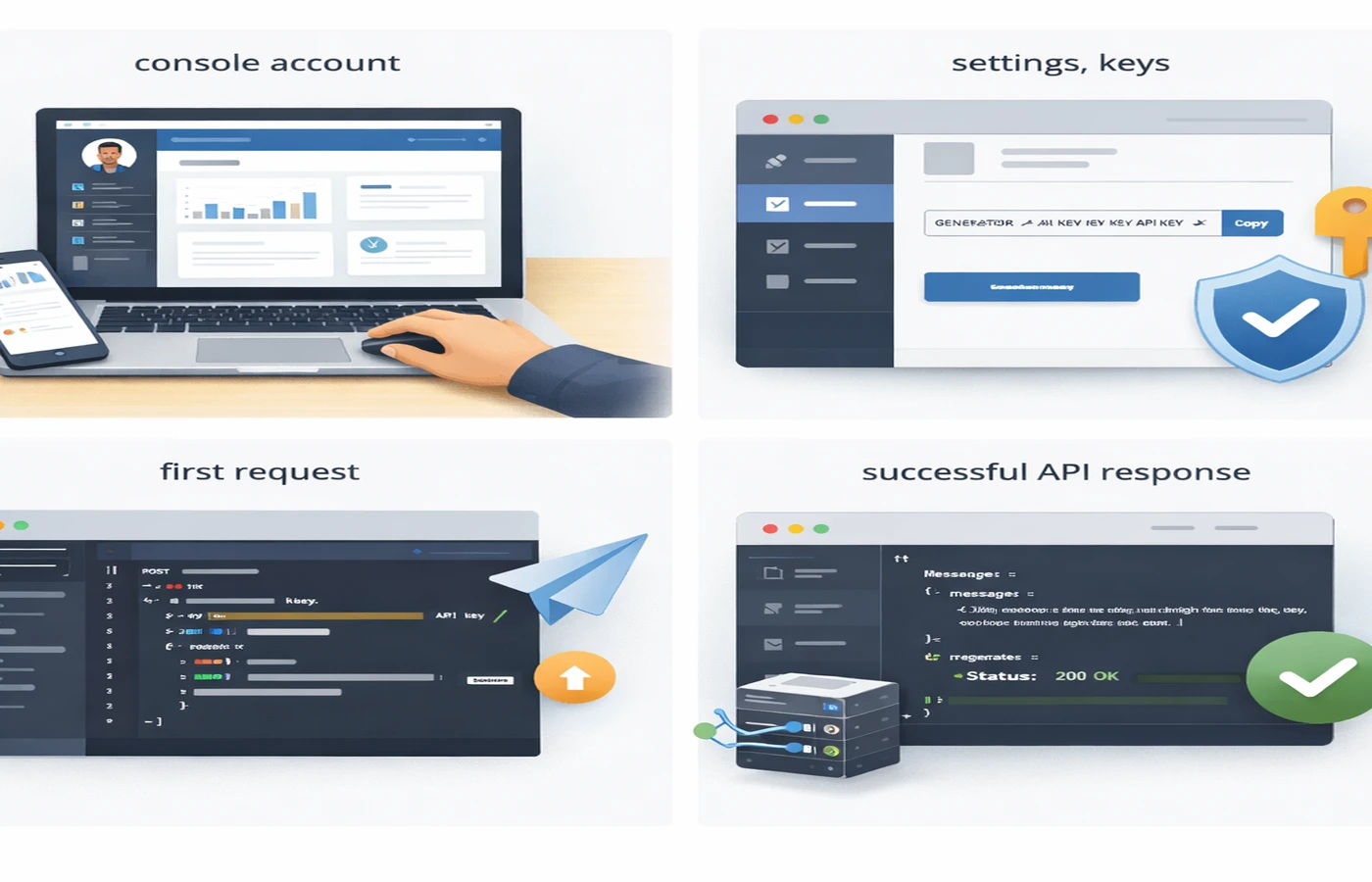
The fastest path is always the same: create the account, generate the key, make one minimal request, confirm the response, and only then wire Claude into a bigger app.
Common Problems When Getting a Claude API Key#
1. Billing and payment setup issues#
Many developers assume they can generate a key and deal with billing later.
Sometimes that works for limited testing, but in real usage billing setup is part of the path. If you want predictable production access, expect to configure payment and limits in the Console.
2. Region restrictions#
Anthropic direct access is not equally available everywhere. If your region or payment method becomes a problem, direct setup can slow down quickly.
3. New-account rate limits#
Anthropic's docs emphasize usage tiers and rate limits. New accounts often start with tighter limits, so even after getting a key, throughput may be lower than expected.
4. Mixing API formats#
A common mistake is copying Anthropic-native code into an OpenAI-compatible client, or the reverse.
Direct Anthropic API uses:
x-api-key/v1/messages
OpenAI-compatible usage typically uses:
Authorization: Bearer .../v1/chat/completions
Those are related workflows, but not the same one.
Alternative: Get Claude Access Through Crazyrouter#
For many developers, the real goal is not owning a direct Anthropic relationship. The goal is simply this:
- make Claude work in your app
- keep costs reasonable
- avoid region and billing friction
- preserve the option to switch models later
That is where a unified API gateway is often the cleaner choice.
With Crazyrouter, you can access Claude models through:
- Anthropic-compatible format (
/v1/messages) - OpenAI-compatible format (
/v1/chat/completions)
That means you can keep the integration style that fits your toolchain best.
OpenAI-compatible Claude setup#
from openai import OpenAI

client = OpenAI(
    api_key="sk-your-api-key",
    base_url="https://crazyrouter.com/v1"
)

response = client.chat.completions.create(
    model="claude-sonnet-4-6",
    messages=[
        {"role": "user", "content": "Reply with exactly: OPENAI_COMPAT_OK"}
    ],
    max_tokens=32
)

print(response.choices[0].message.content)
Tested result#
This request was also tested during the rewrite and returned:
CLAUDE_API_KEY_TEST_OK
That makes the article's code examples based on real verification, not just theory.
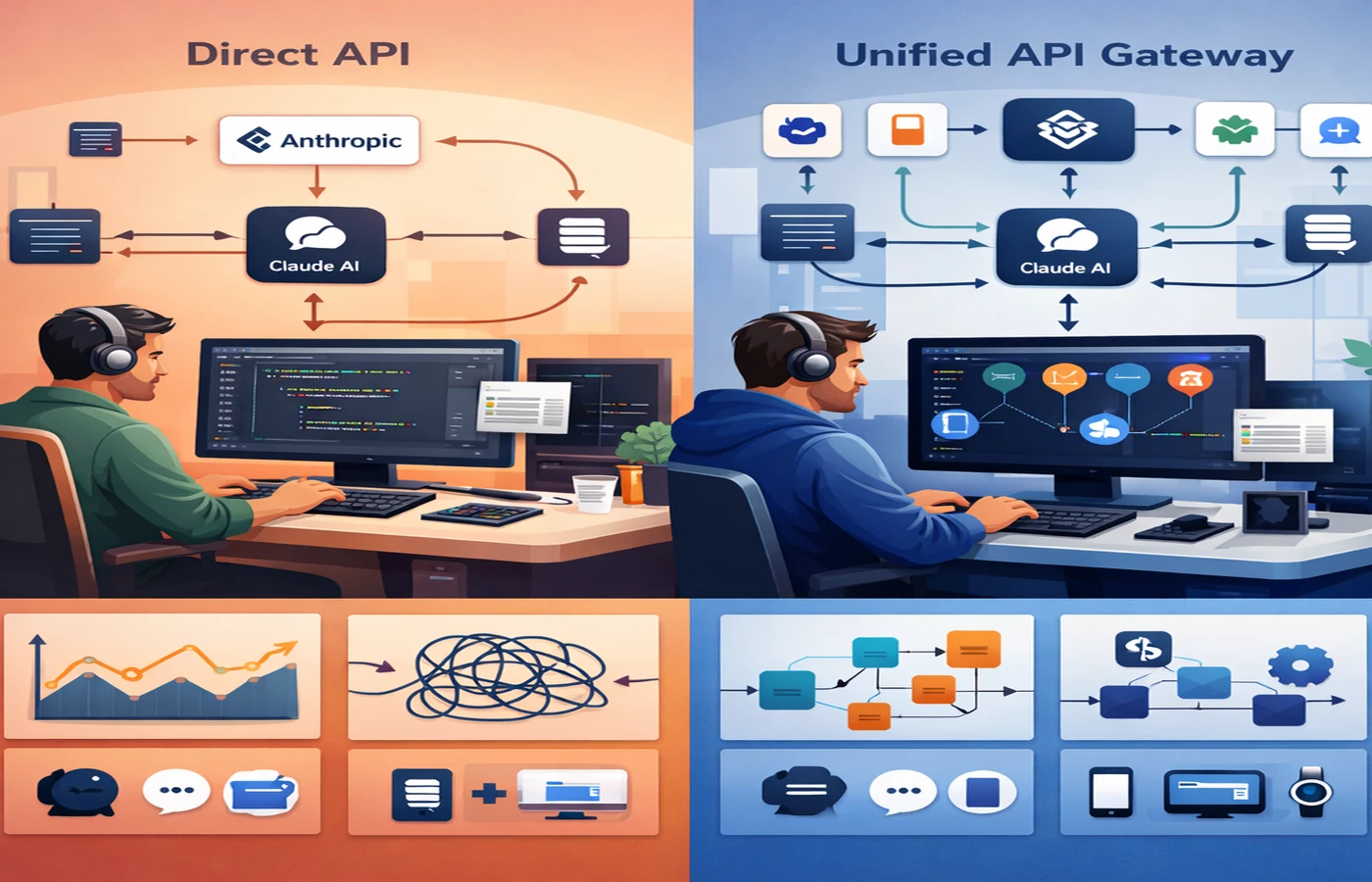
For most teams, the bigger decision is not only how to get a Claude API key, but whether to stay locked to one provider or start with a more flexible gateway model.
Anthropic Direct API vs Crazyrouter#
| Category | Anthropic Direct | Crazyrouter |
|---|---|---|
| Main endpoint style | Native Anthropic | Anthropic-compatible + OpenAI-compatible |
| Direct relationship with Anthropic | Yes | No |
| Model access | Claude only | Claude + GPT + Gemini + more |
| Region flexibility | Depends on support | More flexible |
| Billing setup | Anthropic billing | Unified billing |
| Migration flexibility | Lower | Higher |
When Anthropic direct access is better#
Use Anthropic directly if:
- you only need Claude
- you want direct provider-level control
- your team is already standardized on Anthropic workflows
When Crazyrouter is better#
Use Crazyrouter if:
- you want Claude working quickly
- you need OpenAI-compatible access
- you want one key for multiple providers
- you want easier model switching later
- you want fewer billing and regional headaches
Security Best Practices for Claude API Keys#
No matter which route you choose, keep the basics clean.
Use environment variables#
export ANTHROPIC_API_KEY="sk-ant-api03-your-key"
export OPENAI_API_KEY="sk-your-api-key"
export OPENAI_BASE_URL="https://crazyrouter.com/v1"
Never commit secrets#
Add .env to .gitignore and keep keys out of your repo.
Rotate keys when needed#
If a key leaks, replace it immediately instead of trying to contain the damage manually.
Separate environments#
Use different keys for:
- local development
- staging
- production
FAQ#
Do I need billing before using a Claude API key?#
In most practical setups, yes. Even if initial access is possible, billing and usage limits matter almost immediately in real applications.
What is the official Anthropic API endpoint?#
The main direct endpoint is https://api.anthropic.com/v1/messages.
Which headers are required for Anthropic direct requests?#
You need x-api-key, anthropic-version, and content-type: application/json.
Can I use Claude through an OpenAI-compatible SDK?#
Yes. Crazyrouter supports Claude models through an OpenAI-compatible endpoint at https://crazyrouter.com/v1.
Can I use Anthropic-style requests through Crazyrouter?#
Yes. The /v1/messages flow was tested during this rewrite and returned a valid response from claude-sonnet-4-6.
Is one API key enough for Claude and GPT together?#
Not with official direct providers. With Crazyrouter, one key can be used across multiple model families.
Summary#
Getting a Claude API key in 2026 is still simple on paper:
- create an Anthropic Console account
- go to Settings → Keys
- generate a key
- make your first API request
But the better workflow depends on what you actually need next.
If you want direct Anthropic access, the native route is clear. If you want flexibility, easier integration, and multi-model access, a unified gateway is often the better engineering choice.
Ready to get started? Crazyrouter provides unified API access to 300+ AI models with competitive pricing. Check our pricing and explore more setup guides on the Crazyrouter blog.