简体中文
简体中文 繁體中文
繁體中文 English
 Français
 Русский
 日本語
日本語 Tiếng Việt
 한국어
한국어 Deutsch
 Español
 Italiano
 Português
 العربية
 ไทย
ไทย Bahasa Indonesia
 Bahasa Melayu
 Türkçe
 Polski
 Nederlands
 Dansk
Dansk Norsk
Norsk Қазақша
How to Use Crazyrouter for AI Coding Tools and Agents in 2026
A practical guide to using Crazyrouter as one API layer for AI coding tools, coding agents, RAG workflows and automated model routing.
How to Use Crazyrouter for AI Coding Tools and Agents in 2026#
AI coding tools are no longer just chat boxes. Claude Code, Codex-style agents, Cursor workflows, OpenClaw agents and internal automation scripts all need reliable model access, fallback, usage tracking and payload compatibility.
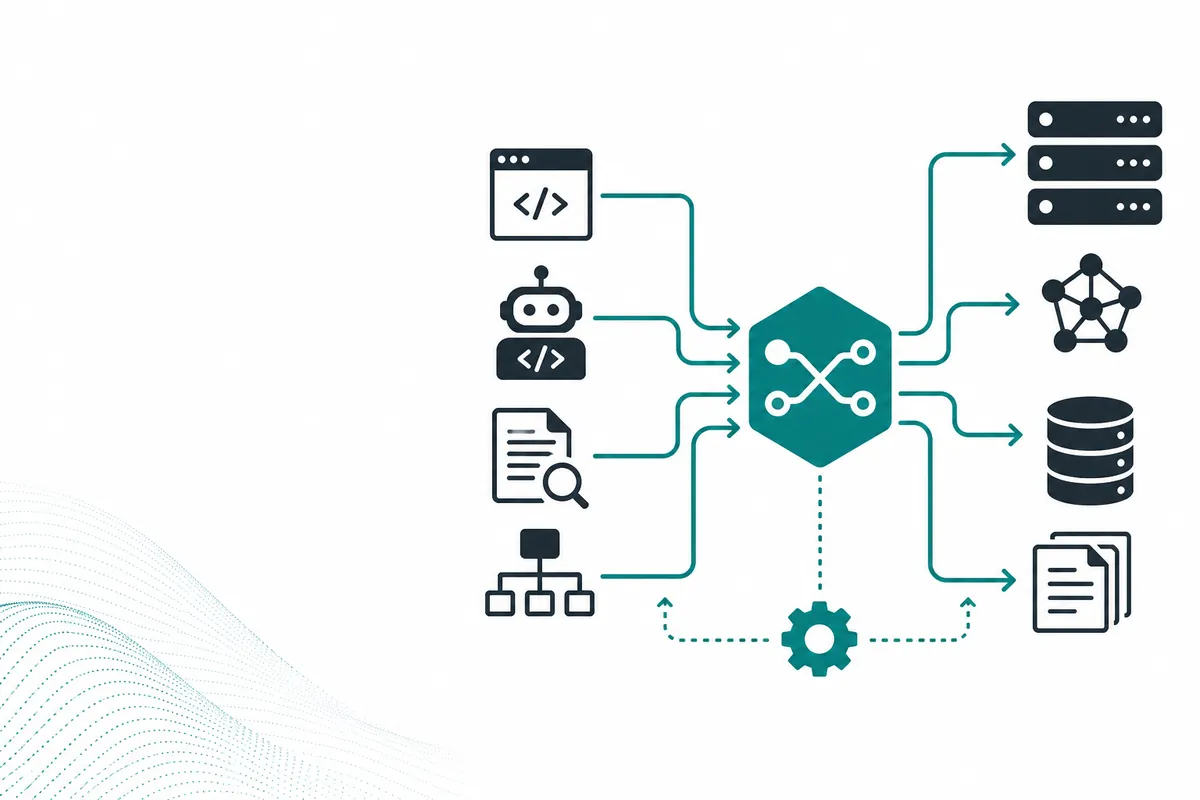
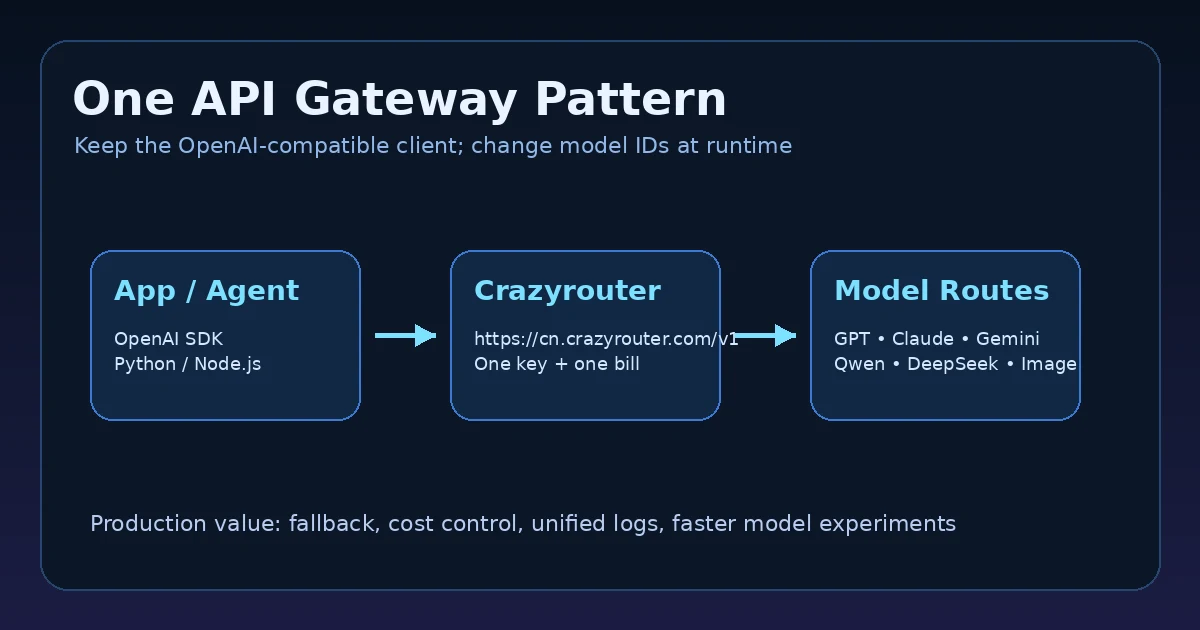
Crazyrouter can act as the API layer behind those tools: one key, one OpenAI-compatible base URL, many model routes.
Real API evidence#
Real test evidence used in this article:
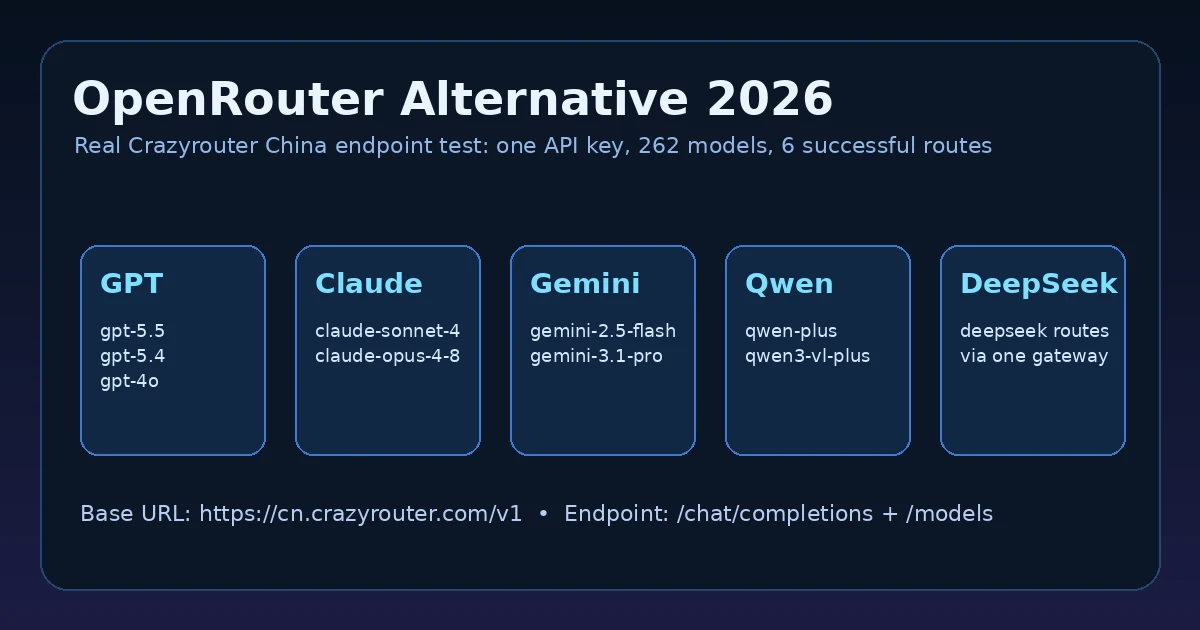
Base URL: https://cn.crazyrouter.com/v1
Test date: 2026-06-18T14:58:18Z
GET /v1/models: HTTP 200, 620 ms, 262 models returned
DeepSeek routes found: 2
Qwen routes found: 20+
GLM routes found: 20+
Sample model families discovered by /v1/models:
- DeepSeek:
deepseek-v4-flash, deepseek-v4-pro - Qwen:
qwen3-vl-plus, qwen2.5-coder-14b-instruct, qwen2-vl-72b-instruct, qwen3-coder-480b-a35b-instruct, qwen3-vl-30b-a3b-instruct, qwen3-30b-a3b, qwen-plus, qwen2.5-72b-instruct - GLM:
glm-5v-turbo, glm-4-flash, glm-4.1v-thinking-flash, glm-5-turbo, glm-5, glm-4.5-flash, glm-4.5, glm-4v
The model list included coding-relevant routes such as qwen3-coder-480b-a35b-instruct, GPT routes, Claude routes, Gemini routes, Qwen routes and GLM routes.
Basic configuration pattern#
Most AI coding tools that support an OpenAI-compatible endpoint need three values:
Base URL: https://cn.crazyrouter.com/v1
API key: YOUR_CRAZYROUTER_API_KEY
Model: choose a model ID from /v1/models
Example Python client:
from openai import OpenAI

client = OpenAI(
    api_key="YOUR_CRAZYROUTER_API_KEY",
    base_url="https://cn.crazyrouter.com/v1",
)

resp = client.chat.completions.create(
    model="qwen3-coder-480b-a35b-instruct",
    messages=[
        {"role":"system","content":"You are a careful coding assistant."},
        {"role":"user","content":"Refactor this function and explain the tests."},
    ],
    max_tokens=600,
)
Coding-agent routing map#
| Agent task | Suggested route type | Why |
|---|---|---|
| Small code edits | fast/cheap coding-capable model | keep latency low |
| Large refactor | stronger coding/reasoning route | reduce broken changes |
| Test generation | model with structured output discipline | easier validation |
| RAG answer | retrieval-aware route | factual grounding matters |
| Tool planning | stronger reasoning route | agent steps compound errors |
| Review pass | different model family | catches blind spots |
Why agents need gateways#
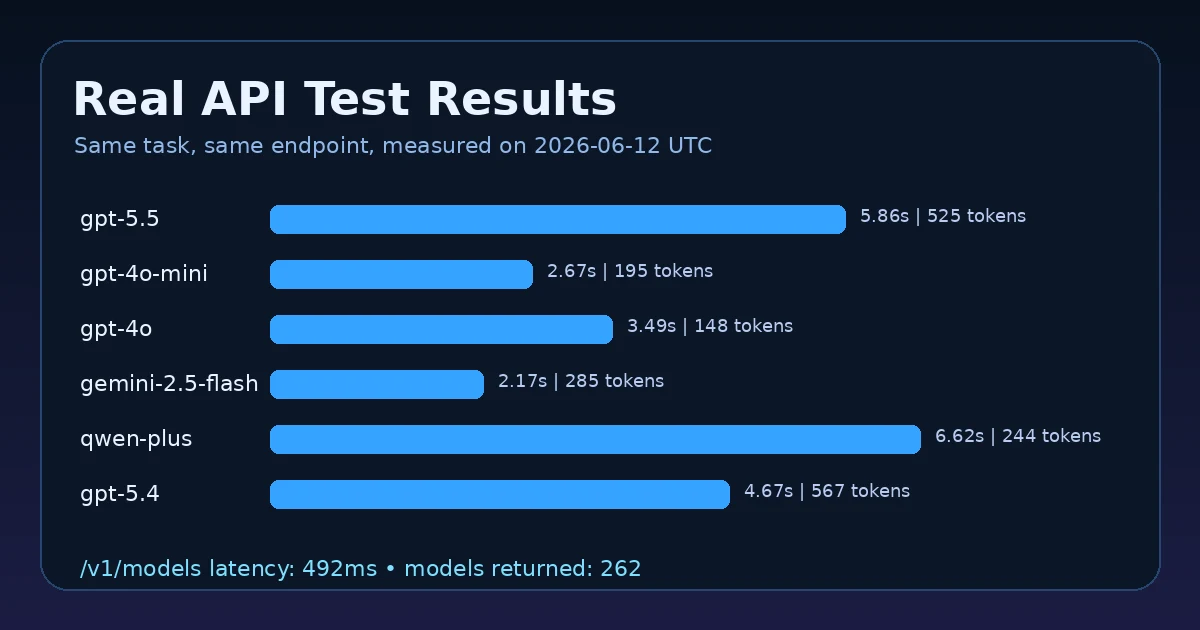
Agent workflows are expensive because they multiply calls:
plan -> inspect files -> edit -> run tests -> fix -> review -> summarize
If every step uses the strongest model, cost explodes. If every step uses the cheapest model, quality collapses. A gateway lets you route by task.
Test results across routes#
| Tested model | HTTP | Latency | Prompt tokens | Completion tokens | Total tokens | Note |
|---|---|---|---|---|---|---|
gpt-4o-mini | 200 | 2.9s | 39 | 53 | 92 | stop |
qwen-plus | 200 | 3.69s | 40 | 42 | 82 | stop |
glm-4-flash | 200 | 5.54s | 34 | 47 | 81 | stop |
deepseek-chat | 200 | 3.27s | 36 | 180 | 216 | returned reasoning tokens, empty content at max_tokens=180; useful validation/fallback example |
qwen3-coder-480b-a35b-instruct | 200 | 28.53s | 40 | 47 | 87 | stop |
The test shows a key coding-agent lesson: model availability is not enough. Agents must check content shape, finish reason and token limits. A route can return HTTP 200 but still require fallback or retry.
Practical setup for tools#
Cursor-like IDE tools#
Use Crazyrouter as the OpenAI-compatible endpoint when the tool supports custom base URL. Put the base URL in the model provider settings, then choose model IDs that match task cost and quality.
Claude Code / Codex-style workflows#
For CLI agents, keep model routing in config rather than hard-coding it inside prompts. That makes it easier to switch between cheaper edit models and stronger review models.
OpenClaw agents#
Use Crazyrouter routes for different skill types: cheap models for classification, stronger models for planning, image/video routes for multimodal skills and coding models for code tasks.
Validation checklist#
Before using a model route in an agent loop, test:
- exact payload compatibility;
- max token behavior;
- JSON/schema reliability;
- latency under realistic prompt size;
- cost per successful task;
- fallback route behavior;
- whether the tool can show or log usage.
FAQ#
Can Crazyrouter power AI coding tools?#
Yes, when the tool supports OpenAI-compatible API settings. Use https://cn.crazyrouter.com/v1 as the base URL and choose a model ID from /v1/models.
Which model is best for coding agents?#
There is no universal best model. Use fast routes for simple edits, stronger coding/reasoning routes for refactors, and a different family for review.
Why not use one model for every step?#
Because agents call models repeatedly. Routing by task reduces cost without sacrificing the high-value steps.
What should I validate?#
Validate output shape, empty content, finish reason, test results and whether the agent actually completed the task.
Bottom line#
Crazyrouter is useful for coding tools because coding agents need routing, not just intelligence. One OpenAI-compatible endpoint lets you test model families, control costs and build fallback into the workflow.
Start here: Crazyrouter