中文
中文 English
 Français
 Русский
 日本語
日本語 Tiếng Việt
 한국어
한국어 Deutsch
 Español
 Italiano
 Português
 العربية
 ไทย
ไทย Bahasa Indonesia
 Bahasa Melayu
 Türkçe
 Polski
 Nederlands
 Dansk
Dansk Norsk
Norsk Қазақша
Crazyrouter Codex CLI: Use Codex with One API Key and an OpenAI-Compatible Gateway
Set up OpenAI Codex CLI through Crazyrouter with one command on Windows, macOS, and Linux. Use an OpenAI-compatible base URL, one API key, and model routing for GPT, Claude, Gemini, DeepSeek, and Qwen-style workflows.

Crazyrouter Codex CLI: Use Codex with One API Key and an OpenAI-Compatible Gateway#
OpenAI Codex CLI is useful when you want an AI coding agent directly inside your terminal. The painful part is not the idea — it is the setup: API keys, base URLs, model names, Windows environment variables, macOS shell profiles, Linux config files, and different providers for different models.
The new crazyrouter-codex-cli repo solves one specific problem:
connect Codex CLI to Crazyrouter with one API key and an OpenAI-compatible API endpoint.
Repository:
https://github.com/xujfcn/crazyrouter-codex-cli
What this repo does#
The repo provides simple install scripts for:
- Windows PowerShell
- Windows batch file
- macOS
- Linux
It configures Codex CLI to use:
OPENAI_BASE_URL=https://cn.crazyrouter.com/v1
OPENAI_API_KEY=your-crazyrouter-key
That means Codex CLI can talk to Crazyrouter through an OpenAI-compatible interface, while Crazyrouter handles the model/provider side.
Important rule:
Do not add UTM parameters to API endpoints. UTM belongs on human-clickable website links, not
OPENAI_BASE_URL.
Correct:
export OPENAI_BASE_URL=https://cn.crazyrouter.com/v1
Wrong:
export OPENAI_BASE_URL=https://cn.crazyrouter.com/v1?utm_source=...
Why use Codex CLI through Crazyrouter?#
A terminal coding agent is most useful when it can become part of your normal development loop:
- open a project directory;
- ask the agent to inspect code;
- let it patch files;
- run tests;
- review the diff;
- repeat.
But real developer teams often want more than one model. Some tasks need a fast low-cost model. Some need a stronger reasoning model. Some need Claude-style code review. Some need Gemini-style long-context analysis. Some teams also need a more stable route from regions where direct access is unreliable.
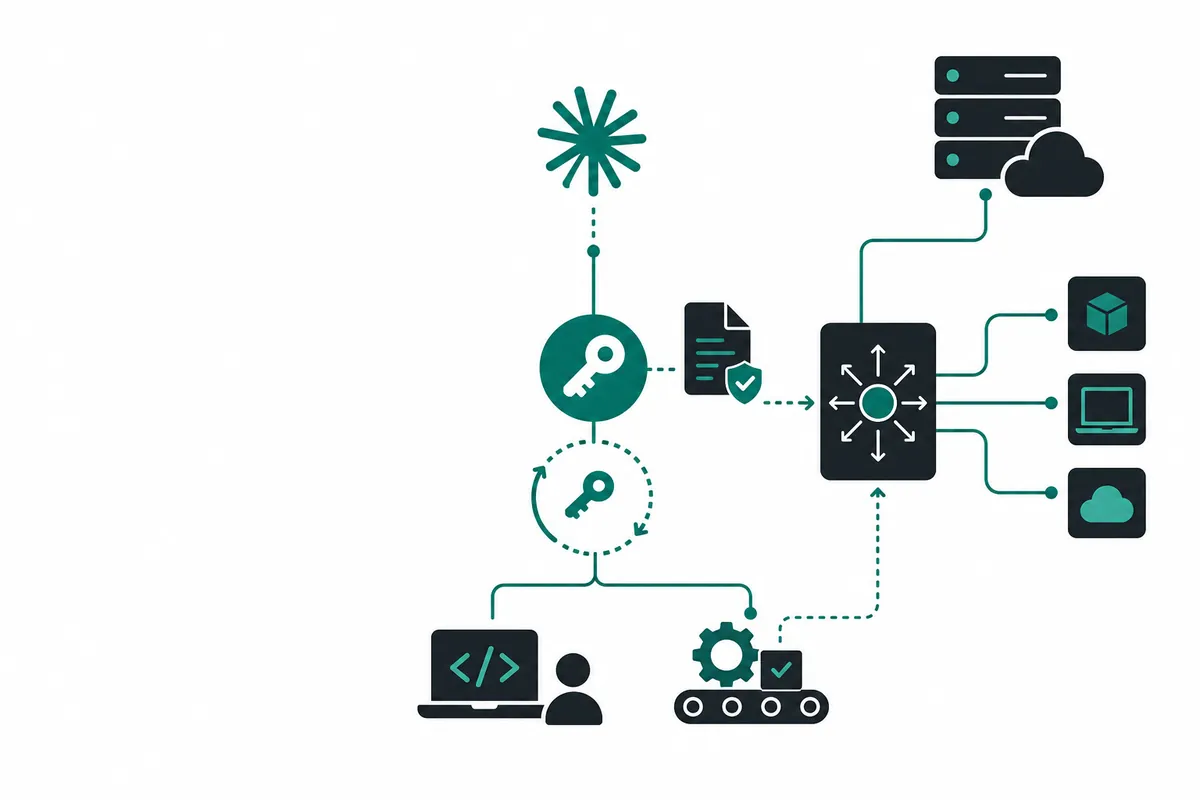
Crazyrouter gives Codex CLI a single OpenAI-compatible gateway:
- one API key;
- one base URL;
- multiple model choices;
- OpenAI-compatible client configuration;
- easier switching between coding models.
One-command install#
Windows PowerShell#
Open PowerShell as a normal user and run:
iwr -UseB https://raw.githubusercontent.com/xujfcn/crazyrouter-codex-cli/main/install-crazyrouter-codex.ps1 | iex
Or download and run:
install-crazyrouter-codex.bat
macOS / Linux#
curl -fsSL https://raw.githubusercontent.com/xujfcn/crazyrouter-codex-cli/main/install-crazyrouter-codex.sh | bash
The script asks for your Crazyrouter API key, writes the needed environment variables, and backs up existing Codex configuration when needed.
Manual setup#
If you prefer to configure it yourself, install Codex CLI first:
npm install -g @openai/codex
Node.js 22+ is recommended.
Then set the environment variables.
macOS / Linux#
export OPENAI_API_KEY=sk-your-crazyrouter-key
export OPENAI_BASE_URL=https://cn.crazyrouter.com/v1
Windows PowerShell#
setx OPENAI_API_KEY "sk-your-crazyrouter-key"
setx OPENAI_BASE_URL "https://cn.crazyrouter.com/v1"
After setx, reopen your terminal.
Then start Codex:
codex
Codex config.toml example#
Some Codex CLI versions support provider configuration in:
- Windows:
%USERPROFILE%\.codex\config.toml - macOS / Linux:
~/.codex/config.toml
Example:
model = "gpt-5.5"
model_provider = "crazyrouter"

[model_providers.crazyrouter]
name = "Crazyrouter"
base_url = "https://cn.crazyrouter.com/v1"
env_key = "OPENAI_API_KEY"
wire_api = "responses"

[model_providers.crazyrouter.query_params]
If you see this error:
wire_api = "chat" is no longer supported
change:
wire_api = "chat"
to:
wire_api = "responses"
Model selection#
Once the gateway is configured, you can start Codex with the default model or specify one explicitly:
codex
codex --model gpt-5.5
codex --model gpt-4o-mini
codex --model claude-sonnet-4-6
Model availability can vary by account, provider route, and current upstream status. Check the current model list here:
Practical workflow example#
A simple Codex CLI coding loop:
cd your-project
codex
Then ask:
Inspect this repo and explain the architecture. Do not edit files yet.
After the summary:
Find the smallest safe fix for the failing login test. Make the change, then run the relevant test only.
Then review:
git diff
npm test -- login
The gateway setup does not replace careful review. It makes the model/provider configuration less annoying so you can focus on the actual engineering loop.
Troubleshooting#
codex: command not found#
Install Codex globally:
npm install -g @openai/codex
Then check:
which codex
codex --help
On Windows, reopen the terminal after installation.
API key not found#
Check whether the environment variable exists.
macOS / Linux:
echo $OPENAI_API_KEY
Windows PowerShell:
$env:OPENAI_API_KEY
If empty, set it again.
Wrong base URL#
The base URL should be exactly:
https://cn.crazyrouter.com/v1
Do not add /chat/completions, /responses, or UTM parameters. Client libraries append the final API path themselves.
Existing Codex config conflict#
If you had another provider configured before, check:
cat ~/.codex/config.toml
Make sure the selected model_provider points to the Crazyrouter provider block.
When this setup is useful#
This repo is especially useful for developers who:
- use Codex CLI but want an OpenAI-compatible gateway;
- want to try multiple models from one CLI setup;
- work across Windows, macOS, and Linux machines;
- need a repeatable install script for teammates;
- want a simpler path for AI coding workflows in regions where direct provider access can be unstable.
Links#
- GitHub repo: xujfcn/crazyrouter-codex-cli
- Crazyrouter: crazyrouter.com
- Model list: crazyrouter.com/models
- Docs: crazyrouter.com/docs
Bottom line#
crazyrouter-codex-cli is a small repo, but it removes a common setup tax: configuring Codex CLI to use an OpenAI-compatible gateway correctly.
If you want Codex CLI with one key, one base URL, and easier model routing, start here:
https://github.com/xujfcn/crazyrouter-codex-cli