简体中文
简体中文 繁體中文
繁體中文 English
 Français
 Русский
 日本語
日本語 Tiếng Việt
 한국어
한국어 Deutsch
 Español
 Italiano
 Português
 العربية
 ไทย
ไทย Bahasa Indonesia
 Bahasa Melayu
 Türkçe
 Polski
 Nederlands
 Dansk
Dansk Norsk
Norsk Қазақша
Gemini 2.5 Flash-Lite Use Cases: The Practical Automation Tier for Developers
A practical guide to where Gemini 2.5 Flash-Lite fits: high-volume classification, extraction, routing, enrichment, and other automation jobs where latency and unit economics matter more than deep reasoning.

Gemini 2.5 Flash-Lite Use Cases: The Practical Automation Tier for Developers#
Gemini 2.5 Flash-Lite is easiest to understand as an automation-tier model: fast, inexpensive to run at scale, multimodal, and capable enough for a large set of repeatable software tasks.
It is not the model you pick when every response needs deep legal reasoning, long-form strategic writing, or complex debugging. It is the model you try when you have thousands or millions of small decisions to make: classify this message, extract these fields, route this request, summarize this event, check this policy, enrich this row, or decide whether a stronger model should be called next.
According to Google’s model documentation, Gemini 2.5 Flash-Lite supports text, code, images, audio, and video inputs; text output; function calling; structured output; thinking controls; context caching; and a 1,048,576-token maximum input context. That combination makes it useful beyond toy chatbots, especially for teams building pipelines where cost per operation matters.
This article maps where it fits, where it does not, and how to call it through Crazyrouter using an OpenAI-compatible API surface.
Internal link: Compare models on Crazyrouter
The short version#
Use Gemini 2.5 Flash-Lite when the task is:
- High volume
- Latency sensitive
- Easy to validate
- Structured or semi-structured
- More about judgment at the edge than deep reasoning
- Allowed to escalate to a stronger model when confidence is low
Avoid using it as the only model when the task is:
- High stakes and ambiguous
- Multi-step reasoning heavy
- Dependent on nuanced domain expertise
- Expected to produce final user-facing answers without review
- Hard to automatically evaluate
Why an “automation tier” matters#
Many teams start with one powerful model for everything. That works for prototypes, but it becomes expensive and slow once an application has real traffic.
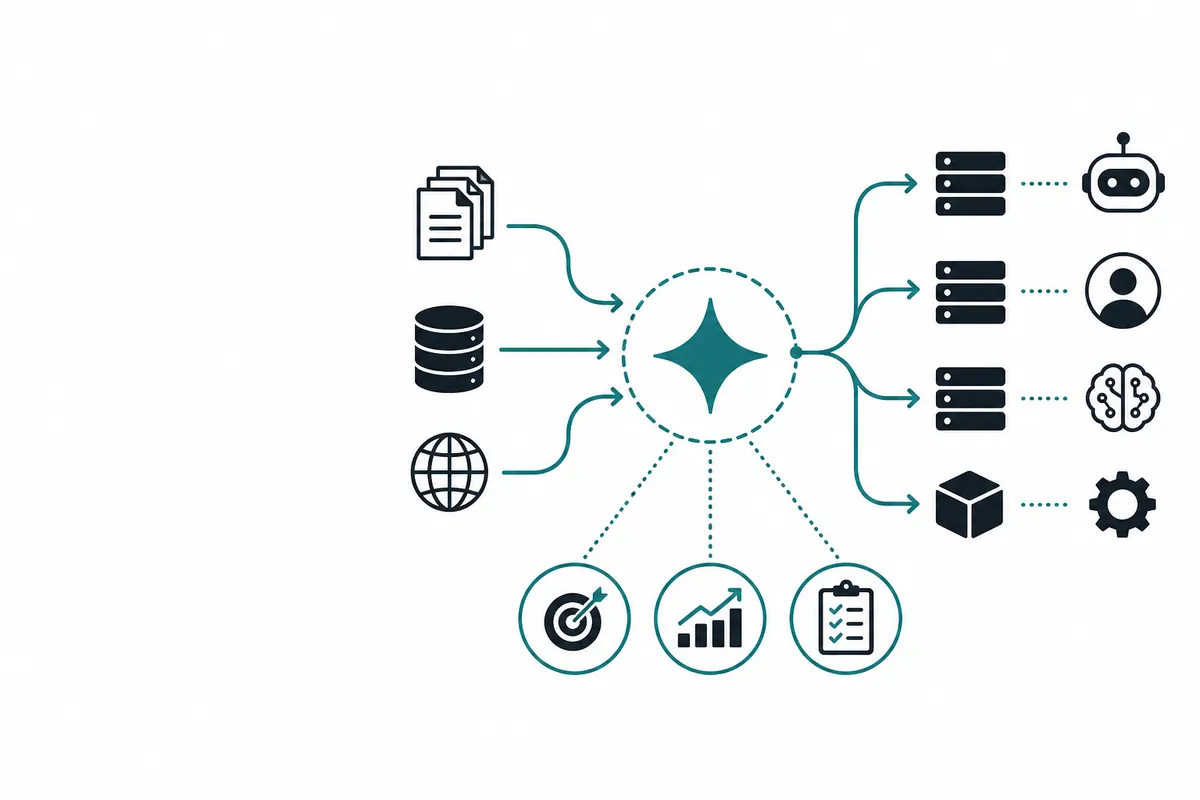
A production AI system usually has layers:
| Layer | Typical job | Model requirement | Example |
|---|---|---|---|
| Edge automation | Classify, extract, route, normalize | Fast, cheap, reliable enough | “Is this ticket billing, bug, or account access?” |
| Mid-tier reasoning | Draft, summarize, transform, explain | Balanced reasoning and cost | “Write a support reply using policy context.” |
| Premium reasoning | Complex analysis, coding, hard planning | Strongest model available | “Debug this production incident timeline.” |
Gemini 2.5 Flash-Lite belongs mostly in the first layer, with occasional mid-tier use when prompts are narrow and evaluation is clear.
Best use cases for Gemini 2.5 Flash-Lite#
1. Classification at scale#
Classification is one of the cleanest uses for a lightweight model. You provide a small taxonomy, a few examples, and ask for strict JSON.
Good examples:
- Support intent classification
- Lead qualification
- Abuse or spam triage
- Content category tagging
- Log event categorization
- Email urgency scoring
- Product feedback bucketing
The output should be easy to validate:
{
  "category": "billing",
  "confidence": 0.84,
  "needs_human": false
}
2. Data extraction from messy text#
Flash-Lite is useful when you need structured fields from unstructured input.
Examples:
- Extract invoice metadata
- Pull order IDs from support messages
- Parse meeting notes into tasks
- Normalize addresses or company names
- Extract error messages from logs
- Convert form submissions into CRM fields
The key is to define the schema tightly and allow null when the input does not contain an answer.
3. Request routing before expensive calls#
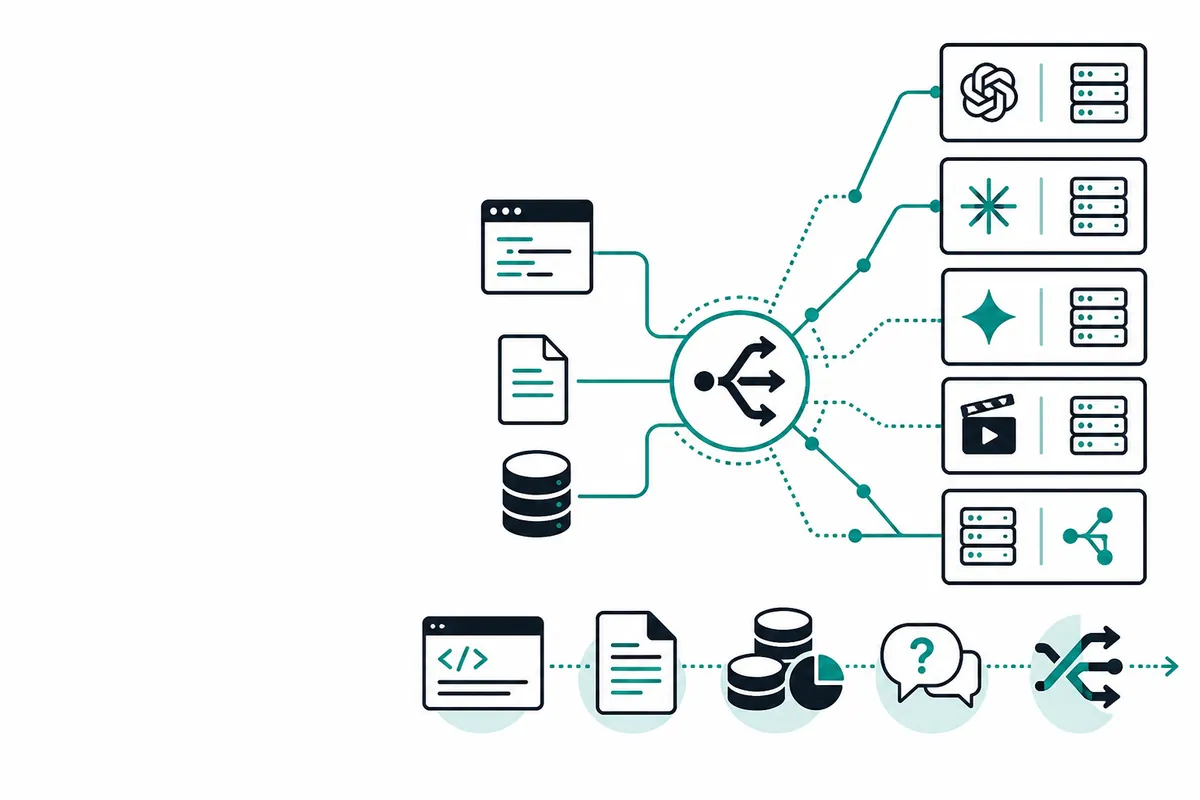
One of the highest-ROI patterns is using Flash-Lite as a router.
Instead of sending every request to a premium model, first ask:
- Is this request simple enough for a lightweight model?
- Does it need retrieval?
- Does it need a tool call?
- Does it involve policy risk?
- Which model should handle the next step?
This is especially useful with Crazyrouter because you can centralize model selection while keeping your client code close to the OpenAI SDK style.
Internal link: Start with Crazyrouter’s OpenAI-compatible API
4. Summaries of short or repetitive content#
Gemini 2.5 Flash-Lite can handle short summaries well when the desired output is constrained.
Good fits:
- “Summarize this support thread in 5 bullets.”
- “Turn this call transcript chunk into action items.”
- “Extract the customer’s actual problem from this conversation.”
- “Summarize this log group for an incident timeline.”
For long executive narratives or delicate user-facing summaries, test carefully and consider a stronger model.
5. Multimodal pre-processing#
Because Gemini 2.5 Flash-Lite supports multimodal inputs, it can be useful as a pre-processing step for image, audio, video, and document workflows.
Examples:
- Classify uploaded images before review
- Detect whether a screenshot contains an error dialog
- Summarize a short audio note
- Extract simple facts from a PDF or text document
- Decide whether a video needs deeper analysis
The best pattern is often: cheap multimodal inspection first, deeper model second only when needed.
OpenAI-compatible API example with Crazyrouter#
The following Node.js example uses the OpenAI SDK style and points it at Crazyrouter’s API base URL.
import OpenAI from "openai";

const client = new OpenAI({
  apiKey: process.env.CRAZYROUTER_API_KEY,
  baseURL: "https://crazyrouter.com/v1",
});

const response = await client.chat.completions.create({
  model: "google/gemini-2.5-flash-lite",
  temperature: 0.2,
  messages: [
    {
      role: "system",
      content:
        "You classify automation requests. Return only valid JSON with keys: category, confidence, should_escalate.",
    },
    {
      role: "user",
      content:
        "Customer says: I was charged twice after upgrading my workspace plan yesterday.",
    },
  ],
});

console.log(response.choices[0]?.message?.content);
Example output:
{
  "category": "billing",
  "confidence": 0.91,
  "should_escalate": false
}
A practical escalation pattern#
Do not ask one lightweight model to solve every problem. Ask it to decide what should happen next.
const routerPrompt = `
Return JSON:
{
  "route": "answer_directly" | "retrieve_context" | "use_stronger_model" | "human_review",
  "reason": string,
  "confidence": number
}

Rules:
- Use answer_directly only for simple, low-risk questions.
- Use retrieve_context when the answer depends on internal docs.
- Use use_stronger_model for complex reasoning, coding, or ambiguous decisions.
- Use human_review for billing disputes, account access, legal, medical, safety, or policy-sensitive cases.
`;
This gives you a clean control plane:
- Flash-Lite classifies the request.
- Your app applies deterministic thresholds.
- Only a subset of requests move to retrieval, stronger models, or humans.
Comparison: Flash-Lite vs heavier models#
| Criterion | Gemini 2.5 Flash-Lite | Larger reasoning model |
|---|---|---|
| Latency-sensitive workflows | Strong fit | Often slower |
| High-volume classification | Strong fit | Usually overkill |
| Simple extraction | Strong fit | Usually overkill |
| Complex coding | Limited fit | Better fit |
| Ambiguous strategy | Limited fit | Better fit |
| Cost control | Strong fit | More expensive |
| Final high-stakes decisions | Should escalate | Better, but still needs review |
Implementation checklist#
Before putting Gemini 2.5 Flash-Lite into production, define:
- The exact schema for every response
- A confidence threshold for automatic action
- An escalation path for uncertainty
- A small labeled test set
- A log of input, output, model, latency, and downstream result
- A cost-per-success metric, not just cost-per-token
That final point matters. The cheapest model is not always cheapest if it creates retries, escalations, or user dissatisfaction. Measure the full workflow.
FAQ#
Is Gemini 2.5 Flash-Lite only for chatbots?#
No. It is often more useful behind the scenes: classification, extraction, routing, moderation pre-checks, enrichment, and workflow automation.
Can I use Gemini 2.5 Flash-Lite with an OpenAI-compatible API?#
Yes, through providers such as Crazyrouter that expose supported models through an OpenAI-compatible endpoint. Use https://crazyrouter.com/v1 as the base URL and select the Gemini model by name.
Should Flash-Lite answer final user questions?#
Sometimes, but use care. It is better for narrow, low-risk answers than broad, ambiguous, or high-stakes decisions.
What is the best first production use case?#
Start with routing or classification. These are easy to evaluate, easy to roll back, and can reduce load on more expensive models.
How should I evaluate it?#
Create a representative sample of real tasks and track accuracy, abstention quality, escalation rate, latency, and cost per successful task.
Bottom line#
Gemini 2.5 Flash-Lite is most valuable when treated as a practical automation layer rather than a universal answer engine. Use it to make fast, structured decisions at the edge of your system, then escalate when uncertainty or complexity rises.
If you are building with multiple models, Crazyrouter can help keep the integration simple: one OpenAI-compatible API surface, model choice at request time, and room to test Flash-Lite against stronger alternatives without rewriting your application.
Next: Using Gemini 2.5 Flash-Lite for support automation and ticket triage