简体中文
简体中文 繁體中文
繁體中文 English
 Français
 Русский
 日本語
日本語 Tiếng Việt
 한국어
한국어 Deutsch
 Español
 Italiano
 Português
 العربية
 ไทย
ไทย Bahasa Indonesia
 Bahasa Melayu
 Türkçe
 Polski
 Nederlands
 Dansk
Dansk Norsk
Norsk Қазақша
Claude Code Dynamic Workflows, Rebuilt: A Practical Ultracode-Style Orchestration Template
Dynamic workflows in Claude Code are trending because they turn one prompt into orchestration, subagents, and verification gates. We rebuilt the useful pattern as a reproducible local workflow with model routing through Crazyrouter.

Claude Code Dynamic Workflows, Rebuilt: A Practical Ultracode-Style Orchestration Template#
Claude Code Dynamic Workflows and ultracode are getting attention because they change the shape of AI coding work.
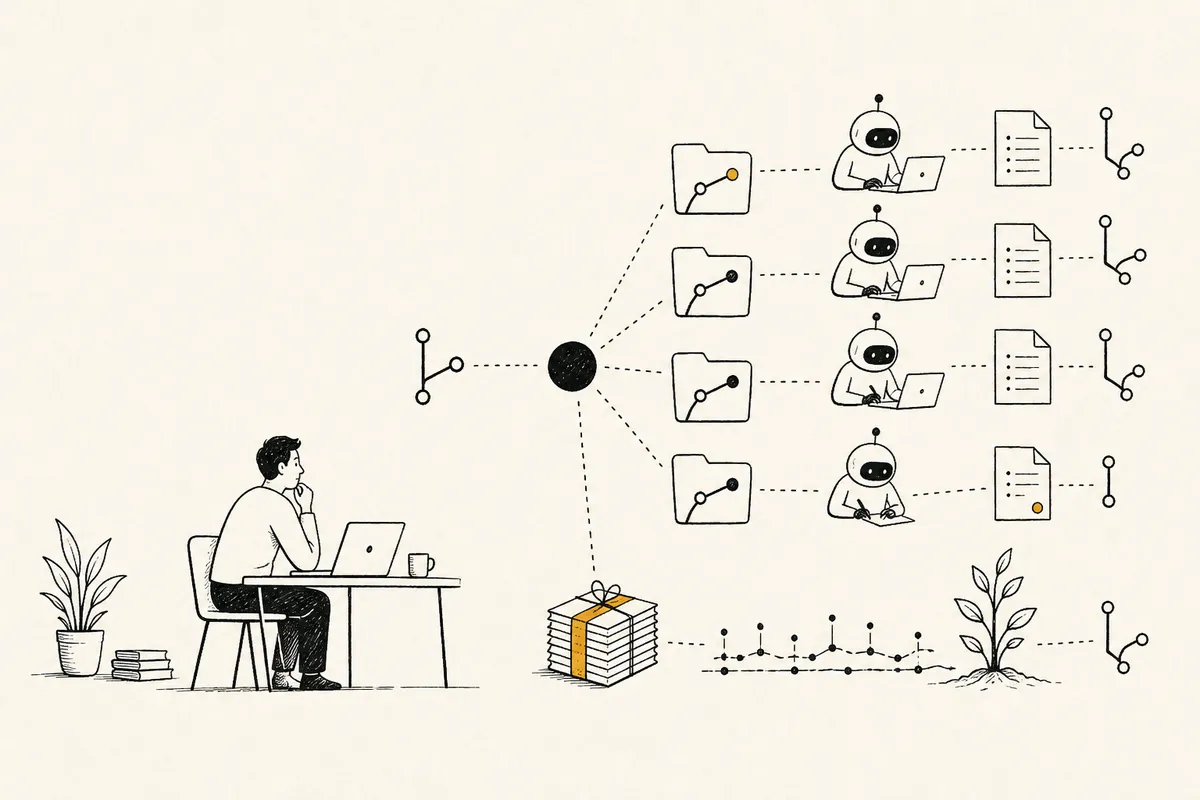
Instead of asking one agent to do everything in one long conversation, the workflow pattern looks more like this:
- detect that a task is complex;
- write an orchestration plan;
- split the work into scoped packets;
- assign subagents or roles;
- require review and verification gates;
- keep trace evidence for what happened.
The important part is not the brand name. The important part is the orchestration pattern.
So we rebuilt the useful part locally as a reproducible template that works with an OpenAI-compatible model gateway like Crazyrouter.
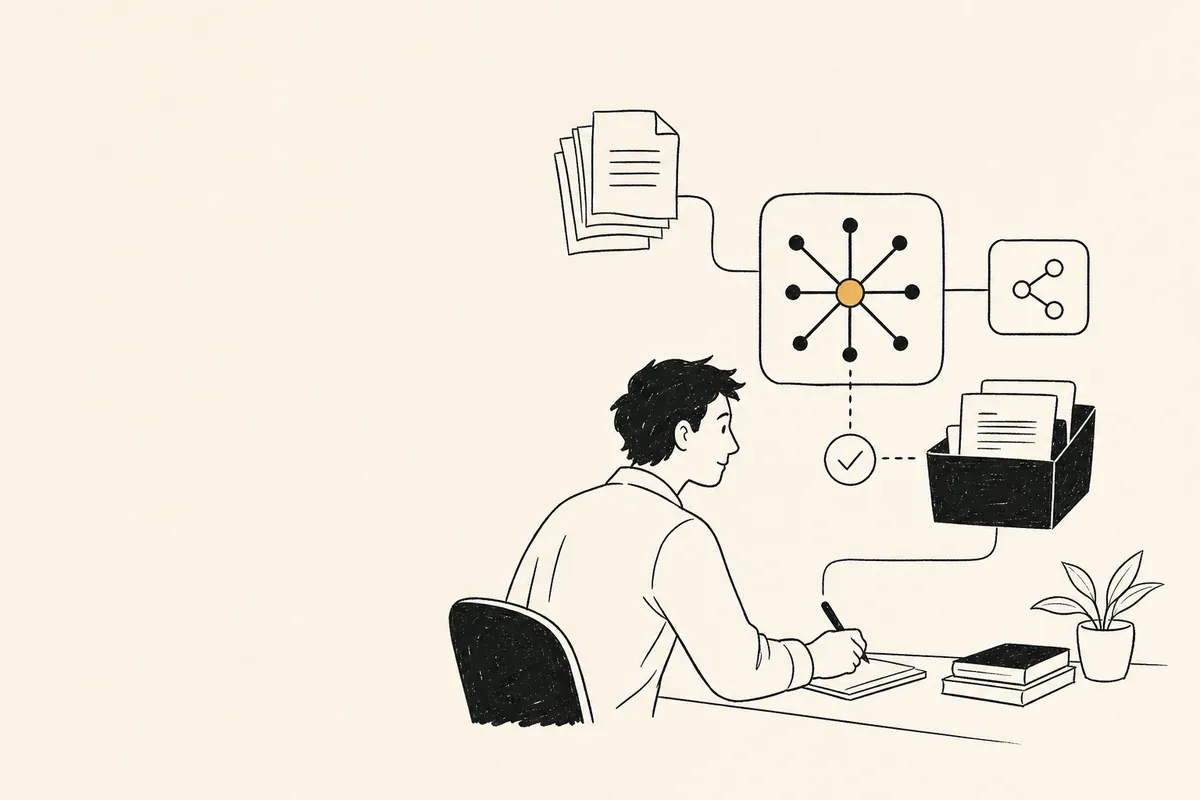
Why dynamic workflows are different#
A normal AI coding session is linear:
human prompt -> agent edits files -> human checks result
A dynamic workflow is closer to:
human goal
  -> planner packet
  -> implementer packet
  -> adversarial reviewer packet
  -> verifier packet
  -> trace log + go/no-go
That structure matters because complex coding tasks fail when everything is mixed together:
- planning gets confused with implementation;
- implementation gets reviewed by the same assumptions that created it;
- tests are mentioned but not actually run;
- the developer cannot tell what happened after a long agent session;
- token usage explodes without a routing policy.
The local reproduction#
We created a small tool:
tools/agent_workflows/workflow_orchestrator.py
It creates a dynamic-workflow folder with role packets, verification gates, and trace logging.
Example:
python tools/agent_workflows/workflow_orchestrator.py \
  --title "Claude Code Dynamic Workflows ultracode reproduction" \
  --task "Reproduce the useful part of Claude Code Dynamic Workflows / ultracode: split a complex coding request into scoped packets, assign model routes, require adversarial review, and verify with evidence." \
  --out generated/dynamic_workflows_20260603/ultracode_reproduction
Generated output:
ultracode_reproduction/
├── README.md
├── workflow.json
├── trace.jsonl
├── verify.sh
├── article_notes.md
└── packets/
    ├── 01-planner.md
    ├── 02-implementer.md
    ├── 03-adversarial-reviewer.md
    └── 04-verifier.md
This is not trying to clone Claude Code internals. It reproduces the workflow primitive in a way that is portable, inspectable, and publishable.
The four-packet workflow#
| Packet | Role | Suggested model route | Completion gate |
|---|---|---|---|
| Planner | Convert request into scope, risks, acceptance criteria, file-level plan | claude-opus-4-7 | Plan lists affected files, risks, tests, rollback |
| Implementer | Apply the smallest safe patch | coding-optimized model | Patch maps to acceptance criteria |
| Adversarial reviewer | Challenge assumptions, security, edge cases, tests | alternate reviewer model, e.g. claude-opus-4-8 | Returns approve / request changes / block |
| Verifier | Run tests or inspect evidence | fast summary model | Produces command output or direct inspection notes |
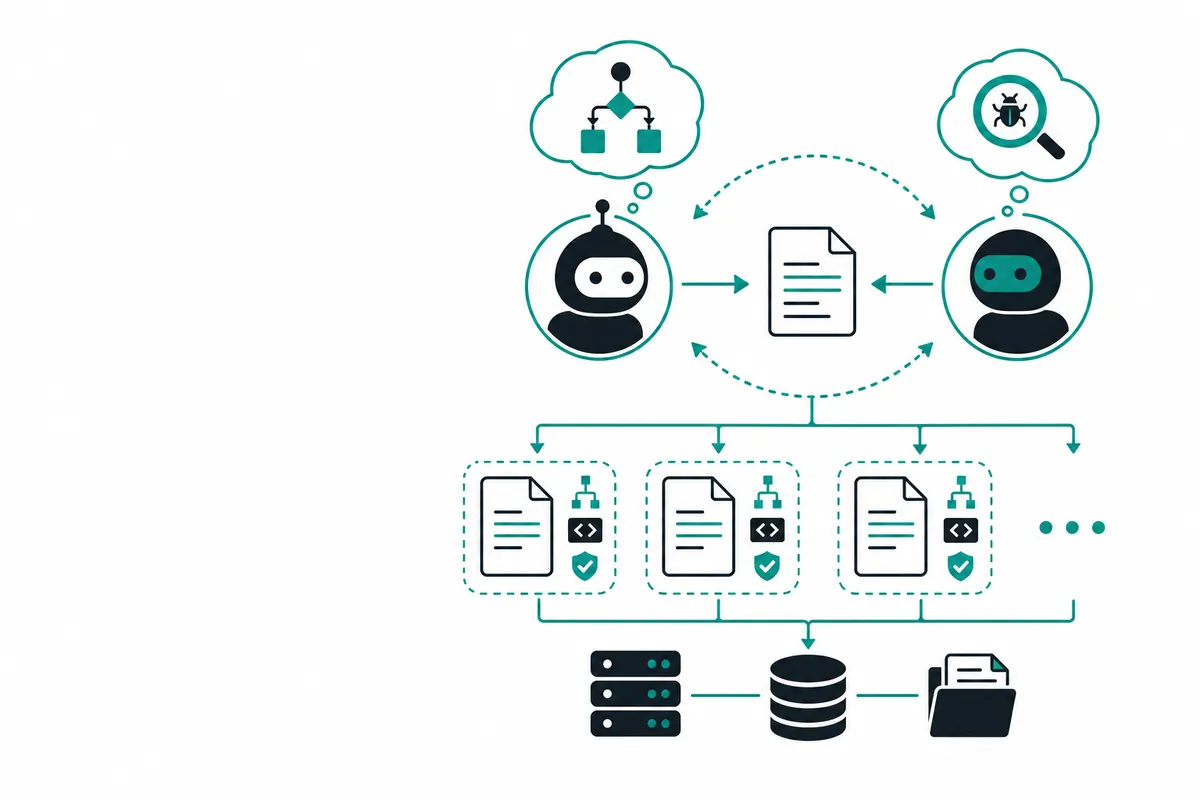
The point is role separation. The model that implements should not be the only model that reviews.
Crazyrouter model routing setup#
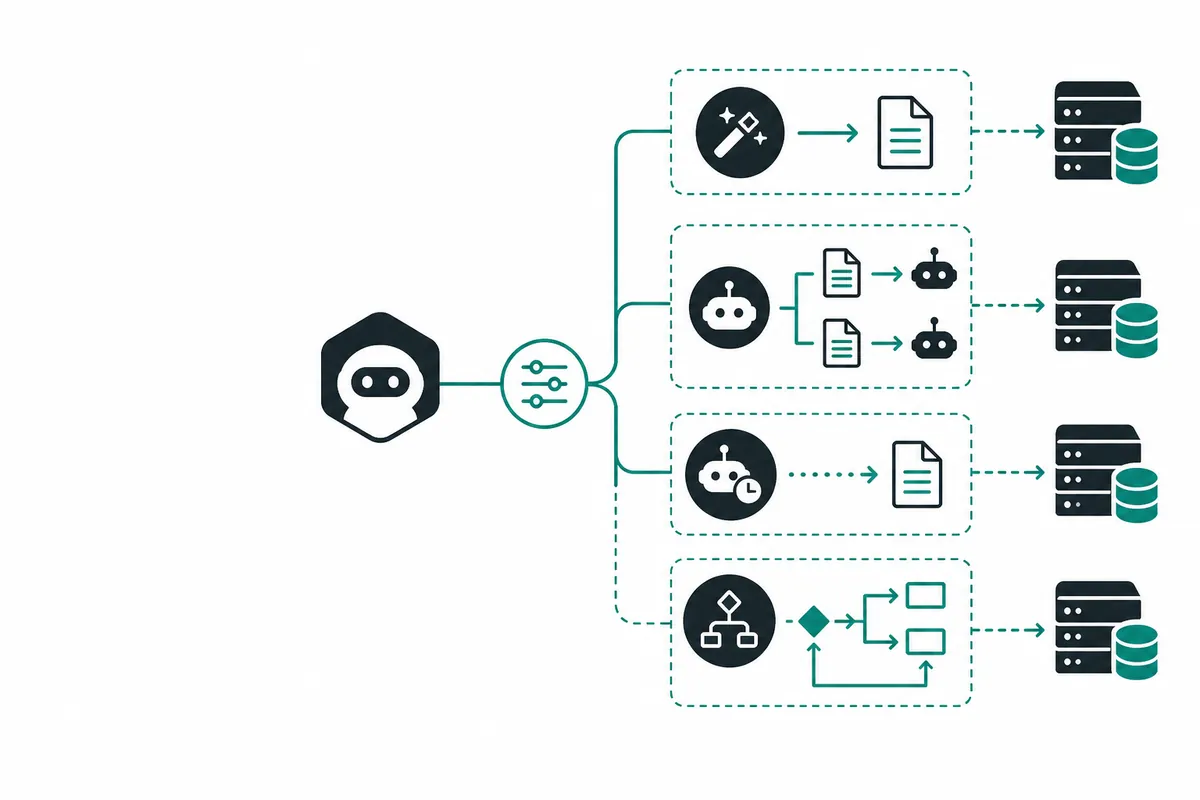
When model calls are needed, use one OpenAI-compatible base URL and switch only the model ID.
from openai import OpenAI

client = OpenAI(
    api_key="YOUR_CRAZYROUTER_API_KEY",
    base_url="https://cn.crazyrouter.com/v1"
)

planner = client.chat.completions.create(
    model="claude-opus-4-7",
    messages=[{"role": "user", "content": "Create a scoped implementation plan with risks and tests."}],
    temperature=0
)

reviewer = client.chat.completions.create(
    model="claude-opus-4-8",
    messages=[{"role": "user", "content": "Adversarially review this plan. Return approve, request-changes, or block."}],
    temperature=0
)
Keep API endpoints clean. Do not add UTM parameters to base_url.
Correct:
https://cn.crazyrouter.com/v1
Wrong:
https://cn.crazyrouter.com/v1?utm_source=blog
Why ultracode-style workflows can get expensive#
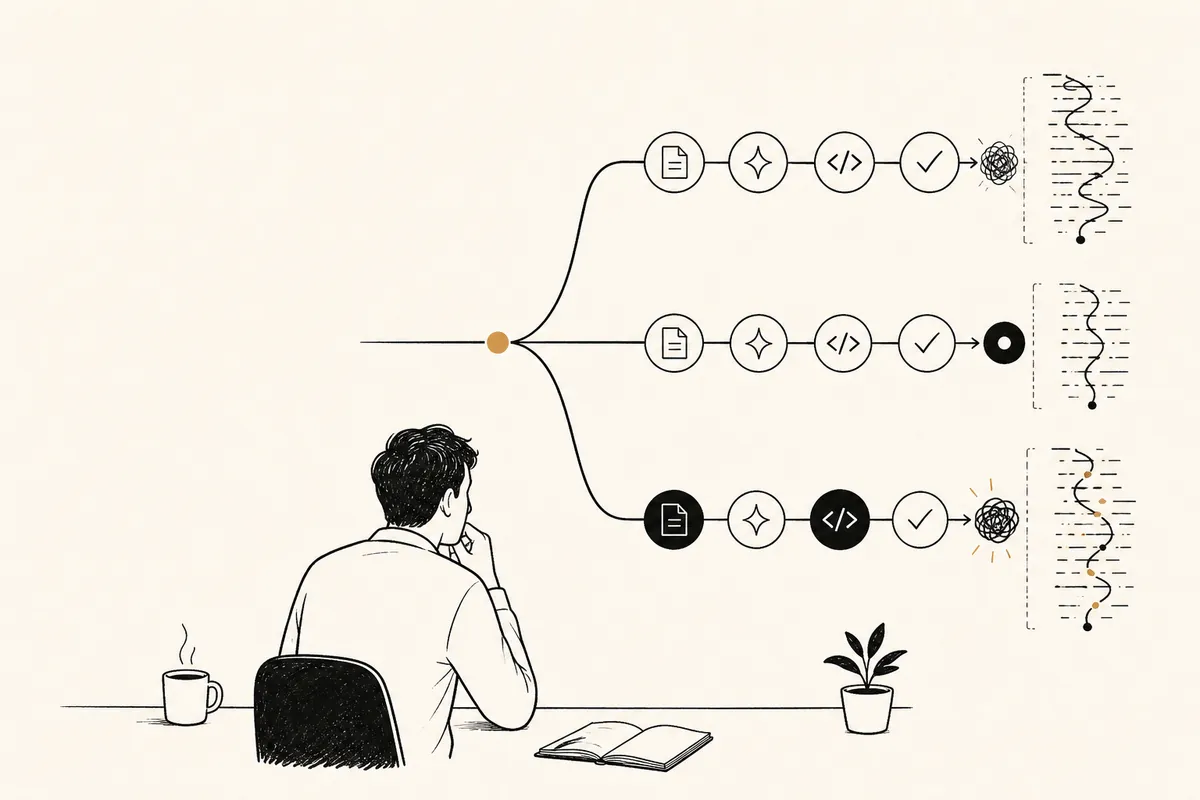
Dynamic workflows can fan out. A single request may create many sub-tasks, and each sub-task may ask for context, write code, review code, and run verification.
That is powerful, but it needs budget control.
A good workflow should log:
| Field | Why it matters |
|---|---|
| role | planner / implementer / reviewer / verifier |
| model | model routing and cost attribution |
| latency | user experience and bottleneck analysis |
| tokens | usage and cost estimation |
| result | approve / changes / blocked / verified |
| evidence | tests, screenshots, logs, URLs |
We also created:
tools/agent_workflows/agent_trace_logger.py
Example trace summary:
By model:
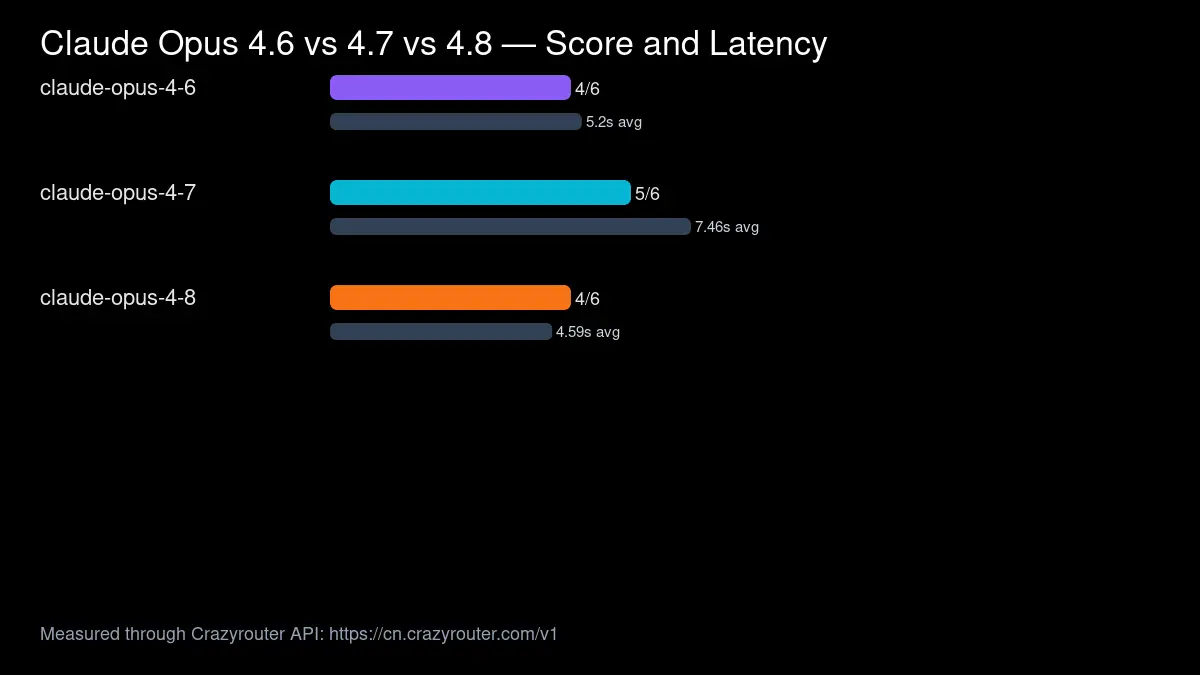
- claude-opus-4-7: calls=1, avg_latency=7.46s, total_tokens=1800
- claude-opus-4-8: calls=1, avg_latency=4.59s, total_tokens=1500
A practical routing policy#
For teams using AI coding agents, start simple:
| Workflow step | Routing rule |
|---|---|
| Planning | stronger reasoning model, low temperature |
| Implementation | coding-specialized or cost-balanced model |
| Review | different model from implementer |
| Verification summary | fast/cheap model only after tests run |
| High-risk changes | require human approval before merge |
The mistake is using the most expensive model for every step. The other mistake is using the cheapest model for steps where failure is expensive.
A gateway lets you route by step.
What we shipped#
For this reproduction, we created:
tools/agent_workflows/workflow_orchestrator.pytools/agent_workflows/agent_packetizer.pytools/agent_workflows/agent_trace_logger.pygenerated/dynamic_workflows_20260603/ultracode_reproduction/growth_ops/codex_claude_search_report_20260603.mdgrowth_ops/twitter_codex_claude_cases.md
This turns a trending workflow idea into reusable operating infrastructure.
FAQ#
Is this the same as Claude Code Dynamic Workflows?#
No. It is a local reproduction of the useful workflow pattern: orchestration, packets, review, verification, and trace logging.
Why not just use one agent?#
One agent is fine for small tasks. For complex tasks, role separation catches more mistakes and creates better evidence.
Why use Crazyrouter here?#
Crazyrouter provides an OpenAI-compatible API gateway so each workflow step can route to a different model without rewriting client code.
Should every task use dynamic workflows?#
No. Use them for multi-file changes, migrations, security-sensitive edits, large refactors, or tasks where review evidence matters.
What is the next improvement?#
The next step is to connect the orchestrator to real model calls, collect token/latency data automatically, and compare routing policies.
Final take#
Dynamic workflows are not magic. They are structured orchestration.
The winning pattern is:
plan -> implement -> adversarial review -> verify -> log evidence
If you combine that with model routing, you get something more useful than a single long AI coding chat: a measurable engineering workflow.
Try the API gateway here: Crazyrouter