Crazyrouter
中文Tutorial
GPT-image-2 实战:吉卜力风格转换 — 把任何照片变成宫崎骏动画
用 GPT-image-2 通过 Crazyrouter API 将照片转换为吉卜力、新海诚等多种动漫风格。附完整代码和多风格 Prompt 模板。
C
Crazyrouter Team
May 1, 2026 / 1073 views
Share:
Crazyrouter
GPT-image-2 实战:吉卜力风格转换 — 把任何照片变成宫崎骏动画#
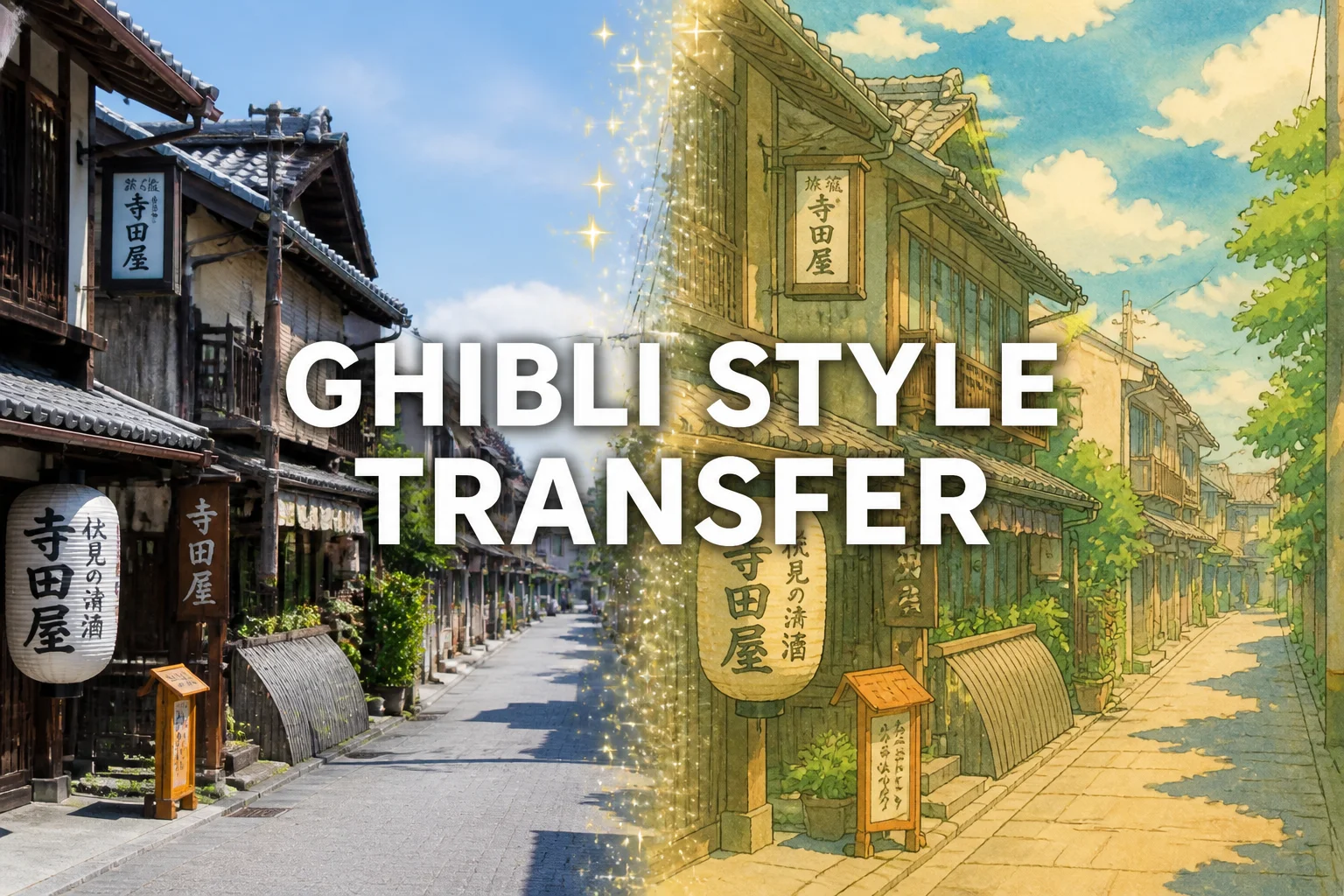
2025 年初,"吉卜力滤镜"在全网爆火 — 把自己的照片变成宫崎骏风格的动画插画。GPT-image-2 不仅能做到这一点,还能生成多种动漫风格的精美场景。
本文是系列第四篇,覆盖吉卜力之外的多种动漫风格。
效果展示#
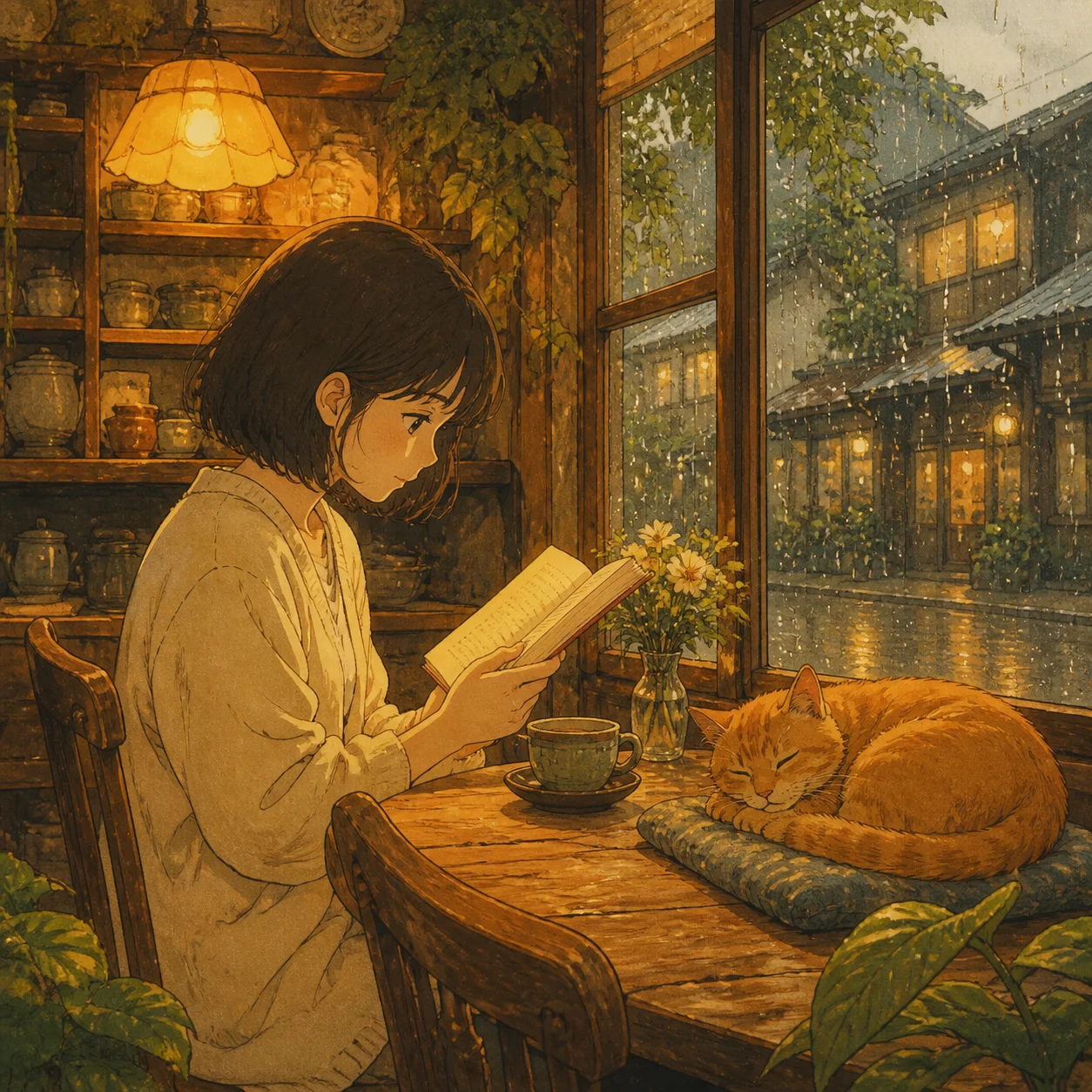
雨天午后的温馨咖啡馆 — 暖色调室内光线、窗上的雨滴、一只橘猫在旁边打盹。水彩质感和暖色调完美还原了经典吉卜力风格。
完整代码#
Python — 吉卜力风格#
python
from openai import OpenAI

client = OpenAI(
    api_key="your-crazyrouter-api-key",
    base_url="https://crazyrouter.com/v1"
)

ghibli_prompt = """
A warm anime illustration of a girl reading a book in a cozy cafe
on a rainy afternoon. Golden interior light, rain on the window,
an orange cat sleeping nearby. Soft watercolor textures, hand-painted
feel, warm color palette, detailed background. Japanese animation
style reminiscent of classic Ghibli films. No text in the image.
"""

response = client.images.generate(
    model="gpt-image-2",
    prompt=ghibli_prompt,
    size="1024x1024",
    n=1
)

print(f"吉卜力风格: {response.data[0].url}")
curl#
bash
curl -X POST https://crazyrouter.com/v1/images/generations \
  -H "Content-Type: application/json" \
  -H "Authorization: Bearer your-crazyrouter-api-key" \
  -d '{
    "model": "gpt-image-2",
    "prompt": "Warm anime illustration of a girl reading in a cozy cafe on a rainy afternoon. Golden light, rain on window, orange cat sleeping nearby. Soft watercolor textures, hand-painted feel, warm colors, detailed background. Classic Ghibli animation style. No text.",
    "size": "1024x1024",
    "n": 1
  }'
Node.js#
javascript
import OpenAI from "openai";

const client = new OpenAI({
  apiKey: "your-crazyrouter-api-key",
  baseURL: "https://crazyrouter.com/v1",
});

const response = await client.images.generate({
  model: "gpt-image-2",
  prompt: `Warm anime illustration of a girl reading in a cozy cafe
on a rainy afternoon. Golden light, rain on window, orange cat nearby.
Watercolor textures, hand-painted feel, warm palette.
Classic Ghibli animation style. No text.`,
  size: "1024x1024",
  n: 1,
});

console.log(response.data[0].url);
多风格 Prompt 模板#
新海诚风格(你的名字、天气之子)#
python
shinkai_prompt = """
A breathtaking anime scene in Makoto Shinkai style.
A girl standing on a rooftop at sunset, looking at a sky filled
with dramatic cumulus clouds painted in orange, pink, and purple.
City skyline below with detailed buildings catching golden light.
Hyper-detailed sky, lens flare, photorealistic lighting with
anime character style. Vibrant saturated colors.
"""
间谍过家家风格#
python
spy_prompt = """
A family portrait in the style of Spy×Family anime.
A father in a sharp suit, a mother in an elegant dress,
and a cute little girl with a big smile between them.
Clean line art, pastel color palette, soft shading.
Cheerful and warm atmosphere. Manga illustration quality.
"""
赛博朋克动漫风格#
python
cyber_prompt = """
A cyberpunk anime scene. A girl with neon-highlighted hair
standing in a rain-soaked Tokyo alley at night. Holographic
advertisements and neon signs reflecting in puddles.
Dark atmosphere with vibrant neon accents (pink, cyan, purple).
Ghost in the Shell meets Akira aesthetic.
"""
水彩漫画风格#
python
watercolor_prompt = """
A serene watercolor manga illustration. A boy sitting under
a cherry blossom tree by a river, petals floating in the breeze.
Soft, translucent watercolor washes. Minimal line art.
Peaceful, contemplative mood. Traditional Japanese watercolor
painting meets manga illustration.
"""
Prompt 技巧#
| 技巧 | 示例关键词 |
|---|---|
| 指定子风格 | "Ghibli", "Shinkai", "90s anime", "shonen manga" |
| 描述光线 | "golden hour", "neon glow", "soft diffused light" |
| 指定质感 | "watercolor", "cel-shaded", "hand-painted", "ink wash" |
| 设定氛围 | "nostalgic", "melancholic", "cheerful", "dramatic" |
| 加 "No text" | 防止图片中出现多余文字 |
批量风格转换#
同一场景生成多种风格:
python
scene = "A girl walking through a sunflower field at golden hour"

styles = {
    "ghibli": "soft watercolor, warm palette, Ghibli animation style",
    "shinkai": "hyper-detailed sky, lens flare, Makoto Shinkai style",
    "cyberpunk": "neon accents, rain, holographic elements, cyberpunk anime",
    "vintage": "90s anime aesthetic, cel-shaded, VHS grain texture",
}

for style_name, style_desc in styles.items():
    response = client.images.generate(
        model="gpt-image-2",
        prompt=f"{scene}. {style_desc}. No text in image.",
        size="1024x1024",
        n=1
    )
    print(f"{style_name}: {response.data[0].url}")
成本#
| 项目 | 价格(Crazyrouter) |
|---|---|
| 1 张(1024×1024) | 约 $0.04-0.08 |
| 4 风格批量 | 约 $0.20-0.32 |
🚀 Crazyrouter — 一个 API Key,600+ 模型。GPT-image-2、GPT-5.5、Claude Opus 4.7、DeepSeek V4 等。
Implementation Guides
AuthenticationCreate and use API keys with the required authorization headers.Quick Start GuideMake the first Crazyrouter API call and validate your setup.Image Upload GuidanceUpload local reference images and use temporary public media URLs.IntroductionUnderstand Crazyrouter's all-in-one AI model API gateway.
Crazyrouter
Topics
Tutorial