简体中文
简体中文 繁體中文
繁體中文 English
 Français
 Русский
 日本語
日本語 Tiếng Việt
 한국어
한국어 Deutsch
 Español
 Italiano
 Português
 العربية
 ไทย
ไทย Bahasa Indonesia
 Bahasa Melayu
 Türkçe
 Polski
 Nederlands
 Dansk
Dansk Norsk
Norsk Қазақша
Hermes Agent 配置 Base URL 指南:为什么必须写 https://cn.crazyrouter.com/v1
Hermes Agent Base URL 配置指南:解释为什么接入 Crazyrouter 要使用 https://cn.crazyrouter.com/v1,以及常见 /v1 错误。
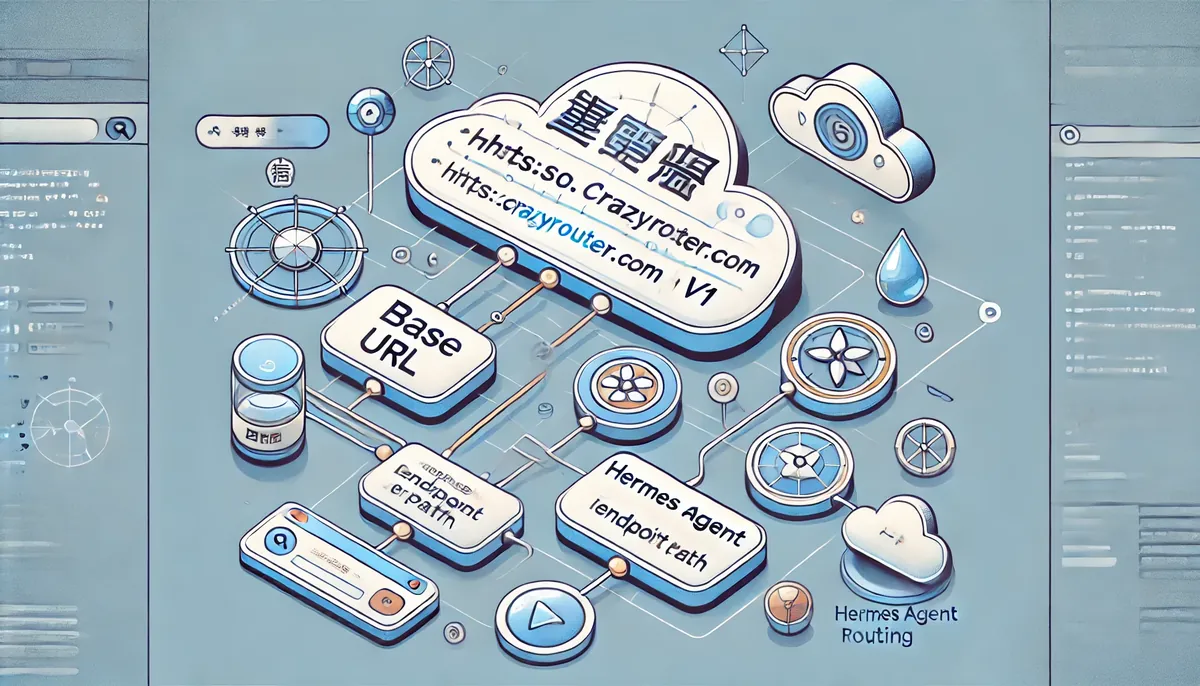
Hermes Agent 配置 Base URL 指南:为什么必须写 https://cn.crazyrouter.com/v1#
配置 AI Agent 工具时,Base URL 是最容易被忽略、但最容易导致失败的参数。
很多人有 API Key,也知道模型名,但 Hermes Agent 还是请求失败。最后发现问题只有一个:Base URL 写错了。
这篇文章专门讲 Hermes Agent 的 Base URL 配置,尤其是接入 Crazyrouter 时为什么推荐使用:
https://cn.crazyrouter.com/v1
配套脚本:
https://github.com/xujfcn/crazyrouter-hermes
Base URL 是什么?#
Base URL 是客户端发送请求时使用的 API 根地址。
比如:
https://cn.crazyrouter.com/v1
当 Hermes Agent 调用聊天接口时,最终请求路径通常会变成:
https://cn.crazyrouter.com/v1/chat/completions
如果你少写 /v1,就可能变成:
https://cn.crazyrouter.com/chat/completions
这就很容易 404。
为什么要用 cn.crazyrouter.com?#
对国内开发者来说,推荐默认使用:
https://cn.crazyrouter.com/v1
原因很简单:
- 接口路径更适合国内访问;
- Hermes Agent 使用 OpenAI-compatible API;
/v1是很多 SDK 和工具默认期望的 API 版本路径;- 配置统一后,模型切换更简单。
手动配置方式#
编辑:
~/.hermes/.env
写入:
OPENAI_API_KEY=sk-your-crazyrouter-key
OPENAI_BASE_URL=https://cn.crazyrouter.com/v1
再编辑:
~/.hermes/config.yaml
写入:
model:
  provider: "custom"
  default: "claude-opus-4-8"
  base_url: "https://cn.crazyrouter.com/v1"
如果你不想手动改,可以直接用脚本。
一键配置脚本#
Linux / macOS / WSL2:
curl -fsSL https://raw.githubusercontent.com/xujfcn/crazyrouter-hermes/main/setup.sh | bash
Windows PowerShell:
irm https://raw.githubusercontent.com/xujfcn/crazyrouter-hermes/main/setup.ps1 | iex
Windows CMD:
curl -o setup.bat https://raw.githubusercontent.com/xujfcn/crazyrouter-hermes/main/setup.bat
setup.bat
脚本会自动把 Base URL 写成:
https://cn.crazyrouter.com/v1
常见错误 1:少了 /v1#
错误:
https://cn.crazyrouter.com
正确:
https://cn.crazyrouter.com/v1
少了 /v1 时,请求路径会不完整。
常见错误 2:重复写了 /v1#
错误:
https://cn.crazyrouter.com/v1/v1
正确:
https://cn.crazyrouter.com/v1
重复 /v1 也会导致接口路径错误。
常见错误 3:模型名和接口不匹配#
Base URL 正确后,还要确认模型名可用。
推荐先测试:
claude-opus-4-8
gpt-5.5
deepseek-v4-flash
进入 Hermes 后切换:
/model claude-opus-4-8
/model gpt-5.5
/model deepseek-v4-flash
常见错误 4:API Key 写错#
.env 里应该是:
OPENAI_API_KEY=sk-your-crazyrouter-key
OPENAI_BASE_URL=https://cn.crazyrouter.com/v1
如果 API Key 错了,通常会出现 401 或 403。
不要把真实 API Key 发到截图或公开文章里。
如何确认配置生效?#
启动 Hermes:
hermes
切换模型:
/model gpt-5.5
问一个简单问题:
用一句话解释 OpenAI-compatible API
如果能正常返回,说明 Base URL、API Key 和模型基本配置都没问题。
为什么一键脚本更稳?#
手动配置容易漏掉细节。一键脚本做了这些事:
- 创建
~/.hermes; - 写入
.env; - 写入
config.yaml; - 默认使用
https://cn.crazyrouter.com/v1; - 默认支持
claude-opus-4-8、gpt-5.5、deepseek-v4-flash; - 修改旧配置前生成备份;
- 可选测试连接。
脚本地址:
https://github.com/xujfcn/crazyrouter-hermes
总结#
Hermes Agent 接入 Crazyrouter,最重要的是 Base URL 写对:
https://cn.crazyrouter.com/v1
然后配置 API Key 和默认模型:
model:
  provider: "custom"
  default: "claude-opus-4-8"
  base_url: "https://cn.crazyrouter.com/v1"
如果你不想手动处理这些文件,直接使用一键脚本即可:
curl -fsSL https://raw.githubusercontent.com/xujfcn/crazyrouter-hermes/main/setup.sh | bash
这能减少大量因为 /v1、Key、模型名导致的配置问题。