简体中文
简体中文 繁體中文
繁體中文 English
 Français
 Русский
 日本語
日本語 Tiếng Việt
 한국어
한국어 Deutsch
 Español
 Italiano
 Português
 العربية
 ไทย
ไทย Bahasa Indonesia
 Bahasa Melayu
 Türkçe
 Polski
 Nederlands
 Dansk
Dansk Norsk
Norsk Қазақша
GPT-image-2로 AI 밈 생성기 & 컬러링북 만들기 — 재미있고 수익도 되는 프로젝트
GPT-image-2와 Crazyrouter API로 AI 밈 생성기와 컬러링북 페이지 제작기를 만듭니다. 재미있고 수익화 가능한 두 가지 프로젝트의 전체 코드를 제공합니다.
GPT-image-2로 AI 밈 생성기 & 컬러링북 만들기#
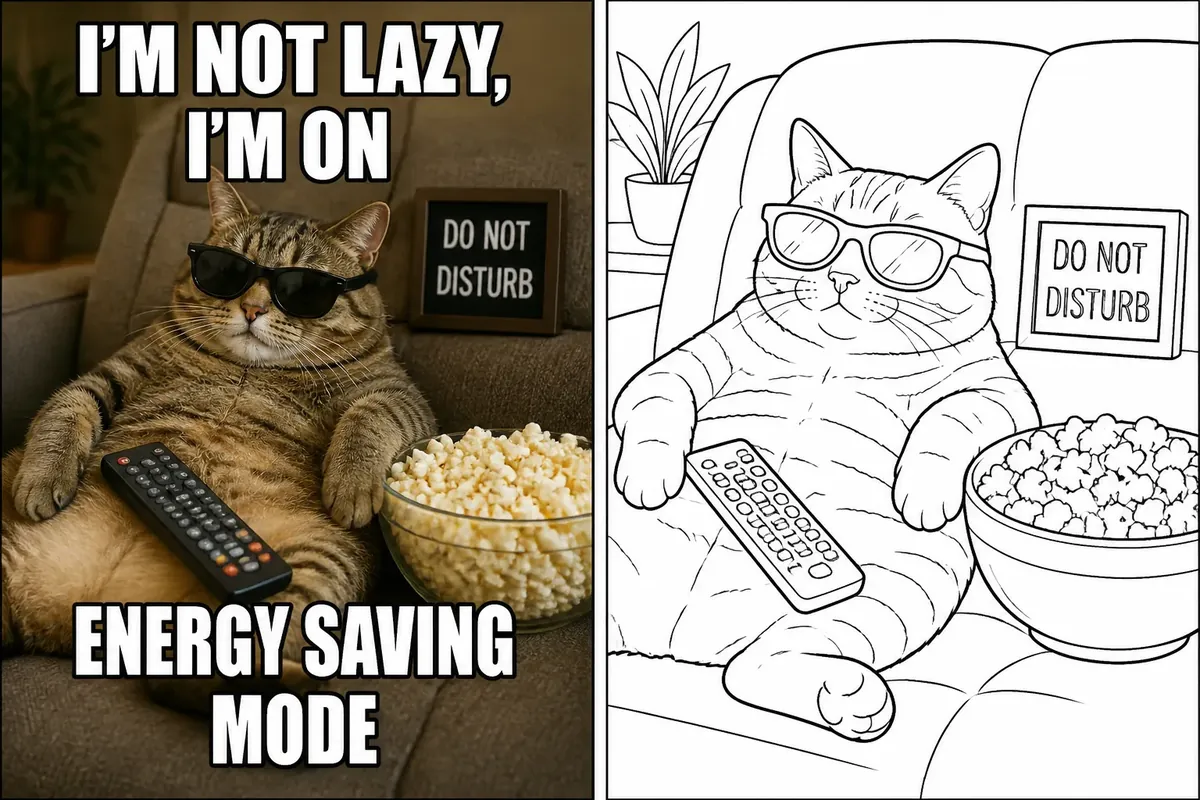
GPT-image-2 시리즈의 마지막 편에서는 재미있으면서도 수익화 가능한 두 가지 활용 사례를 다룹니다: AI 밈 생성과 AI 컬러링북 페이지.
두 프로젝트 모두 GPT-image-2의 핵심 강점인 텍스트 렌더링을 활용합니다. 밈에는 읽기 쉬운 텍스트 오버레이가 필요하고, 컬러링북에는 깔끔한 선화가 필요합니다. GPT-image-2는 둘 다 훌륭하게 처리합니다.
Part 1: AI 밈 생성기#
왜 GPT-image-2로 밈을 만들까?#
기존 밈 제작은 템플릿을 찾고, 포토샵으로 편집하고, 수동으로 텍스트를 추가해야 합니다. GPT-image-2는 한 번의 API 호출로 장면, 캐릭터, 텍스트를 모두 이미지에 직접 렌더링합니다.
결과 미리보기#
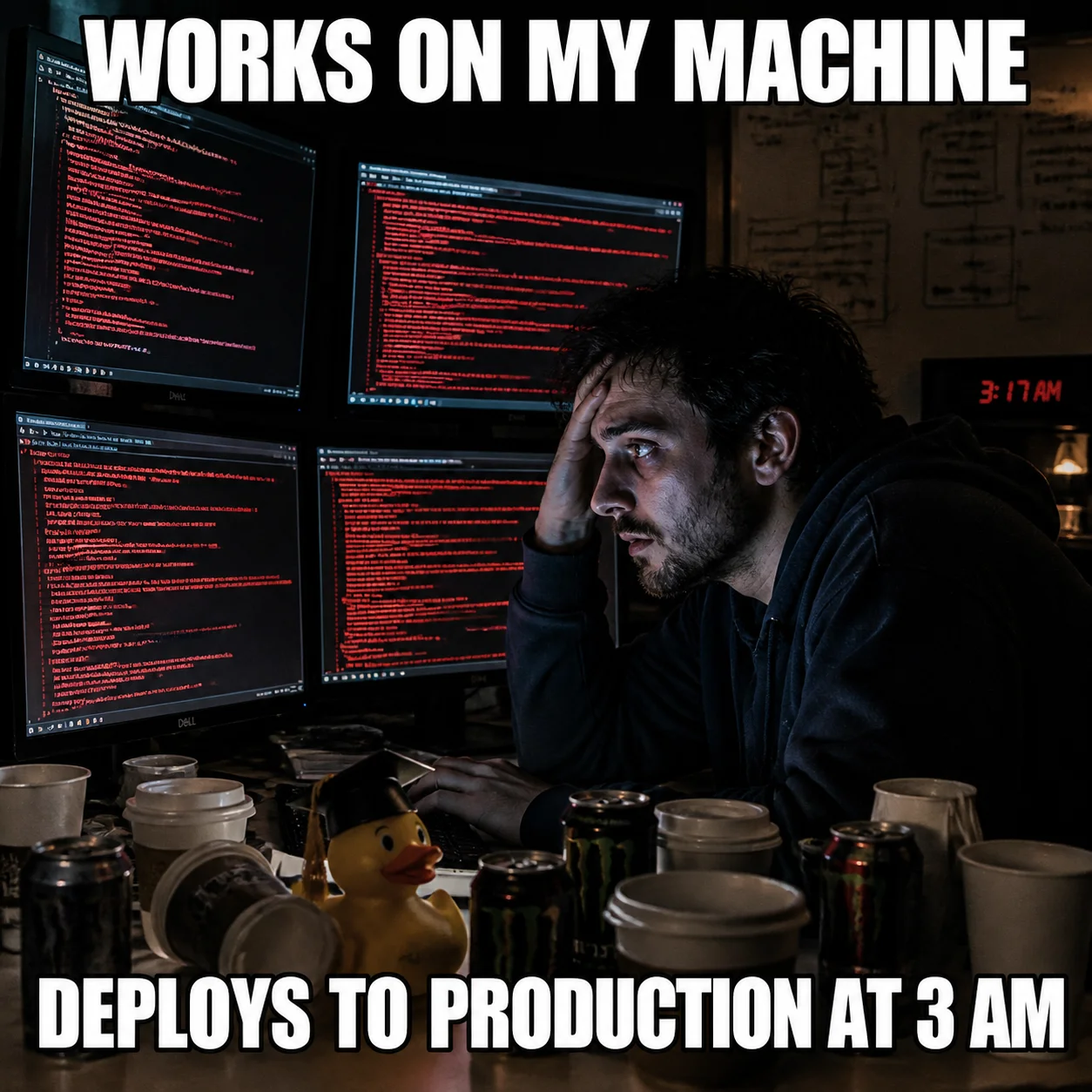
클래식한 "새벽 3시 배포" 개발자 밈 — Impact 폰트 텍스트가 깔끔하게 렌더링되어 있습니다. 포토샵 없이 한 번의 API 호출로 완성.
Python — 밈 생성#
from openai import OpenAI

client = OpenAI(
    api_key="your-crazyrouter-api-key",
    base_url="https://crazyrouter.com/v1"
)

meme_prompt = """
A meme image in classic internet meme format.

Scene: A developer sitting at a desk at 3 AM, illuminated only by
multiple monitor screens showing error logs. Empty coffee cups everywhere.
The developer has dark circles under their eyes and a thousand-yard stare.

Text at the top in bold white Impact font with black outline:
"DEPLOYING TO PRODUCTION ON FRIDAY"

Text at the bottom in bold white Impact font with black outline:
"WHAT COULD GO WRONG?"

Style: Photo-realistic meme format. The text must be clearly readable.
"""

response = client.images.generate(
    model="gpt-image-2",
    prompt=meme_prompt,
    size="1024x1024",
    n=1
)

print(f"밈: {response.data[0].url}")
curl#
curl -X POST https://crazyrouter.com/v1/images/generations \
  -H "Content-Type: application/json" \
  -H "Authorization: Bearer your-crazyrouter-api-key" \
  -d '{
    "model": "gpt-image-2",
    "prompt": "Classic internet meme. Developer at desk at 3AM with multiple monitors showing errors, empty coffee cups. Dark circles, thousand-yard stare. Top text in white Impact font with black outline: DEPLOYING TO PRODUCTION ON FRIDAY. Bottom text: WHAT COULD GO WRONG? Photo-realistic meme format, text clearly readable.",
    "size": "1024x1024",
    "n": 1
  }'
Node.js#
import OpenAI from "openai";

const client = new OpenAI({
  apiKey: "your-crazyrouter-api-key",
  baseURL: "https://crazyrouter.com/v1",
});

const response = await client.images.generate({
  model: "gpt-image-2",
  prompt: `Classic internet meme format. Developer at desk at 3AM,
multiple monitors with error logs, empty coffee cups.
Top text in white Impact font: "DEPLOYING TO PRODUCTION ON FRIDAY"
Bottom text: "WHAT COULD GO WRONG?"
Photo-realistic, text clearly readable.`,
  size: "1024x1024",
  n: 1,
});

console.log(response.data[0].url);
밈 프롬프트 템플릿#
meme_templates = {
    "드레이크": {
        "format": "Drake meme format. Top panel: Drake looking disgusted at '{bad}'. Bottom panel: Drake pointing approvingly at '{good}'. Bold text labels clearly readable.",
    },
    "버닝맨": {
        "format": "Distracted boyfriend meme. Boyfriend (labeled '{distracted}') looking at passing woman (labeled '{new_thing}') while girlfriend (labeled '{current}') looks shocked. Labels in bold white text with black outline.",
    },
    "두뇌확장": {
        "format": "Expanding brain meme with 4 panels. Panel 1 (small brain): '{level1}'. Panel 2 (medium brain): '{level2}'. Panel 3 (glowing brain): '{level3}'. Panel 4 (cosmic brain): '{level4}'. Each panel has brain image and text label.",
    },
}
Part 2: AI 컬러링북 페이지 제작기#
왜 GPT-image-2로 컬러링북을?#
컬러링북은 Amazon KDP에서 꾸준히 팔리는 상품입니다. GPT-image-2는 깔끔한 선화를 생성하는 데 탁월하며, 한 권의 컬러링북을 $2 미만의 비용으로 만들 수 있습니다.
결과 미리보기#
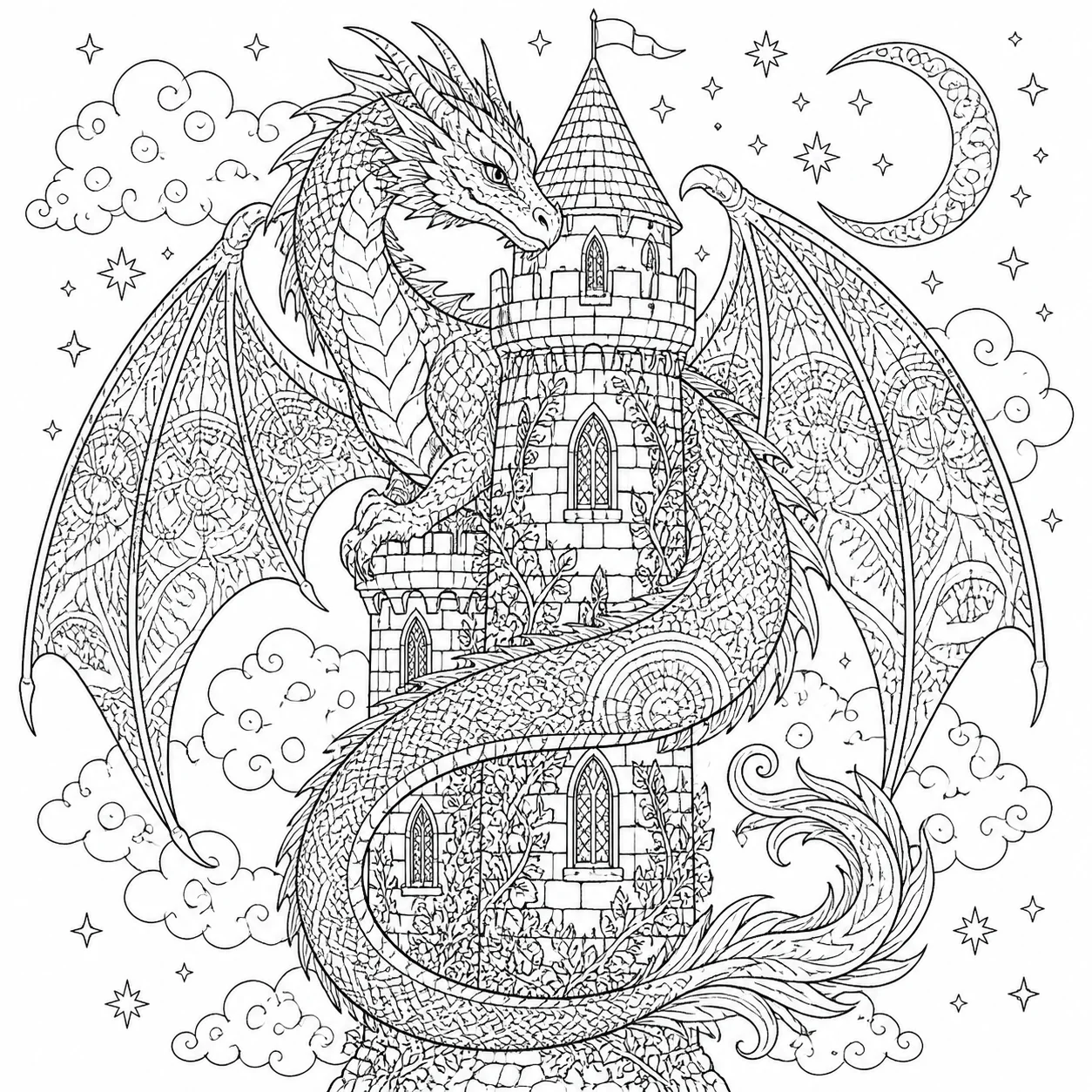
깔끔한 선화의 컬러링북 페이지 — 아이들이 색칠하기 좋은 굵은 윤곽선과 넓은 영역.
Python — 컬러링북 페이지#
coloring_prompt = """
A coloring book page for children. Black and white line art only.

Subject: A friendly dragon sitting in a garden full of flowers.
The dragon has big cute eyes, small wings, and a curly tail.
Butterflies flying around. A rainbow in the background.

Style requirements:
- Clean black outlines on pure white background
- Bold lines suitable for children to color
- Large, well-defined areas for easy coloring
- No shading, no gradients, no gray tones
- No text or numbers
- Simple, appealing design for ages 4-8
"""

response = client.images.generate(
    model="gpt-image-2",
    prompt=coloring_prompt,
    size="1024x1024",
    n=1
)

print(f"컬러링 페이지: {response.data[0].url}")
테마별 컬러링북 일괄 생성#
themes = {
    "동물": [
        "A cute kitten playing with a ball of yarn",
        "A puppy wearing a superhero cape",
        "A bunny having a tea party with forest friends",
        "An owl reading a book on a tree branch",
        "A dolphin jumping over ocean waves",
    ],
    "판타지": [
        "A unicorn in an enchanted forest",
        "A fairy castle on a cloud",
        "A mermaid swimming with tropical fish",
        "A wizard mixing potions in a tower",
        "A knight riding a friendly dragon",
    ],
    "우주": [
        "An astronaut floating near a planet with rings",
        "A rocket ship flying past stars and planets",
        "Friendly aliens having a picnic on the moon",
        "A space station with Earth in the background",
        "A robot exploring a crater on Mars",
    ],
}

style = """Coloring book page. Black and white line art only.
Clean bold outlines on white background. No shading, no gray.
Large areas for easy coloring. For children ages 4-8. No text."""

for theme, subjects in themes.items():
    print(f"\n=== {theme} 테마 ===")
    for i, subject in enumerate(subjects, 1):
        response = client.images.generate(
            model="gpt-image-2",
            prompt=f"{subject}. {style}",
            size="1024x1024",
            n=1
        )
        print(f"  {i}. {subject}: {response.data[0].url}")
Amazon KDP 출판 워크플로우#
- 테마별 30페이지 생성 (위 코드 사용)
- 해상도 업스케일 (AI 업스케일러 활용)
- 표지 페이지 생성 (GPT-image-2로 컬러 표지)
- 적절한 여백으로 PDF 편집
- Amazon KDP에 업로드 — 가격 9.99 설정
- 수익 마진: 인쇄 비용 제외 판매당 약 $3–6
비용 요약#
| 프로젝트 | 이미지 수 | 비용 (Crazyrouter 기준) |
|---|---|---|
| 밈 10개 | 10 | 약 $0.50 |
| 컬러링북 30페이지 | 30 | 약 $1.50 |
| 밈 + 컬러링 전체 | 40 | 약 $2.00 |
컬러링북 한 권을 $2 미만의 생성 비용으로 완성할 수 있습니다.
이것으로 6부작 GPT-image-2 시리즈를 마칩니다. 손금 읽기부터 밈 생성까지, Crazyrouter API를 통한 GPT-image-2는 창의적이고 수익화 가능한 무한한 가능성을 열어줍니다.
🚀 Crazyrouter — API 키 하나로 600개 이상의 모델. GPT-image-2, GPT-5.5, Claude Opus 4.7, DeepSeek V4 등.