简体中文
简体中文 繁體中文
繁體中文 English
 Français
 Русский
 日本語
日本語 Tiếng Việt
 한국어
한국어 Deutsch
 Español
 Italiano
 Português
 العربية
 ไทย
ไทย Bahasa Indonesia
 Bahasa Melayu
 Türkçe
 Polski
 Nederlands
 Dansk
Dansk Norsk
Norsk Қазақша
Qwen2.5-Omni Guide July 2026: Streaming Audio, Vision, and Session Management
A Qwen2.5-Omni guide for building streaming voice and vision apps with session state, media validation, and provider-neutral routing.
Qwen2.5-Omni Guide July 2026: Streaming Audio, Vision, and Session Management#
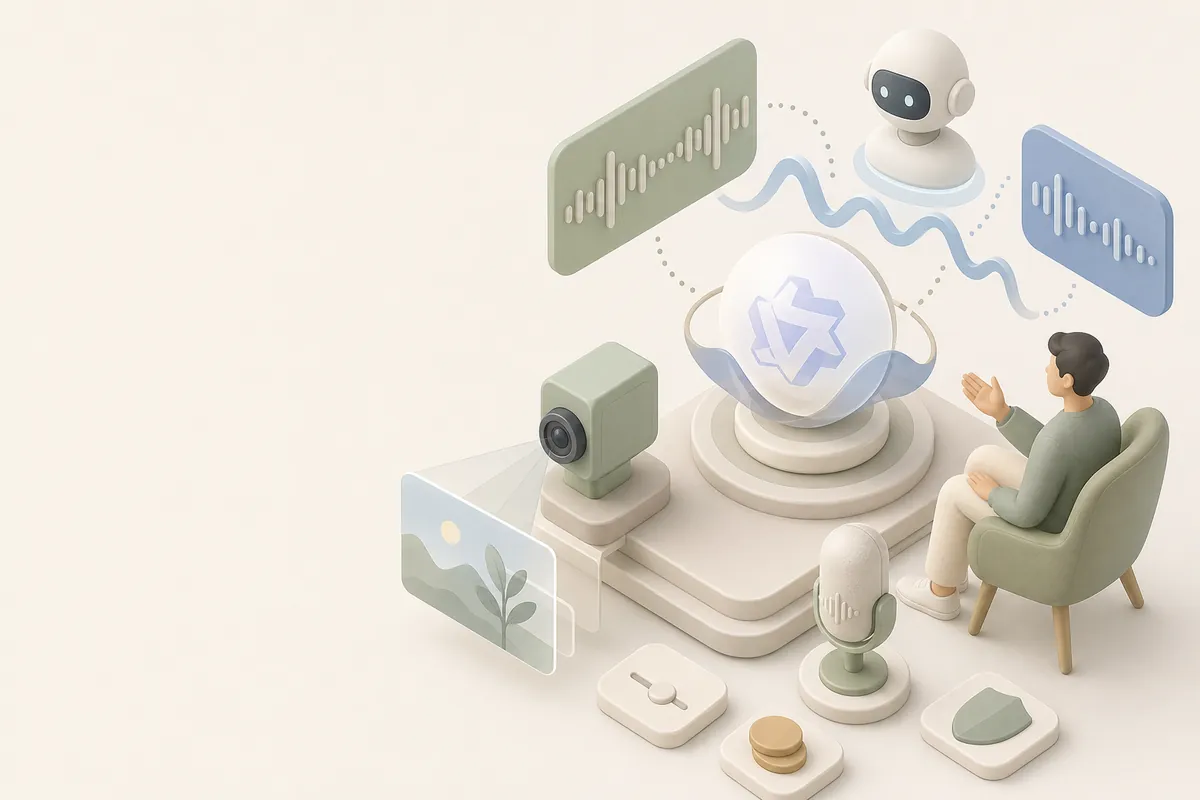
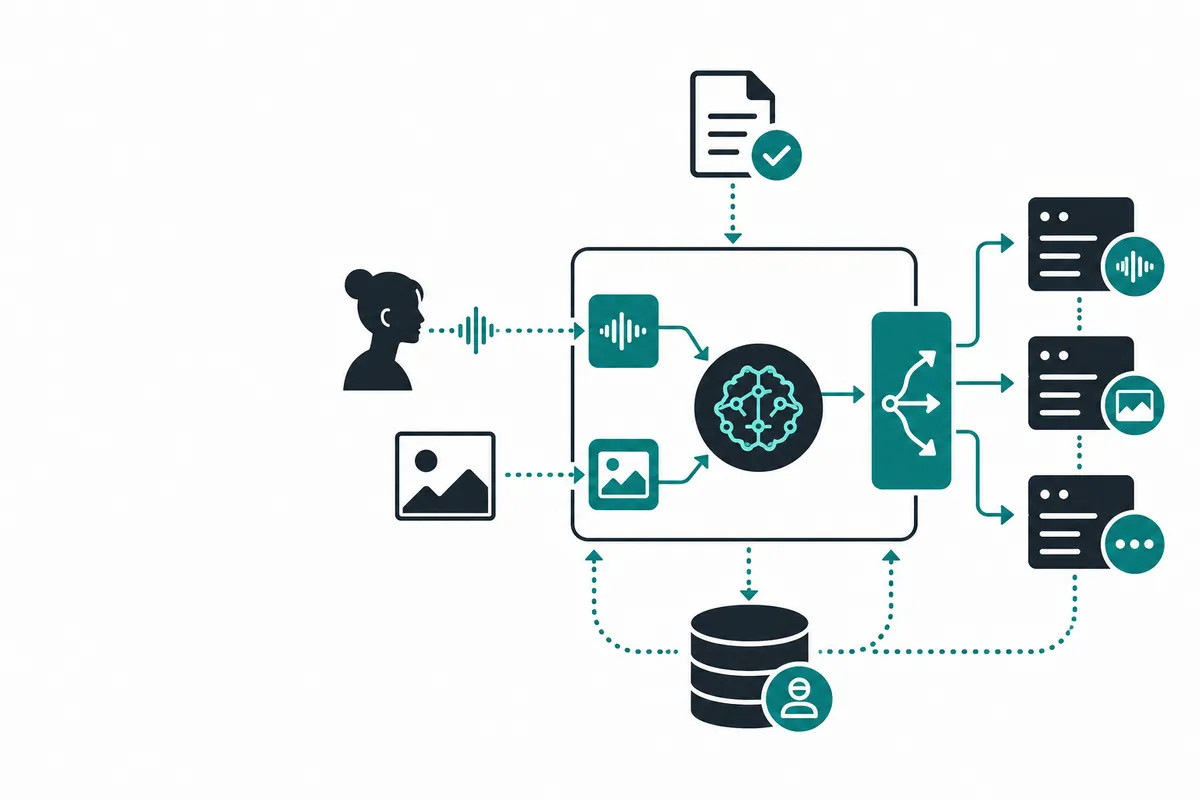
Qwen2.5-Omni is most useful when an application must understand more than text. The engineering challenge is coordinating audio chunks, images, conversation state, and backpressure without turning every user interaction into an expensive full-context request. This guide focuses on the session layer around the model.
What Is Qwen2.5-Omni Guide July 2026?#
Qwen2.5-Omni is a multimodal model family intended for combinations of text, vision, and audio. Exact modality support and endpoint format depend on the deployment. Your adapter should normalize messages internally and expose a stable event stream to the frontend.
Qwen2.5-Omni Guide July 2026 vs Alternatives#
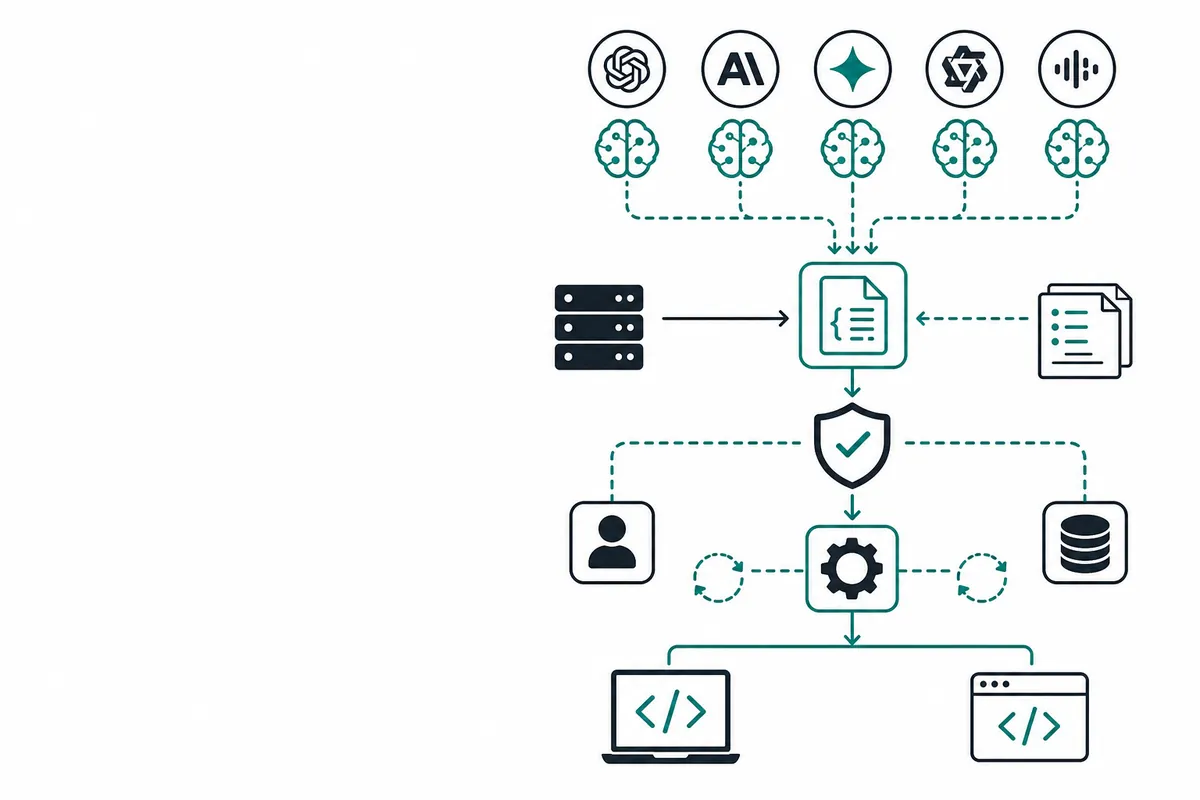
A dedicated speech model may be faster for transcription, while a vision-language model may be better for image reasoning. Omni models reduce orchestration between modalities but can cost more and require careful streaming. A router lets you use the omni model for complex turns and cheaper specialist models for transcription, classification, or summaries.
| Decision factor | Direct provider | Managed gateway | Self-hosted stack |
|---|---|---|---|
| Integration | Provider-specific | Compatible shared endpoint | Your adapter |
| Model switching | Manual | Configuration or routing | Custom |
| Operations | Lower platform work | Centralized controls | Highest ownership |
| Best for | Single-provider apps | Teams and multi-model apps | Compliance and deep customization |
How to Use It with Code#
Create a session object with a bounded history, media references, timestamps, and an estimated token budget. Validate MIME type and duration before upload. Stream partial events to the client, but only commit assistant state after the provider marks the turn complete. Apply backpressure so a slow browser cannot grow an unbounded audio buffer.
import os, base64
from openai import OpenAI

client = OpenAI(api_key=os.environ["CRAZYROUTER_API_KEY"], base_url="https://crazyrouter.com/v1")
with open("frame.jpg", "rb") as f:
    image = base64.b64encode(f.read()).decode()
response = client.chat.completions.create(
    model="qwen2.5-omni",
    messages=[{"role":"user", "content":[
        {"type":"text", "text":"Describe the visible safety issue."},
        {"type":"image_url", "image_url":{"url":f"data:image/jpeg;base64,{image}"}}
    ]}],
)
print(response.choices[0].message.content)
Pricing Breakdown#
| Architecture | Cost profile | Best fit |
|---|---|---|
| Qwen2.5-Omni direct | Multimodal usage | Single-provider applications |
| Crazyrouter omni route | Current model usage | Multi-provider multimodal apps |
| Specialist cascade | Speech/vision/text separately | Cost-sensitive high volume |
| Local deployment | GPU and operations | Privacy or offline workloads |
Rates, quotas, supported model IDs, and media billing can change. Treat the table as an architecture comparison and verify the live official provider page or the current Crazyrouter model catalog before committing to a budget. The practical advantage of a gateway is usually not a magic universal discount; it is the ability to centralize credentials, apply quotas, compare models, and route routine work to a better-cost option.
FAQ#
What can Qwen2.5-Omni do?#
It can support multimodal workflows involving text and, depending on the endpoint, audio and vision.
How do I stream audio safely?#
Use bounded chunks, validate formats, apply backpressure, and commit state only on completed turns.
Should every request use an omni model?#
No. Route simple transcription or classification to specialist models when quality permits.
How do I control multimodal costs?#
Resize images, cap audio duration, summarize old turns, and set per-session budgets.
Can I call Qwen2.5-Omni through a compatible gateway?#
If the current catalog supports the model, a compatible route can simplify authentication and model switching.
Summary#
Choose the access path that matches your workload: a first-party product for interactive use, a direct API for a focused integration, or a managed gateway when your application needs several models, centralized limits, and safer fallback behavior. Start with a small benchmark, instrument every request, and promote only the routes that meet your quality and margin targets.
If you want to test multiple models behind one OpenAI-compatible endpoint, try Crazyrouter and verify the current model list and pricing before production rollout.