简体中文
简体中文 繁體中文
繁體中文 English
 Français
 Русский
 日本語
日本語 Tiếng Việt
 한국어
한국어 Deutsch
 Español
 Italiano
 Português
 العربية
 ไทย
ไทย Bahasa Indonesia
 Bahasa Melayu
 Türkçe
 Polski
 Nederlands
 Dansk
Dansk Norsk
Norsk Қазақша
Nano Banana 2 API Pricing and How to Call It
Understand Nano Banana 2 image billing, send a minimal API request, and handle returned images without confusing gateway aliases or subscription plans.
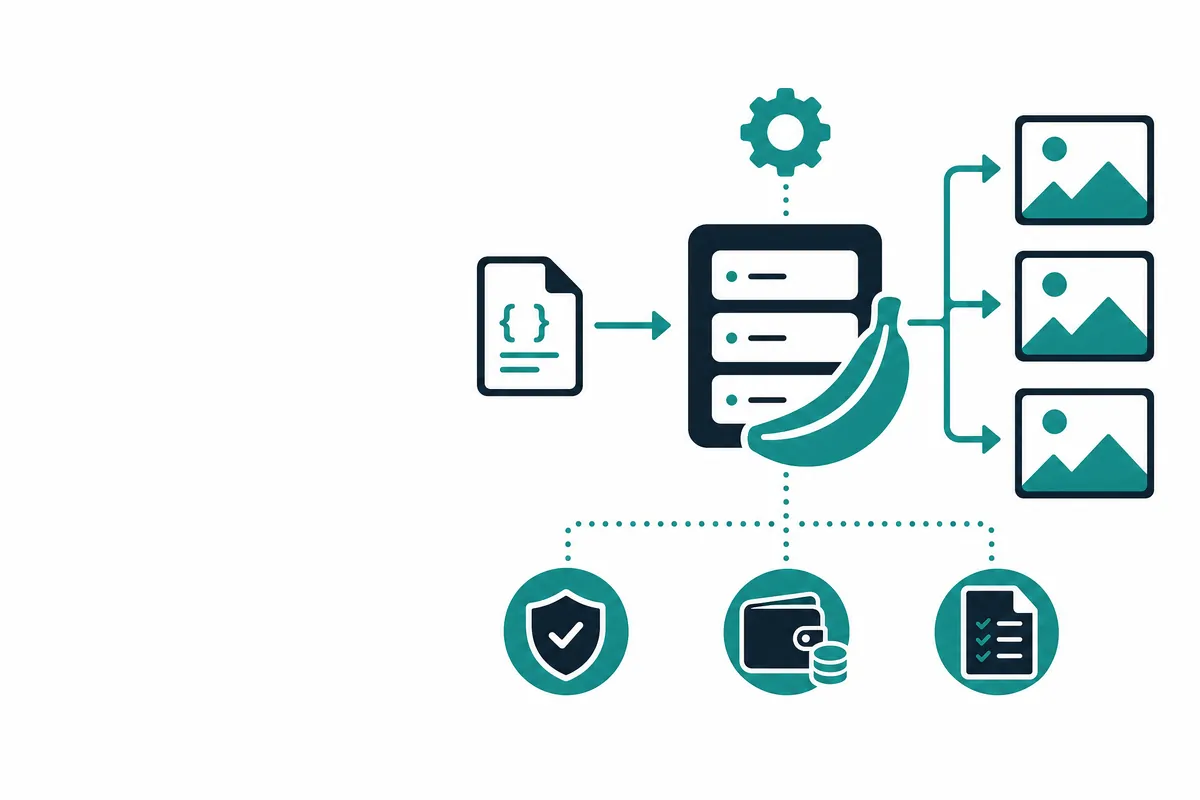
Nano Banana 2 API pricing and how to call it comes down to two checks: confirm the current image billing rate, then send model: "nano-banana-2" to https://api.crazyrouter.com/v1/images/generations. This is an image-generation request, not a chat completion. For current charges, consult the live pricing overview; this article does not substitute another image model's price for this route.
The examples below keep the first request small. Once the response works, test your own prompts and output options before building a batch job. A successful HTTP response establishes a transport result, not a guarantee of visual quality or a particular cost per accepted asset.
What is Nano Banana 2?#
Nano Banana 2 is listed in the Google image-model family and exposed through an OpenAI-compatible images interface. You provide a text prompt and receive image data, commonly a downloadable URL or a base64 representation. The catalog also describes reference-image use, subject to the upstream route's capabilities.
Keep the gateway model ID separate from any native Google identifier. Copying an alias into another provider's API may fail even when the underlying model family sounds familiar. Likewise, nano-banana-2.1 is a separate route: changing the version is an explicit application decision, not a spelling correction.
For native capabilities, consult Google's image-generation documentation. Native request fields and gateway request fields need not match one for one.
Nano Banana 2 vs alternatives#
Choose a comparison around the output you need, not a model-name ranking. Product photography, background edits and illustrations involve different failure modes. Keep the source prompt, requested dimensions and acceptance criteria identical when comparing outputs.
| Option | Why evaluate it? | What must you check? |
|---|---|---|
| Nano Banana 2 | Existing image workflow using this exact route | Current billing unit and accepted image parameters |
| Nano Banana 2.1 | A separate version for a controlled migration test | Whether prompt behavior and output handling change |
| GPT Image 2 | A different model family for the same creative brief | Request compatibility, price and visual acceptance rate |
| Native Google API | Direct access using Google's interface | Native model ID, account terms and response schema |
This table is an evaluation plan, not a benchmark. No claim that one option is universally faster or better follows from a single generated picture. Save rejected images as well as successful ones; otherwise the comparison hides the work required to get a usable result.
How to call Nano Banana 2 with cURL, Python and Node.js#
Create an API key in your account and expose it to your backend as CRAZYROUTER_API_KEY. Do not paste a live key into a client-side application. An environment variable is a local development convenience; use your deployment platform's secret storage in production.
Start with the same small payload in each language. These examples request one square image and do not assume that editing, higher resolutions or unusual output formats are enabled.
# Run from a backend shell with CRAZYROUTER_API_KEY already set.
curl --fail-with-body https://api.crazyrouter.com/v1/images/generations \
  -H "Authorization: Bearer $CRAZYROUTER_API_KEY" \
  -H "Content-Type: application/json" \
  -d '{"model":"nano-banana-2","prompt":"A matte ceramic mug on a wooden desk, soft daylight, no text.","n":1,"size":"1024x1024"}'
Python can send the request without a provider-specific SDK. Install requests in your project environment, check the status and retain the whole response while developing your parser.
import os
import requests

response = requests.post(
    "https://api.crazyrouter.com/v1/images/generations",
    headers={"Authorization": "Bearer " + os.environ["CRAZYROUTER_API_KEY"]},
    json={
        "model": "nano-banana-2",
        "prompt": "A matte ceramic mug on a wooden desk, soft daylight, no text.",
        "n": 1,
        "size": "1024x1024",
    },
    timeout=240,
)
response.raise_for_status()
print(response.json())  # Inspect data before assuming URL or base64 output.
On a current Node.js runtime, the equivalent request uses built-in fetch. The explicit timeout prevents your application from waiting indefinitely, although a client timeout does not prove that the server cancelled the generation.
const response = await fetch("https://api.crazyrouter.com/v1/images/generations", {
  method: "POST",
  headers: {
    Authorization: `Bearer ${process.env.CRAZYROUTER_API_KEY}`,
    "Content-Type": "application/json",
  },
  body: JSON.stringify({
    model: "nano-banana-2",
    prompt: "A matte ceramic mug on a wooden desk, soft daylight, no text.",
    n: 1,
    size: "1024x1024",
  }),
  signal: AbortSignal.timeout(240000),
});
if (!response.ok) throw new Error(`Generation failed: ${response.status}`);
console.log(await response.json());
On 2026-10-16, the Python request above returned HTTP 200 in 21.49 seconds. Its response contained data[0].url and an empty b64_json field; the cURL and Node.js snippets are equivalent payload examples, not separately executed tests. This single observation is not a latency guarantee.
{"data": [{"url": "https://media.crazyrouter.com/task-artifacts/2026/10/16/sync-image/445b2302a551be74e5daf2dc245da3a5-1.jpeg", "b64_json": "", "revised_prompt": ""}], "created": 1792141315}
How should you validate the returned image?#
Read the response before selecting a storage path. When data[0].url is populated, download the file and check its content type, decoded dimensions and file size. When base64 is returned, decode it into bytes rather than storing the encoded string as if it were an image file.
Treat the result as untrusted input to your application. Apply download timeouts and size limits, and avoid logging signed URLs in shared analytics. Store accepted assets in storage you control rather than assuming a temporary generation link remains accessible forever.
For an editing workflow, test the exact reference format separately. A text-to-image success does not establish that the endpoint accepts a particular reference-image field, mask or multipart upload. Consult the route's documentation instead of copying another provider's edit request unchanged.
How does Nano Banana 2 API pricing work as of 2026-10?#
Use the live billing row for this exact ID and inspect the unit before calculating a budget. The model catalog describes per-image billing; do not replace it with text input/output token rates. We link to prices rather than quote a numeric rate because the approved local pricing reference does not contain a Nano Banana 2 entry.
A useful estimate is requested images multiplied by the applicable per-image charge, with a separate allowance for additional attempts. Your cost per approved asset also depends on the number of outputs you reject. Measure that acceptance rate with real prompts rather than assuming every generated image goes into production.
For native Google charges, use the official pricing documentation. App subscriptions, native API billing and a gateway balance are separate products. Avoid promising that buying one automatically pays for the others.
FAQ#
What exact model ID should I use for Nano Banana 2?#
Use nano-banana-2 on the gateway endpoint shown here. Do not add a provider prefix or change it to the separate 2.1 route unless that is the model you intend to evaluate.
Is Nano Banana 2 charged like a chat model?#
The catalog describes an image billing unit, not separate chat input and output token charges. Check the current rate and any option-specific conditions before estimating a batch.
Can I use the chat completions endpoint for these examples?#
No: these payloads target /v1/images/generations. A chat request has a different structure and should not be inferred from the fact that both interfaces are OpenAI-compatible.
Does a timeout mean the image request was not billed?#
Not necessarily: the server may have processed a request after the client stopped waiting. Inspect account usage or request status before retrying, and avoid treating an ambiguous timeout as a confirmed failure.
Can I reuse a returned image URL indefinitely?#
Do not assume the URL is permanent unless the service explicitly guarantees retention. Download the result, validate it and store accepted files under your own retention policy.
Summary#
Keep the route explicit, verify the response format and budget from the current billing unit. For a small paid evaluation, register an account, then compare a saved prompt set before enabling user-facing generation. The Google model catalog helps you distinguish this route from neighboring versions.
<!-- [crazyrouter](https://docs.crazyrouter.com/en/introduction)-related-links -->