简体中文
简体中文 繁體中文
繁體中文 English
 Français
 Русский
 日本語
日本語 Tiếng Việt
 한국어
한국어 Deutsch
 Español
 Italiano
 Português
 العربية
 ไทย
ไทย Bahasa Indonesia
 Bahasa Melayu
 Türkçe
 Polski
 Nederlands
 Dansk
Dansk Norsk
Norsk Қазақша
WAN 2.2 Animate Tutorial: Build an Image-to-Video Pipeline with an API
WAN 2.2 Animate tutorial for developers: prepare assets, submit image-to-video jobs, poll safely, handle errors, and control production costs with an API gateway.
WAN 2.2 Animate Tutorial: Build an Image-to-Video Pipeline with an API#
What is WAN 2.2 Animate?#
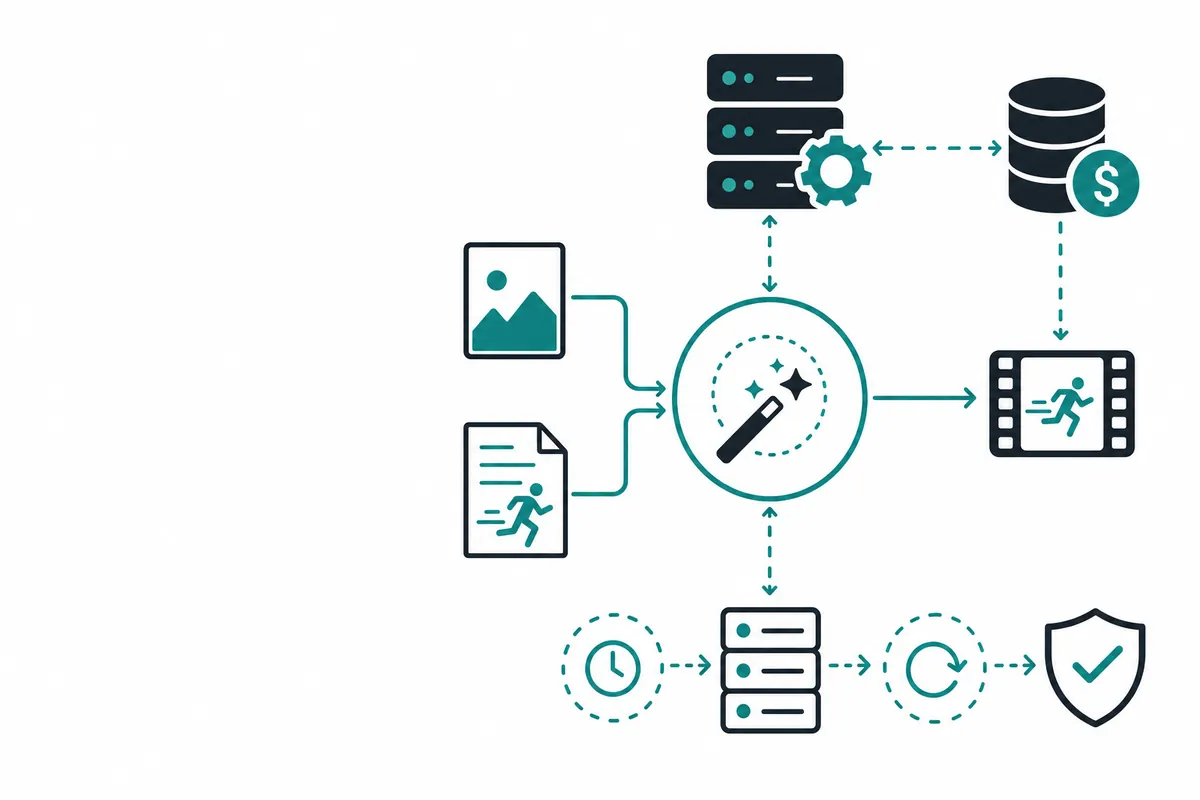
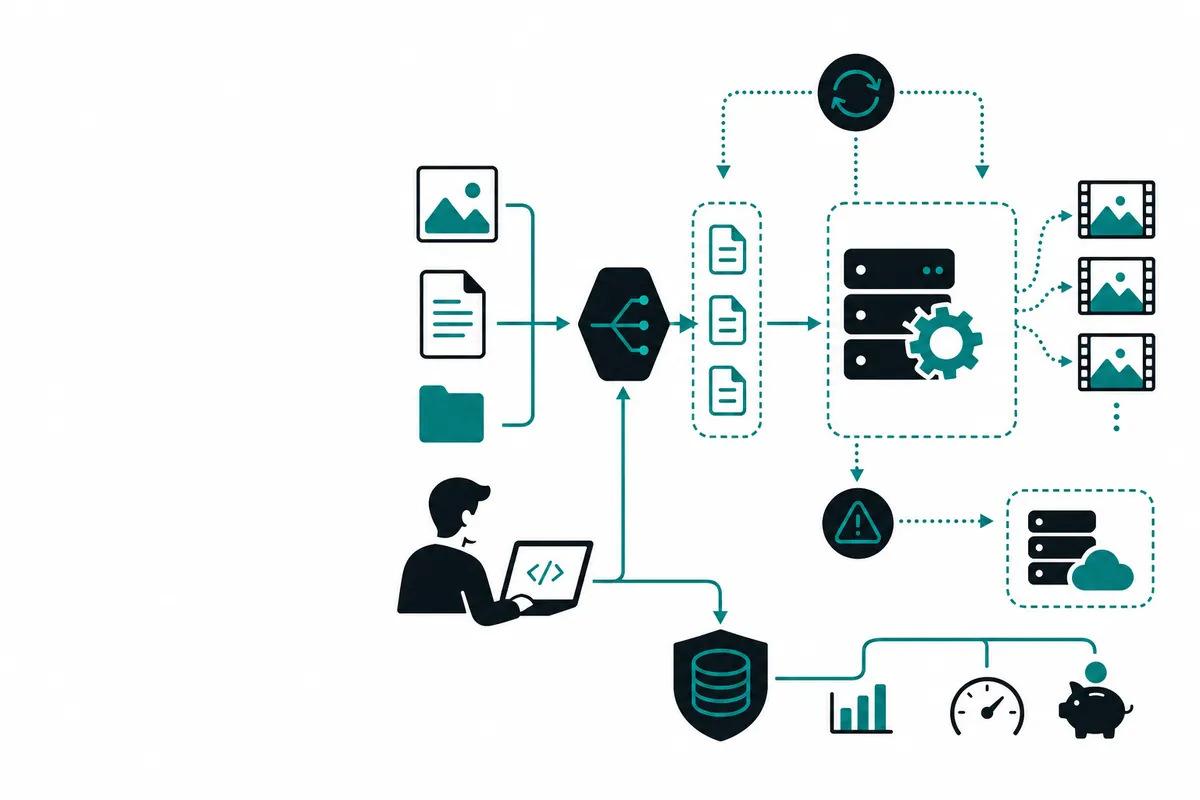
WAN 2.2 Animate refers to an image-to-video animation workflow that turns a still subject or character reference into motion. The hard part is not sending a prompt. It is preserving identity, framing, and motion constraints across generated frames. Good source images have clear subject boundaries, consistent lighting, and enough resolution for the requested output.
WAN Animate vs text-to-video alternatives#
Choose image-to-video when composition and identity are already decided. Choose text-to-video when you want the model to invent the scene. For a product demo or avatar, starting from a reference image usually reduces prompt ambiguity. Compare models on identity drift, temporal flicker, camera movement, and the percentage of outputs that pass review.
Pricing table#
| Cost component | Official deployment | Crazyrouter route |
|---|---|---|
| Inference | GPU time or provider job pricing | Current model usage rate |
| Storage | Your bucket and egress | Your bucket and egress still apply |
| Retries | You pay for each generation | Add a retry budget and idempotency key |
A useful unit metric is cost per approved second of video, not cost per request. If only four of ten clips pass review, divide the batch bill by approved seconds.
Minimal job design#
import requests, os
payload = {"model": "WAN_ANIMATE_MODEL", "image_url": "https://example.com/reference.png", "prompt": "A gentle head turn, fixed camera"}
r = requests.post("https://crazyrouter.com/v1/video/generations", json=payload,
                  headers={"Authorization": f"Bearer {os.environ['CR_API_KEY']}"}, timeout=30)
r.raise_for_status()
print(r.json()["id"])
The exact endpoint and fields depend on the enabled model. Keep provider-specific fields behind an adapter and return a normalized job object to the rest of your application.
Why this topic matters to developers#
AI integrations fail less often when the application treats a model as a replaceable service rather than a hard-coded vendor feature. The useful unit is a request contract: inputs, outputs, latency expectations, safety rules, and a cost ceiling. That contract makes it possible to test a model directly, route through a gateway, and change providers without rewriting the product.
The examples below use an OpenAI-compatible endpoint. Replace the model identifier with the exact model exposed in your account and check the provider's current documentation before deploying. Model names, limits, and prices change; a resilient integration should discover capabilities and record the provider response rather than assuming that a blog post is a billing contract.
Comparison: direct provider, hosted tool, or Crazyrouter#
| Approach | Best for | Main trade-off | Operational note |
|---|---|---|---|
| Official provider API | Teams needing first-party features and support | Separate credentials and SDK semantics | Track provider limits and regional availability |
| Consumer web application | Manual experiments and one-off creative work | Poor fit for automation and observability | Avoid scraping or embedding consumer sessions |
| Self-hosted/open model | Data control and predictable infrastructure | GPU, scaling, and maintenance burden | Budget for model upgrades and monitoring |
| Crazyrouter | Multi-model applications and fast provider switching | Verify model availability and gateway terms | One compatible endpoint, centralized keys and routing |
Quick-start API pattern#
cURL#
export CR_API_KEY='replace-with-your-key'
curl https://crazyrouter.com/v1/chat/completions \
  -H "Authorization: Bearer $CR_API_KEY" \
  -H "Content-Type: application/json" \
  -d '{"model":"MODEL_ID","messages":[{"role":"user","content":"Return a concise JSON health check."}],"temperature":0.2}'
Python#
import os
from openai import OpenAI

client = OpenAI(
    api_key=os.environ["CR_API_KEY"],
    base_url="https://crazyrouter.com/v1",
)
response = client.chat.completions.create(
    model="MODEL_ID",
    messages=[{"role": "user", "content": "Explain the result in three bullets."}],
    timeout=45,
)
print(response.choices[0].message.content)
Node.js#
import OpenAI from "openai";
const client = new OpenAI({
  apiKey: process.env.CR_API_KEY,
  baseURL: "https://crazyrouter.com/v1"
});
const result = await client.chat.completions.create({
  model: "MODEL_ID",
  messages: [{ role: "user", content: "Return a short deployment checklist." }]
});
console.log(result.choices[0].message.content);
Use environment variables or a secret manager; never commit a key. Add request IDs, timeouts, bounded retries, and structured logs before moving this snippet into a queue worker.
Production rollout checklist#
Start with a shadow test against recorded, consented examples. Define an acceptance rubric before looking at outputs: correctness, format compliance, latency, safety, and cost. Then release to a small percentage of traffic with a kill switch. Keep the previous route available until the new one has survived peak load and a provider incident.
For observability, record a correlation ID, tenant, model and route, sanitized prompt hash, token or media usage, queue time, inference time, finish reason, error class, and estimated cost. Do not log raw confidential prompts by default. Build dashboards for p50/p95 latency, timeout rate, schema-validation failures, retry amplification, and spend per accepted result. These measurements make provider comparisons reproducible and reveal regressions that a manual demo will miss.
Frequently asked questions#
Is WAN 2.2 Animate available through an API?#
Availability depends on the current model catalog, account, region, and route. Check the live documentation and send a small test request before committing to an architecture.
Is Crazyrouter cheaper than the official provider?#
Not automatically. Compare the current rate card and your effective cost, including retries, engineering work, storage, and accepted-output rate. Crazyrouter is useful when portability, centralized routing, and one compatible endpoint matter.
How should I handle failures?#
Set a timeout, classify 4xx versus 5xx errors, retry only transient failures with exponential backoff, and use an idempotency key for asynchronous or side-effecting operations.
Summary#
The practical way to adopt WAN 2.2 Animate is to start with a narrow benchmark, normalize the request contract, and measure quality, latency, and cost together. For a faster multi-model starting point, review the current Crazyrouter API documentation and pricing page. Build the adapter once, keep credentials server-side, and leave room to change routes as models and prices evolve.