Crazyrouter
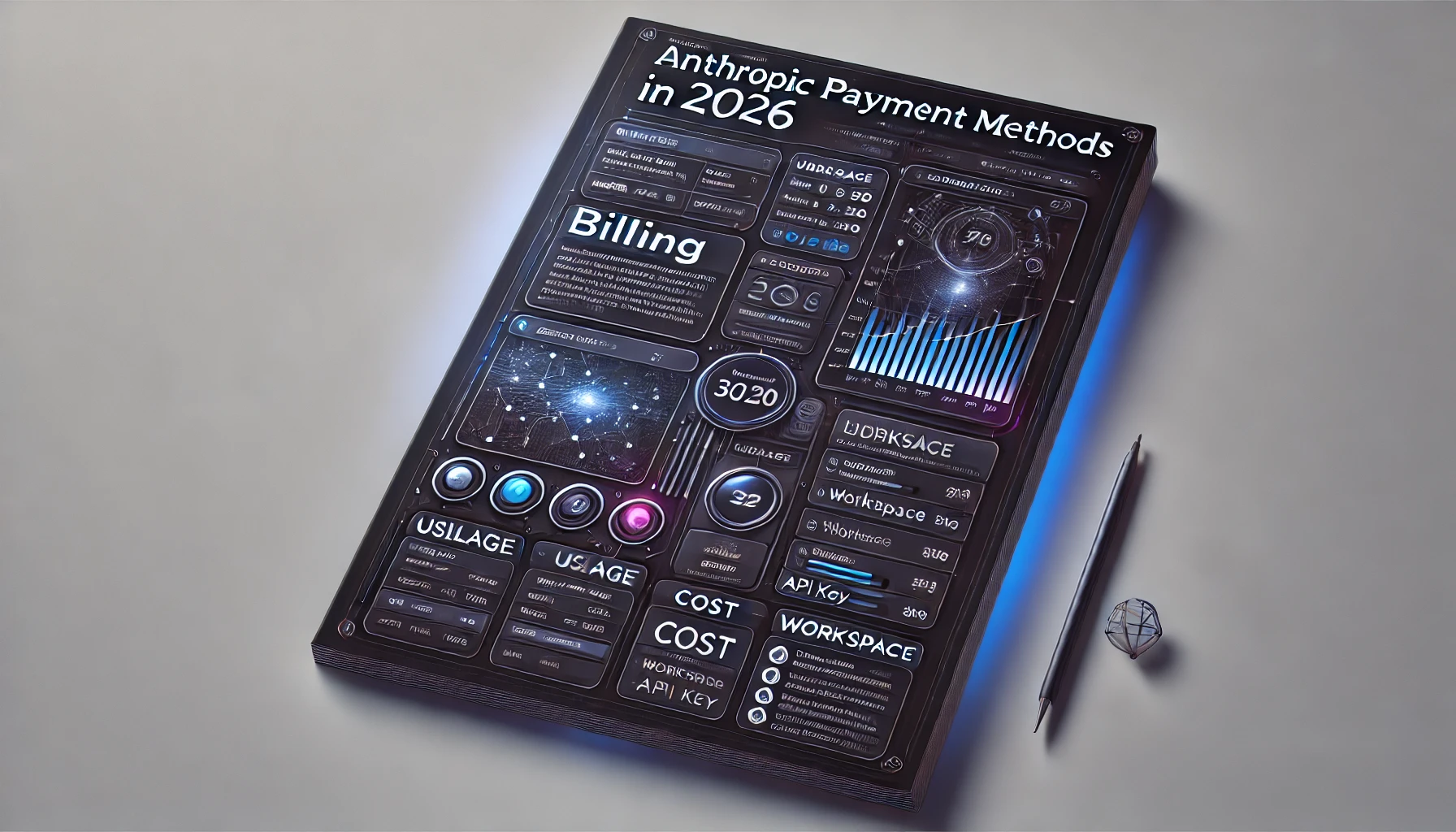
Anthropic Payment Methods: What Cards and Billing Options Are Accepted?
Learn where to add a payment method in Claude Console, what billing options to check for Anthropic API access, and how payment setup relates to usage, spend limits, and workspaces in 2026.
Anthropic Payment Methods: What Cards and Billing Options Are Accepted?#
If you are trying to use the Claude API in 2026, one of the first practical questions is simple: where do you add a payment method, and what billing options are actually available in Anthropic / Claude Console?
This guide focuses on the payment-setup side of Anthropic billing:
- where to find the billing area in Console
- how payment setup connects to API usage
- what billing options you should verify on your account
- how workspaces, spend limits, and usage reporting fit into the picture
If you are looking for token pricing, rate-limit tiers, or cost optimization, read our separate guide: Anthropic Billing Guide: Manage Your Claude API Costs Effectively.
Quick Answer#
Anthropic manages API billing inside the Claude Console. In practice, you should expect to handle billing through your organization and workspace billing settings, not through a separate developer-only payment portal.
Before assuming your billing setup is complete, verify these items in Console:
- whether your account or workspace has billing enabled
- where the Billing and Usage / Costs sections appear
- whether a payment method can be added directly from your current account
- whether spend limits or workspace limits are already in effect
Because Anthropic keeps evolving the Claude Console, some billing controls may appear slightly differently depending on:
- account type
- organization vs workspace context
- admin permissions
- product plan
- region
Where to Add a Payment Method in Anthropic / Claude Console#
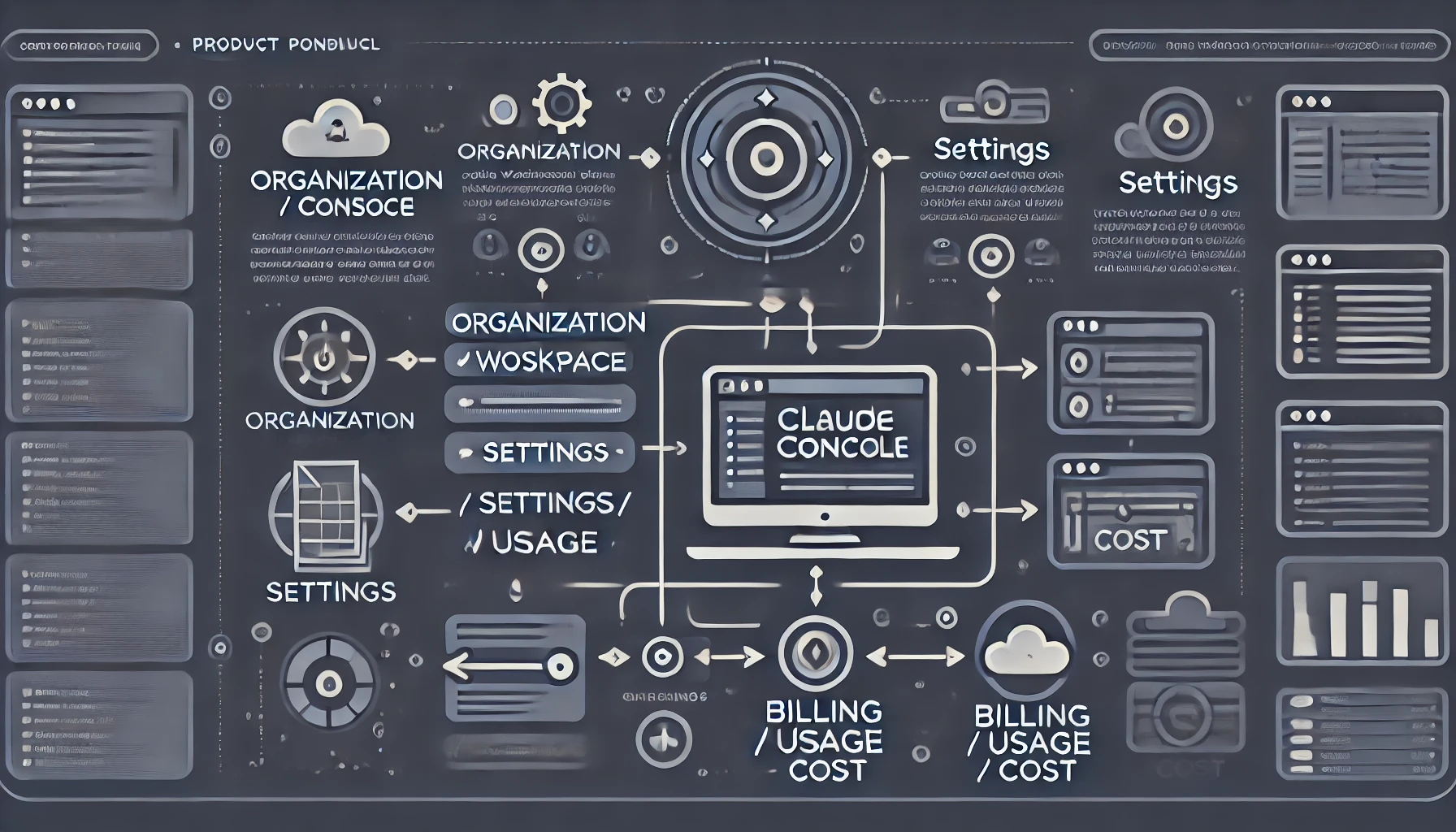
The safest place to start is the Claude Console itself:
- Sign in to the Claude Console
- Open your organization or workspace context
- Go to Settings or the relevant workspace settings area
- Open Billing, Usage, or related spending controls
From Anthropic's current documentation and support structure, billing-related management is connected to:
- Console account setup
- API keys
- workspaces
- usage / cost visibility
- spend limits and notifications
In other words, payment setup is part of the same operational surface as your Claude API administration.
What to look for in Console#
When you open the billing area, check for:
- Add payment method
- Billing or Plans & Billing
- Usage and costs
- Workspace spend limits
- Rate-limit / usage controls
- Billing profile / address fields
If you manage API usage across multiple teams or use cases, also check whether billing is controlled:
- globally at the organization level
- separately per workspace
- or with workspace-specific keys and limits
What Payment and Billing Options Should You Check?#
Instead of assuming every Anthropic account sees the exact same controls, use this checklist.
1. Card billing availability#
First confirm whether your account can add a payment method directly in Console.
Questions to answer:
- Can you add a card directly from Billing settings?
- Does the UI show card management, credits, invoicing, or another billing model?
- Are there existing billing methods already attached at the org/workspace level?
2. Usage model#
Check how your account describes billing. Depending on account and plan context, you may see references to:
- usage-based billing
- spend controls
- credits or prepaid-style flows
- enterprise invoicing workflows
Do not assume a single billing model without checking your current Console UI.
3. Workspace controls#
Anthropic documentation clearly shows that workspaces can separate API resources by use case. That means billing-related controls may also be tied to workspace visibility and admin permissions.
Check:
- whether you are in the correct workspace
- whether your workspace has its own keys and limits
- whether you have permission to manage billing
4. Usage and cost visibility#
You should also verify that you can see:
- usage data
- cost reporting
- spend limits
- notifications
A payment method alone is not the full story. Billing observability matters just as much once API usage starts growing.
5. Separate Claude subscription vs API billing#
Anthropic's help center also makes clear that Claude subscriptions and Claude API / Console billing are not the same thing. If you already pay for Claude Pro, Max, Team, or Enterprise, you should still verify whether your API and Console usage is billed separately under your current org/workspace setup.
How Payment Setup Affects Claude API Access#
A common mistake is assuming that once you create an Anthropic account and generate an API key, you are fully ready for production usage.
In reality, there are several related but different pieces:
- Console account
- API key
- billing/payment setup
- workspace configuration
- spend limits
- rate limits / usage tiers
These are connected, but not identical.
Practical implication#
When billing is incomplete, unclear, or restricted by workspace permissions, you may run into issues such as:
- confusion about where charges appear
- uncertainty about whether API access is fully enabled
- difficulty understanding usage vs billing vs limits
- missing workspace-level visibility into costs
That is why users frequently search for things like:
- anthropic console billing page url
- anthropic payment methods
- claude api billing requirements
- anthropic api usage billing
Anthropic Billing Troubleshooting Checklist#
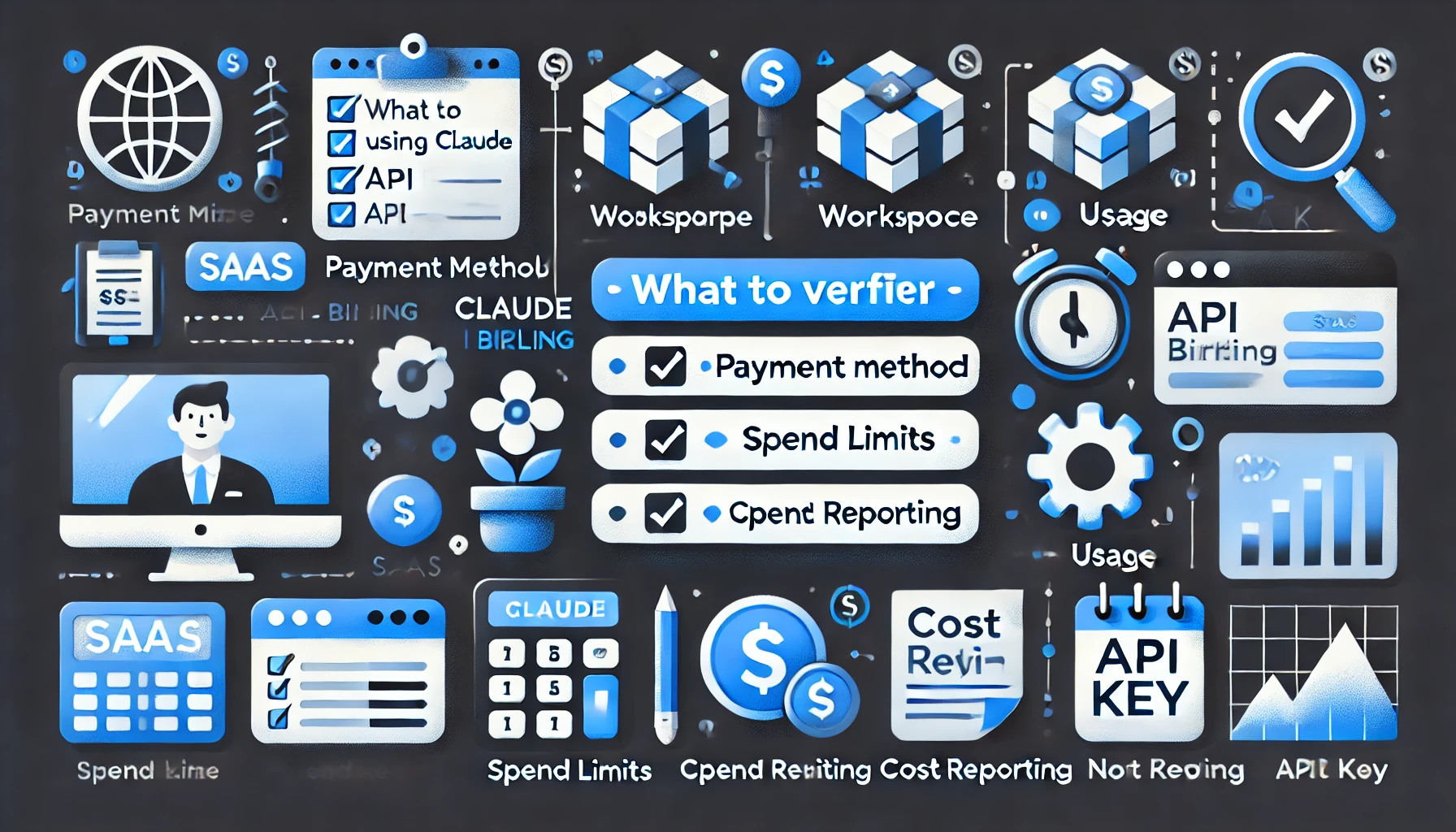
If payment setup is confusing, use this checklist.
I can’t find the billing page#
Check all of the following:
- organization-level settings
- workspace settings
- plans / billing navigation entries
- usage / costs sections
Some users search for exact Console paths such as:
console.anthropic.com → billingconsole.anthropic.com → settings → billingconsole.anthropic.com → plans & billing
The right location may depend on current UI structure and account context.
I can’t add a payment method#
Possible causes:
- you are in the wrong workspace
- you do not have billing or admin permissions
- billing is controlled elsewhere for your organization
- your account is on a plan or org structure with different billing workflow
If you are in an organization with multiple workspaces, verify that you are checking the correct workspace. Anthropic's current support content makes it clear that workspaces can have their own API keys, rate limits, spend limits, notifications, and usage/cost visibility.
I can see usage, but billing is unclear#
This usually means you need to separate three ideas:
- usage reporting
- spend limits / notifications
- payment method management
They may appear in related but different Console screens.
I see a charge on my card and want to confirm what it is#
Check:
- Console billing history
- workspace usage context
- cost / usage reporting pages
- whether the charge is tied to API activity or another plan/product context
Anthropic Payment Methods FAQ#
Where is the Anthropic billing page in 2026?#
Start in the Claude Console, then check Settings, Billing, Usage, and workspace-specific settings. The exact path may vary by account context.
How do I add a payment method in Claude Console?#
Open the Claude Console, go to the relevant organization or workspace settings area, and look for Billing or Add payment method controls.
Does Anthropic require billing before I can use the Claude API?#
You need a Console account and API key to use the API. For production use, you should also verify that billing and spend controls are properly set up in your Console environment.
Are Anthropic billing settings managed per workspace?#
Anthropic documentation shows that workspaces separate API resources by use case. In practice, you should verify whether your billing visibility and limits are workspace-specific in your organization.
Can I set spend limits in Claude Console?#
Yes — Anthropic documentation references workspace rate limits, spend limits, notifications, and usage/cost visibility in the Claude Console environment.
Where can I view Anthropic usage and costs?#
Anthropic's current support documentation explicitly references both a Usage page and a Cost page in Claude Console. In practice, you should check:
platform.claude.com/usageplatform.claude.com/cost- workspace-specific billing and usage controls
Does Claude Code use the same Anthropic billing setup?#
In general, Claude Code usage is still tied to Anthropic / Claude account and billing context. You should confirm the exact billing surface shown in your current Console or product plan.
Final Takeaway#
Anthropic payment setup is part of the broader Claude Console billing system, not a separate one-off API step.
When you set up Claude API billing in 2026, verify these four together:
- payment method
- usage visibility
- workspace context
- spend and limit controls
That gives you a much more reliable production setup than only checking whether an API key exists.
Related Reading#
- Anthropic Billing Guide: Manage Your Claude API Costs Effectively
- How to Find the Anthropic Billing Page in 2026
- Anthropic API Rate Limit Tiers in 2026: How to Increase Your Limits ts**