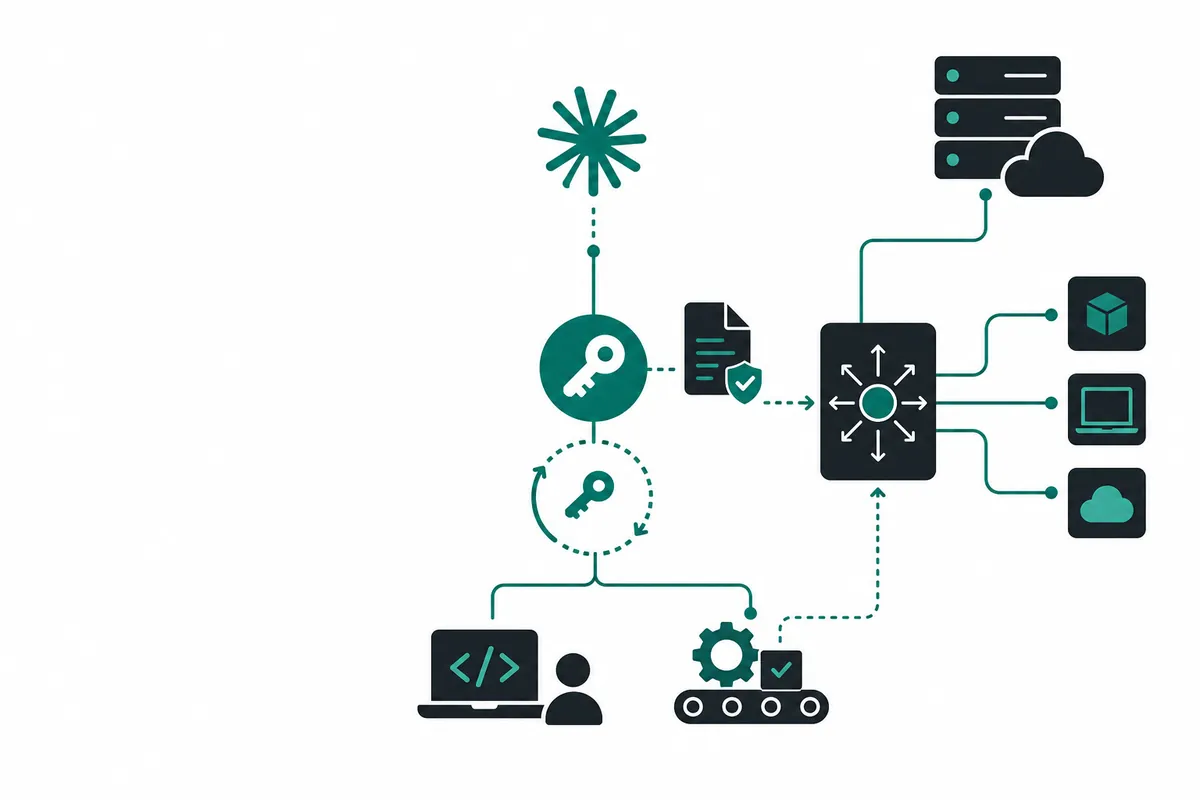
简体中文
简体中文 繁體中文
繁體中文 English
 Français
 Русский
 日本語
日本語 Tiếng Việt
 한국어
한국어 Deutsch
 Español
 Italiano
 Português
 العربية
 ไทย
ไทย Bahasa Indonesia
 Bahasa Melayu
 Türkçe
 Polski
 Nederlands
 Dansk
Dansk Norsk
Norsk Қазақша
How to Change Your Claude Payment Method in 2026
Change the card used for Claude Pro, Max, Team, or API billing, with the right steps for web, Apple, Google Play, and Anthropic Console accounts.
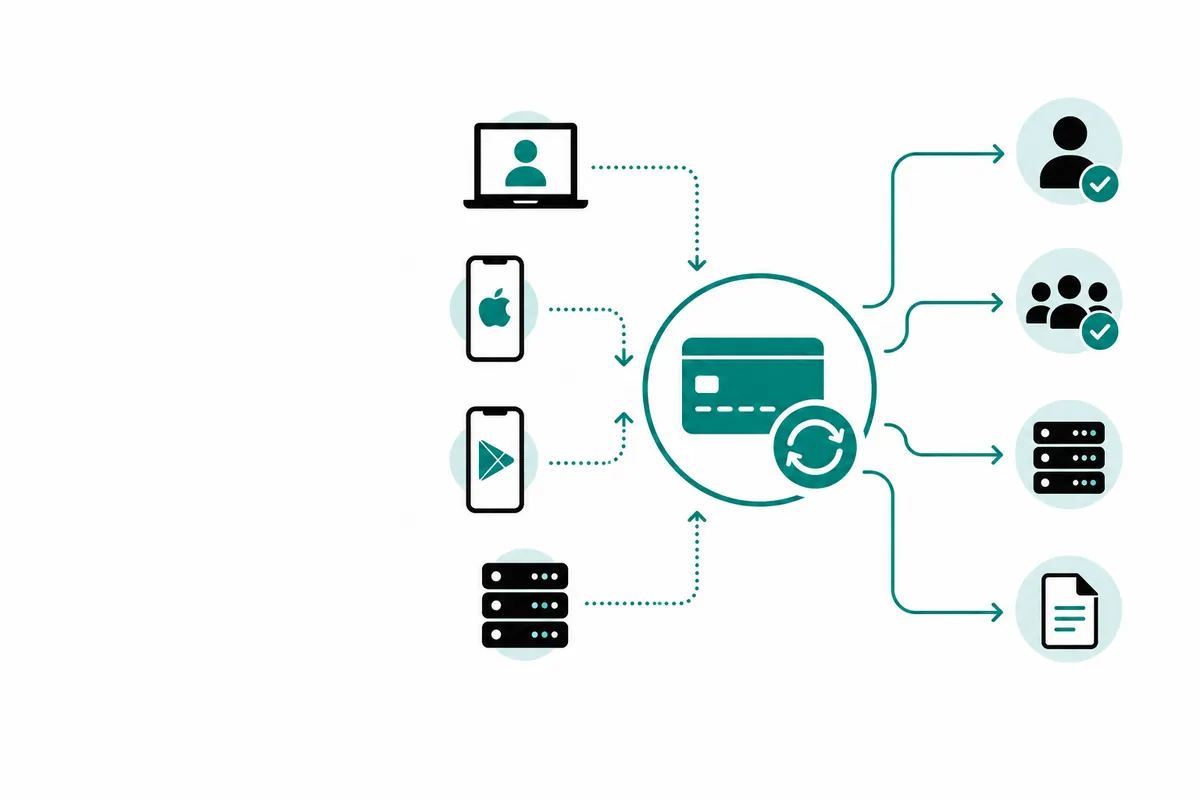
To change your Claude payment method, first identify where you bought the subscription. For a Claude Pro or Max plan purchased on the web, open Claude, go to Settings, choose Billing or Plan, and open the billing portal to replace the saved card. If you subscribed through Apple or Google Play, update the payment method in that store instead. Claude Team billing is controlled by an organization owner or billing admin. Anthropic API charges are separate from Claude.ai subscriptions, so developers must update the card in the Anthropic Console billing area. Changing a consumer subscription card does not change API billing, and a Claude Max subscription does not include API usage. Menu labels can move, so use Anthropic's current account and billing pages if your screen differs.
What is a Claude payment method?#
A Claude payment method is the card or store billing source used for one specific Anthropic product. The important detail is that Claude has more than one billing system. A personal Claude.ai subscription, a mobile app subscription, a Team workspace, and an Anthropic API account may all charge separately.
Before editing anything, check a recent receipt. Its sender and merchant line usually reveal who controls the payment:
| Where you subscribed | Where to change payment | Who can manage it |
|---|---|---|
| Claude.ai on the web | Claude account billing portal | Account owner |
| Claude mobile app through Apple | Apple ID payment settings | Apple ID owner |
| Claude mobile app through Google Play | Google Play payments and subscriptions | Google account owner |
| Claude Team workspace | Workspace billing settings | Owner or billing admin |
| Anthropic API | Anthropic Console billing | Organization billing member |
Do not remove the old card until the new one is accepted. That reduces the chance of an interrupted renewal or a failed invoice.
Claude change payment method steps for a web subscription#
Use this path when the subscription was purchased directly on Claude's website:
- Sign in to the Claude account that owns the subscription.
- Open Settings from the account menu.
- Select Billing, Plan, or Subscription, depending on the interface shown.
- Choose the option to manage billing.
- Add the replacement card and make it the default payment method.
- Confirm that the billing portal shows the new card's last four digits.
- Save the change, then retain the confirmation email or a screenshot for your records.
Anthropic's official Claude pricing page identifies the current plans, while its support center is the best source for account-specific billing instructions. If the portal opens in another tab, allow pop-ups for the site and try again.
How to update payment for Apple or Google Play#
Subscriptions bought inside a mobile app are normally billed by the app store. Claude cannot directly replace a card held by Apple or Google.
Apple App Store#
Open the Settings app on the iPhone or iPad, select your Apple ID, then open Payment & Shipping. Add or update the payment method there. You can confirm the Claude subscription under Subscriptions. Apple decides which eligible payment source is charged according to the order configured for the account.
Google Play#
Open Google Play, select the profile icon, then choose Payments & subscriptions. Update the payment method and review the Claude entry under Subscriptions. If the new card is only added to Google Wallet but not selected for the subscription, the old source may still be used.
Store-managed subscriptions can have different refund, renewal, tax, and grace-period rules from direct web subscriptions. Check the store receipt rather than assuming the web billing portal controls the charge.
Claude subscription billing vs API billing#
Claude Pro and Max pay for interactive use in Claude.ai and supported Claude Code access. API billing pays for token usage made with an API credential. These balances and cards are independent.
| Need | Correct billing route | Cost model |
|---|---|---|
| Personal chat and writing | Claude.ai subscription | Recurring plan |
| Claude Code under a supported plan | Claude.ai plan allowance | Subscription limits |
| Product or automation calls | API account or gateway | Metered usage |
| Access to several model providers | Multi-model gateway | Metered usage by model |
If the goal is programmatic access, changing the Claude.ai card will not repair a failed API payment. Open the billing settings for the API organization that owns the key. For an OpenAI-compatible route, you can compare the live Claude model catalog and API pricing before choosing a model.
How to verify API billing after a payment update#
A small request can confirm that authentication and account funding work, but it does not prove that a future subscription renewal will succeed. Use a supported model ID and keep the output short.
cURL#
curl https://api.crazyrouter.com/v1/chat/completions \
  -H "Authorization: Bearer $CRAZYROUTER_API_KEY" \
  -H "Content-Type: application/json" \
  -d '{
    "model": "claude-sonnet-5",
    "messages": [{"role": "user", "content": "Reply with: billing test complete"}],
    "max_tokens": 20
  }'
Python#
import os
from openai import OpenAI

client = OpenAI(
    api_key=os.environ["CRAZYROUTER_API_KEY"],
    base_url="https://api.crazyrouter.com/v1",
)

result = client.chat.completions.create(
    model="claude-sonnet-5",
    messages=[{"role": "user", "content": "Reply with: billing test complete"}],
    max_tokens=20,
)
print(result.choices[0].message.content)
Node.js#
import OpenAI from "openai";

const client = new OpenAI({
  apiKey: process.env.CRAZYROUTER_API_KEY,
  baseURL: "https://api.crazyrouter.com/v1",
});

const result = await client.chat.completions.create({
  model: "claude-sonnet-5",
  messages: [{ role: "user", content: "Reply with: billing test complete" }],
  max_tokens: 20,
});

console.log(result.choices[0].message.content);
The exact API price depends on the selected model and token counts. As of 2026-10, use the live Claude Sonnet 5 pricing row instead of copying a rate into a long-lived budget document.
Why a new Claude card may be declined#
A card update can fail even when the card works elsewhere. Check these causes in order:
- The billing name, address, postal code, or security code does not match the bank record.
- The bank blocks recurring, international, or online transactions.
- The card has insufficient funds or an account-level spending limit.
- The subscription belongs to another Claude account or workspace.
- A Team member lacks owner or billing-admin permission.
- The purchase is controlled by Apple or Google, but the card was changed only on Claude's website.
- A browser extension blocks the hosted billing portal or its authentication cookie.
- The account country and payment method country create an eligibility conflict.
Try one clean browser session before submitting the card repeatedly. Multiple rapid attempts can trigger fraud controls. If the invoice is already past due, updating the default card may not automatically retry it; look for a retry or pay-invoice action in the billing portal.
Switching from one Claude billing route to another#
You usually cannot move an active App Store subscription directly into web billing. The clean process is to cancel renewal in the original store, keep access until the paid period ends, and then subscribe on the new channel. Avoid buying the replacement too early unless you accept a period of overlapping charges.
For Team workspaces, transfer billing responsibility only after the new owner has the correct role and can see invoices. For APIs, create organization-scoped keys and budgets rather than sharing one personal credential. The Claude Code integration page explains the separate setup when you want metered model access in the terminal.
FAQ#
How do I change my payment method on Claude?#
For a direct web subscription, open Claude Settings, choose Billing or Plan, and use the billing portal to add and select a new card. Store purchases must be changed through Apple or Google Play.
Why can I not see the Claude billing option?#
You may be signed into the wrong account, using a store-managed subscription, or lack billing permission in a Team workspace. Check the latest receipt to identify the billing owner.
Does changing my Claude Pro card update API billing?#
No. Claude.ai subscriptions and Anthropic API organizations have separate billing records. Update each product in its own billing portal.
Can I change from Apple billing to direct Claude billing?#
Usually you must cancel the App Store renewal, wait for the current period to end, and then subscribe on the web. Confirm the end date to avoid paying twice.
What should I do after a Claude payment method is declined?#
Verify the billing details, ask the bank about recurring online charges, confirm that you are editing the correct account, and try a different supported card. Contact the billing provider shown on the receipt if the decline continues.
Summary#
The correct way to change a Claude payment method depends on who issued the receipt. Direct web plans use Claude's billing portal, mobile plans use Apple or Google Play, Team plans require a billing admin, and API accounts are managed separately. Confirm the replacement card before removing the old one, then check the next invoice date. When your actual need is metered model access rather than another consumer subscription, review current API costs and create a Crazyrouter account for a unified endpoint.
<!-- [crazyrouter](https://docs.crazyrouter.com/en/introduction)-related-links -->