 简体中文
 繁體中文
 English
 Français
 Русский
 日本語
 Tiếng Việt
 한국어
 Deutsch
 Español
 Italiano
 Português
 العربية
 ไทย
 Bahasa Indonesia
 Bahasa Melayu
 Türkçe
 Polski
 Nederlands
 Dansk
 Norsk
 Қазақша
text-embedding-3-smalltext-embedding-3-small API pricing
Plan the cost of semantic search or a RAG knowledge base. Check the live input-token rate, compare it with the other OpenAI embedding models, estimate indexing and monthly usage, then start with a working API example.
Estimate your embedding cost
Token count is measured from the text you send to the embeddings endpoint. These examples show only this model's embedding requests.
Estimate = input tokens / 1,000,000 x current price per million.
Estimated API cost
1,000,000 input tokens
$0.02
≈ 750,000 English words
10,000,000 input tokens
$0.20
≈ 7.5 million words
100,000,000 input tokens
$2.00
≈ 75 million words
Word counts use the rule of thumb of about 0.75 English words per token; the tokenizer count is what is billed.
text-embedding-3-small vs 3-large vs ada-002
All three OpenAI embedding models are available through the same Crazyrouter endpoint. Switching models means re-embedding every document, so compare price, vector size and retrieval quality before you build the index. For providers beyond OpenAI, see the embedding model comparison.
| Model | Crazyrouter price / 1M input tokens | 100M tokens | Default dimensions | MTEB / MIRACL avg |
|---|---|---|---|---|
text-embedding-3-smallBest price for most search and RAG indexes | $0.02 | $2.00 | 1,536 | 62.3 / 44.0 |
text-embedding-3-largeHigher retrieval quality, larger vectors | $0.136.5× the 3-small rate | $13.00 | 3,072 | 64.6 / 54.9 |
text-embedding-ada-002Legacy model; keep only for existing indexes | $0.105.0× the 3-small rate | $10.00 | 1,536 | 61.0 / 31.4 |
Prices: live Crazyrouter table, default group. Dimensions and benchmark averages: OpenAI launch post. Benchmarks are averages across public datasets; test with your own queries before choosing.
Example: find a help article by meaning
A visitor asks “Where can I see how many tokens I used today?” Your knowledge base contains “View daily token usage in the usage dashboard.” The words differ, but embeddings place both sentences close together, so a vector search finds the right article.
Indexing · once, then only changed documents
Help articles
1,000 articles × 1,200 tokens
Chunks
500 tokens, 50 overlap
text-embedding-3-small
1 vector per chunk
Vector store
vector + text + doc ID
Search · every query
“Where can I see how many tokens I used today?”
visitor query, ~12 tokens
text-embedding-3-small
same model and dimensions
Nearest vectors
cosine similarity
“View daily token usage in the usage dashboard”
top match, different wording
1. Index the documents
Split long articles into chunks, embed each chunk, and store its vector with the original text and document ID in a vector database. This is the initial indexing cost.
2. Embed each search
Turn the visitor’s query into a vector using the same model and dimensions. Compare it with the stored document vectors to retrieve nearby passages.
3. Return useful content
Show the matching articles, or send the retrieved passages to a chat model for a RAG answer (see models for RAG). Only changed documents need to be re-embedded.
Try the Python semantic-search example below to calculate the ranking yourself. Relevance depends on your content and queries; similarity scores are not confidence percentages.
From document count to project budget
Estimate the first indexing run, ongoing monthly embeddings and raw vector storage. Start with a sample workload or enter your own assumptions. No API key is needed for the calculator.
500-token chunks with 50 tokens of overlap make 3 chunks. The repeated 50-token edges are sent twice, so you pay for 1,300 tokens instead of 1,200. The planner below applies the same rule; for more on re-embedding only what changed, see incremental embeddings with deduplication and checkpoints.
Illustrative workloads, not customer results. The bar shows where a year of embedding tokens goes. Select an example to load its assumptions, then adjust the fields.
Articles, product descriptions or files.
Before splitting. Use tokenizer counts, not characters.
One query embedding per search.
The query text sent to the embedding API.
Re-embed this share of existing documents once.
Longer documents become multiple vectors.
Repeated text between adjacent chunks.
Changes raw storage, not the input-token rate.
Your estimated budget
Initial indexing · one time
$0.0260
1,300,000 input tokens, including overlap
Ongoing embedding cost · per month
$0.0086
- Document refresh
- $0.0026
- Search queries
- $0.0060
Raw vector storage · float32
18.4 MB
0.0172 GiB · 3,000 vectors · 3 chunks/document
Excludes index overhead, metadata, replicas and source text. This is capacity, not a storage bill.
How this budget is calculated
Each document is treated as the average length you entered. Chunks use a fixed token size and overlap; the final chunk stops at the document end. Billed tokens per document = original tokens + overlap × (chunks − 1). Actual splitters and variable document lengths can produce different totals.
Monthly cost = initial indexing cost × refresh percentage + query tokens × the input-token rate. Refresh assumes each changed document is re-embedded in full once that month. New documents, repeated updates and retry requests need additional budget. First-month cost is initial indexing plus that month’s ongoing usage.
Raw storage = vectors × dimensions × 4 bytes. MB uses 1,000,000 bytes; GiB uses 1,073,741,824 bytes. Shorter vectors may affect retrieval quality; evaluate your own queries before changing dimensions. Use the same model and dimensions for documents and queries.
These calculations run in your browser and make no embedding API calls. A missing live price disables dollar estimates; token and storage estimates remain available.
What the estimate includes
The displayed rate comes from the model's current public Crazyrouter entry and its default group rate. The calculator multiplies that input-token rate by your token count. It does not assume an output price, a batch discount, or a special rate for vector dimensions.
Embedding dimensions affect the size of the vector you store. Vector database, storage, network, and any separate reranking or chat-model calls are outside this estimate. See the embedding API guide for implementation details.
- 1,536*6.14 GB
- 1,0244.10 GB
- 5122.05 GB
- 2561.02 GB
* Default. 6,144 bytes per vector at 1,536 dimensions. The API price per token is the same at every size; shorter vectors save storage and memory, not embedding spend. How to pick a dimension size.
Copy an API example and start building
Use the OpenAI-compatible embeddings endpoint with the exact model ID. Create an API key and add funds for paid API requests. These examples run on your machine; this page never asks for your key.
cURL · single text
Embed one short text. The response contains a vector in data[0].embedding and a usage object for the billed input tokens.
Setup: Use a POSIX shell (macOS, Linux or Git Bash). Set CRAZYROUTER_API_KEY in your environment, then run the request.
curl --fail-with-body https://api.crazyrouter.com/v1/embeddings \
  -H "Authorization: Bearer $CRAZYROUTER_API_KEY" \
  -H "Content-Type: application/json" \
  -d '{
    "model": "text-embedding-3-small",
    "input": "How do I reset my API key?",
    "encoding_format": "float"
  }'
Before using a larger dataset
Tokenize and split long inputs, keep a stable ID for each chunk, and save document vectors instead of recomputing them for every search. Start with small requests to verify access and route limits. The demo keeps all vectors in memory; use a suitable vector index as your dataset grows, and re-embed only changed chunks on updates.
OpenAI’s long-input example uses 1,536-dimensional vectors and a conservative 8,191-token input limit. Its API parameter reference documents multiple inputs, float output and the dimensions parameter. Confirm support on the route you use.
Guides for building with embeddings
Step-by-step articles that pick up where this page stops: request formats, dimension choices, incremental indexing, vector databases and RAG model selection.
 Tutorial
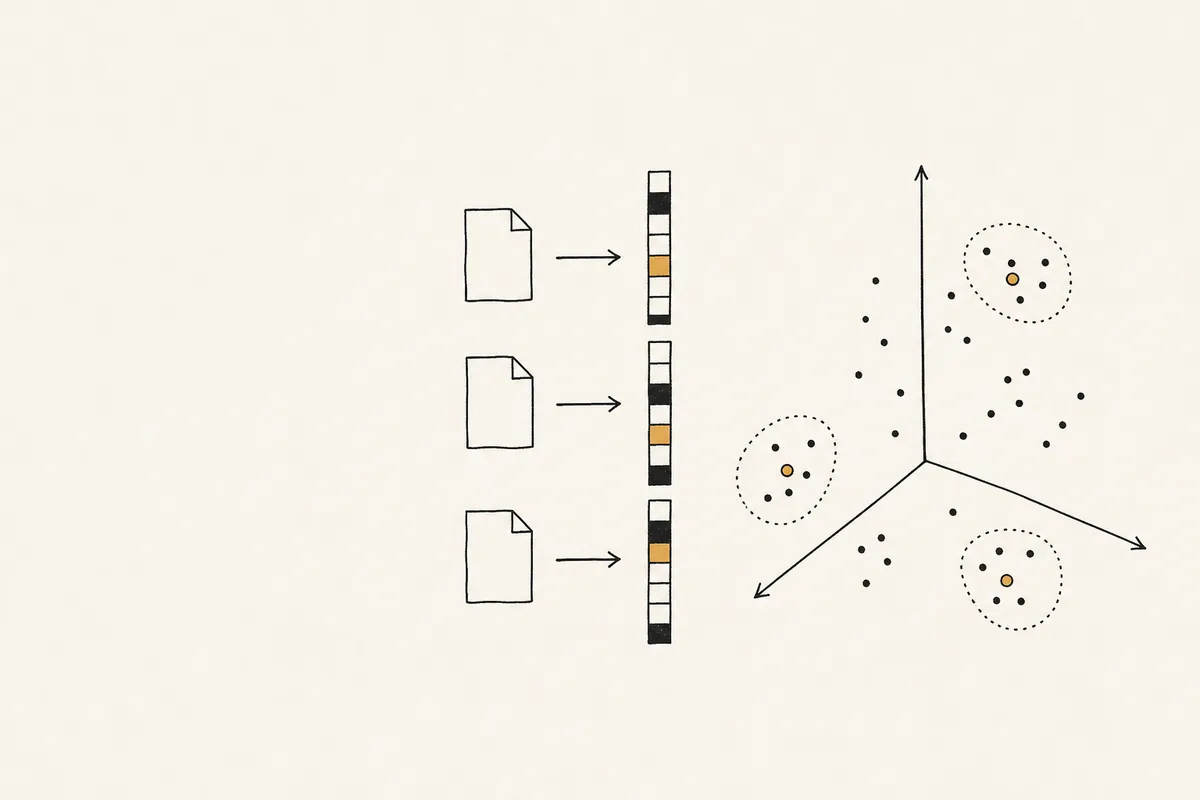
Text-Embedding-3-Small API: Batch Inputs, Dimensions, and Search
Use text-embedding-3-small with tested 1536- and 512-dimension responses, a runnable semantic-search example, and clear guidance on batching and index consistency.
 Tutorial
text-embedding-3-small Dimensions Explained: How to Pick the Right Size for Quality, Speed, and Cost
At 1536 dimensions, one text-embedding-3-small vector stored as float32 uses 6,144 bytes, so 10 million vectors need about 61 GB before index overhead. That number catches teams off guard when retr...
 Tutorial
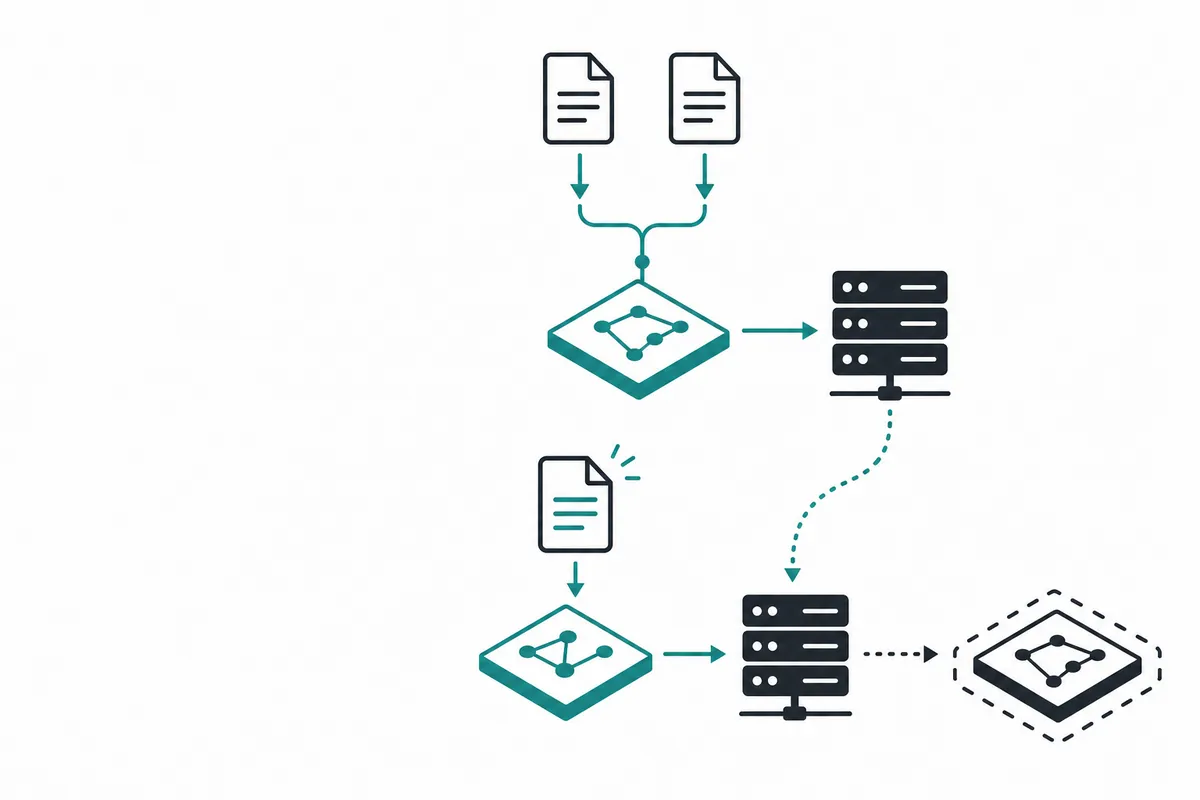
Incremental Embeddings: Deduplication, Checkpoints, Updates, and Deletes
Build a resumable incremental embedding index in Python and SQLite. Deduplicate text, checkpoint vectors, publish atomic updates, and handle deletions safely.
 Comparison
Vector Database Guide 2026: Pinecone vs Weaviate vs Qdrant vs Chroma Compared
"Complete comparison of the top vector databases for AI applications in 2026. Learn which vector DB is best for your RAG pipeline, semantic search, or recommendation system."
 Comparison
AI Embeddings Comparison 2026: Choosing the Right Model for Your Application
Comprehensive comparison of AI embedding models in 2026 including OpenAI, Cohere, Voyage, Google, and open-source options. Benchmarks, pricing, and implementation guide.
 Guide
Best AI Models for RAG Applications 2026: Embeddings, Retrieval, and Generation
A complete guide to choosing the best AI models for RAG pipelines in 2026, covering embedding models, retrieval strategies, and generation models with code examples and pricing comparisons.
Pricing questions
- How much does text-embedding-3-small cost on Crazyrouter?
- The current Crazyrouter rate is $0.02 per 1 million input tokens. The live pricing table is the source of truth.
- How do I estimate the cost of a batch?
- Multiply the input token count by the rate per 1 million tokens, then divide by 1 million. The estimate does not include any other models in your workflow.
- Is there an output-token charge?
- Embedding calls return vectors, not generated text. This page uses the input-token rate for the model; it does not apply a chat completion rate to the returned vector.
- Should I use text-embedding-3-small or text-embedding-3-large?
- Start with text-embedding-3-small for most search and RAG indexes: it costs less per token and stores smaller vectors. Try text-embedding-3-large when an evaluation on your own queries shows retrieval quality matters more than cost. Both models need a full re-index if you switch, because vectors from different models are not comparable.
- Do I pay to embed my entire knowledge base for every search?
- Store document vectors after indexing and reuse them. Each new search normally embeds only the query. Re-embed documents when their content changes, or when you change the embedding model or dimensions. The monthly calculator separates these costs.
- Does reducing dimensions lower the API cost?
- This estimate uses the same input-token rate at every dimension setting. Smaller vectors use less raw storage, but may change retrieval quality. Use matching dimensions for documents and queries, and verify the parameter with your API route before migrating an index.
- Why does chunk overlap increase the estimate?
- Overlap repeats part of a document in consecutive chunks. That repeated text is sent to the API again and counts toward input tokens. The planner includes the repeated tokens and does not pad the final chunk.
- Does the estimate include RAG answer generation?
- No. It covers embedding the documents and queries. A RAG workflow may also pay for a vector database, reranking, and a chat model to generate an answer from retrieved passages. Budget for those services separately.
- How do I get an exact token count?
- Use a tokenizer compatible with the model, such as tiktoken with cl100k_base, before a large run. Check usage.prompt_tokens in completed embedding responses. Character counts and average document lengths are planning assumptions, not exact billing counts.
Ready to connect your first search?
Use the code above, then check the token usage returned by the API. One key also works for chat, image and video models when you add a RAG answer step.
Get an API key →