Crazyrouter
EnglishTutorial
AI Action Figure Generator with GPT-image-2 — Turn Anyone Into a Boxed Toy
Generate hyper-realistic boxed action figures using GPT-image-2 via Crazyrouter API. 10 profession templates included. Python, curl, and Node.js code.
C
Crazyrouter Team
May 1, 2026 / 582 views
Share:
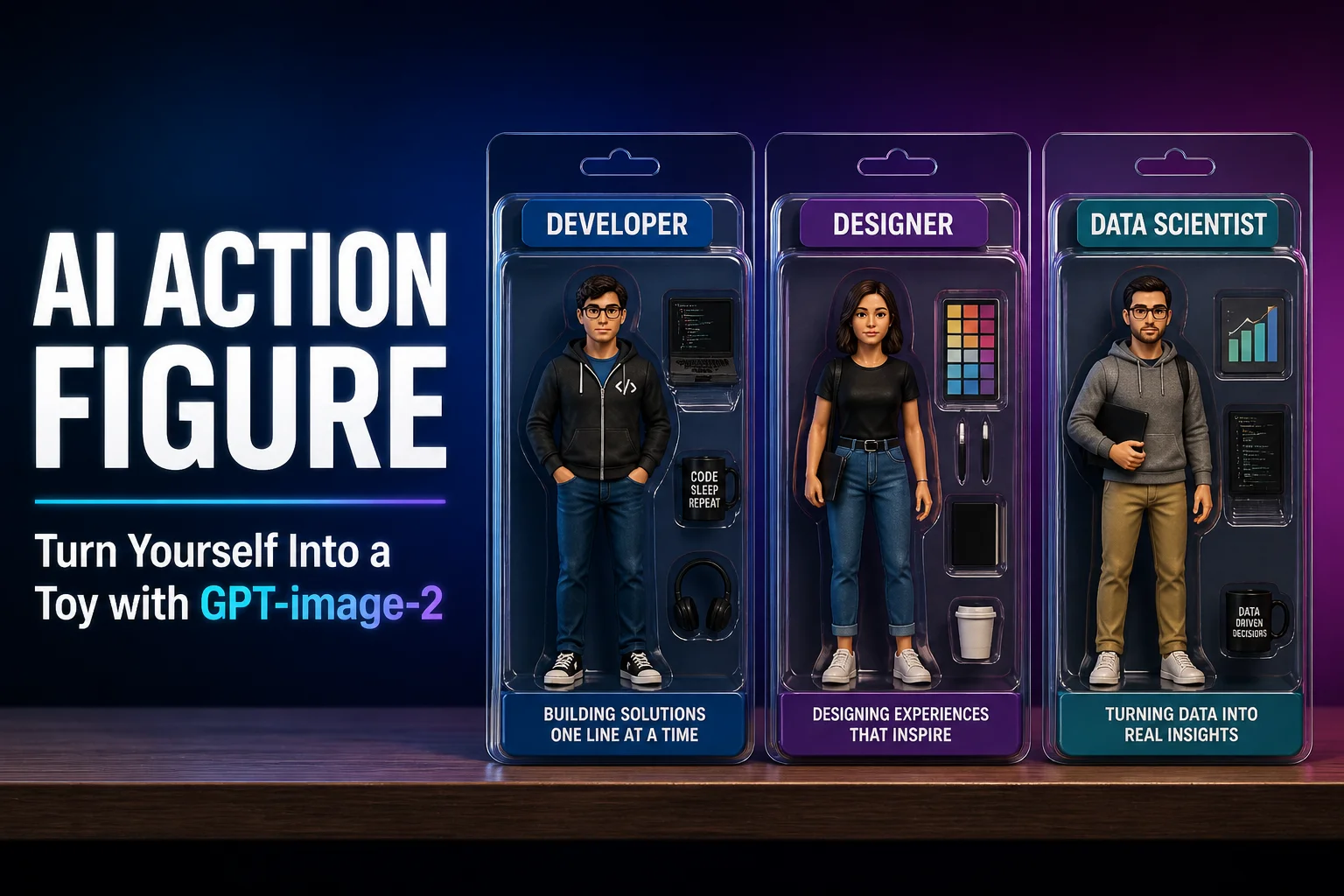
AI Action Figure Generator with GPT-image-2 — Turn Anyone Into a Boxed Toy#
The AI Action Figure trend has taken over social media. The concept is simple: generate a hyper-realistic image of yourself (or anyone) as a boxed action figure — complete with blister pack, accessories, and package text.
GPT-image-2 is perfect for this because of its text rendering ability. The package labels, taglines, and barcode all come out looking real.
This is Part 3 of our GPT-image-2 series.
Result Preview#
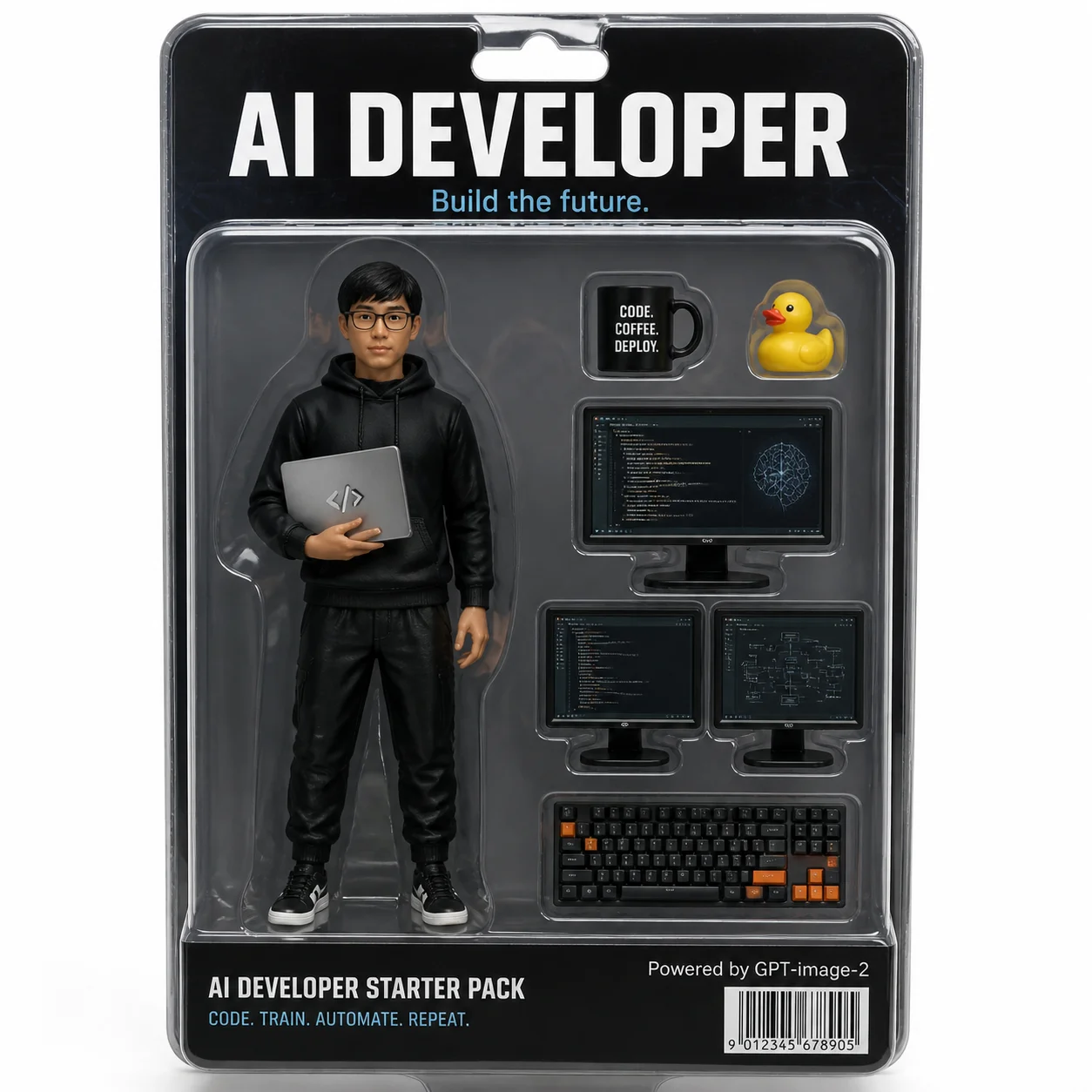
What makes it convincing:
- Clear blister pack with realistic plastic reflections
- Package text: "AI DEVELOPER — Build the future." rendered cleanly
- Accessories: coffee mug, rubber duck, dual monitors, mechanical keyboard
- Barcode and "Powered by GPT-image-2" fine print
- Studio lighting with professional toy photography feel
Full Code#
Python#
python
from openai import OpenAI

client = OpenAI(
    api_key="your-crazyrouter-api-key",
    base_url="https://crazyrouter.com/v1"
)

character_name = "AI DEVELOPER"
tagline = "Build the future."
outfit = "black hoodie, glasses, holding a laptop with code on screen"
accessories = [
    "a coffee mug with 'CODE COFFEE DEPLOY' text",
    "a yellow rubber duck (debugging companion)",
    "two monitors showing code editor and neural network diagrams",
    "a mechanical keyboard with orange accents"
]
bottom_text = "CODE. TRAIN. AUTOMATE. REPEAT."

prompt = f"""
A hyper-realistic product photo of a boxed action figure toy.
The figure is a young Asian male software engineer: {outfit}.

The box is clear plastic blister pack with cardboard backing.
Top of box reads: "{character_name}" in bold letters.
Subtitle: "{tagline}"

Accessories inside the box: {", ".join(accessories)}.

Bottom of box: "{bottom_text}"
Small text: "Powered by GPT-image-2"
Include a realistic barcode.

Studio lighting, white background, professional toy photography style.
"""

response = client.images.generate(
    model="gpt-image-2",
    prompt=prompt,
    size="1024x1024",
    n=1
)

print(f"Generated: {response.data[0].url}")
curl#
bash
curl -X POST https://crazyrouter.com/v1/images/generations \
  -H "Content-Type: application/json" \
  -H "Authorization: Bearer your-crazyrouter-api-key" \
  -d '{
    "model": "gpt-image-2",
    "prompt": "Hyper-realistic boxed action figure: AI DEVELOPER. Young engineer in black hoodie and glasses, holding laptop. Clear blister pack with cardboard backing. Accessories: coffee mug, rubber duck, dual monitors, mechanical keyboard. Bottom text: CODE. TRAIN. AUTOMATE. REPEAT. Barcode. Studio lighting, white background, toy photography.",
    "size": "1024x1024",
    "n": 1
  }'
Node.js#
javascript
import OpenAI from "openai";

const client = new OpenAI({
  apiKey: "your-crazyrouter-api-key",
  baseURL: "https://crazyrouter.com/v1",
});

const response = await client.images.generate({
  model: "gpt-image-2",
  prompt: `Hyper-realistic boxed action figure: AI DEVELOPER.
Figure wearing black hoodie, glasses, holding laptop.
Accessories: coffee mug, rubber duck, dual monitors, mechanical keyboard.
Clear blister pack, cardboard backing, barcode.
Studio lighting, white background, toy photography.`,
  size: "1024x1024",
  n: 1,
});

console.log(response.data[0].url);
10 Profession Templates#
Ready-to-use templates — just swap the values:
| # | Profession | Title | Outfit | Bottom Text |
|---|---|---|---|---|
| 1 | Product Manager | PRODUCT MANAGER | Business casual, whiteboard marker | SHIP IT. ITERATE. REPEAT. |
| 2 | UI Designer | UI/UX DESIGNER | Turtleneck, Apple Pencil | PIXEL PERFECT. ALWAYS. |
| 3 | Data Scientist | DATA SCIENTIST | Casual shirt, Jupyter notebook | TRAIN. VALIDATE. DEPLOY. |
| 4 | Startup Founder | STARTUP FOUNDER | Patagonia vest + hoodie | MOVE FAST. BREAK THINGS. |
| 5 | Fitness Coach | FITNESS COACH | Tank top, sneakers | NO PAIN. NO GAIN. |
| 6 | Chef | MASTER CHEF | White chef coat, chef hat | TASTE. SEASON. PERFECT. |
| 7 | Photographer | PHOTOGRAPHER | Cargo vest, camera strap | CAPTURE THE MOMENT. |
| 8 | Music Producer | MUSIC PRODUCER | Oversized hoodie, headphones | DROP THE BEAT. |
| 9 | Teacher | TEACHER | Cardigan, glasses, books | INSPIRE. EDUCATE. EMPOWER. |
| 10 | Cat Parent | CAT PARENT | Cat-hair-covered sweater | OWNED BY CATS SINCE 2020. |
Batch Generation#
python
professions = [
    ("AI DEVELOPER", "black hoodie, glasses, laptop"),
    ("DESIGNER", "turtleneck, Apple Pencil, iPad"),
    ("DATA SCIENTIST", "casual shirt, Jupyter notebook"),
]

for title, outfit in professions:
    response = client.images.generate(
        model="gpt-image-2",
        prompt=f"Hyper-realistic boxed action figure: {title}. "
               f"Figure wearing {outfit}. Clear blister pack, "
               f"cardboard backing, studio lighting, toy photography.",
        size="1024x1024",
        n=1
    )
    print(f"{title}: {response.data[0].url}")
Prompt Tips#
- Short text works best — keep package text under 10 words
- ALL CAPS renders more reliably than lowercase
- Add
studio lighting, soft shadowsfor realism - Add
slight plastic reflection on blister packfor that authentic toy feel
Cost#
| Item | Price (via Crazyrouter) |
|---|---|
| 1 image (1024×1024) | ~$0.04–0.08 |
| 10-image batch | ~$0.50 |
🚀 Crazyrouter — One API key, 600+ models. GPT-image-2, GPT-5.5, Claude Opus 4.7, DeepSeek V4, and more.
Implementation Guides
AuthenticationCreate and use API keys with the required authorization headers.Quick Start GuideMake the first Crazyrouter API call and validate your setup.Image Upload GuidanceUpload local reference images and use temporary public media URLs.IntroductionUnderstand Crazyrouter's all-in-one AI model API gateway.