简体中文
简体中文 繁體中文
繁體中文 English
 Français
 Русский
 日本語
日本語 Tiếng Việt
 한국어
한국어 Deutsch
 Español
 Italiano
 Português
 العربية
 ไทย
ไทย Bahasa Indonesia
 Bahasa Melayu
 Türkçe
 Polski
 Nederlands
 Dansk
Dansk Norsk
Norsk Қазақша
What Is Nano Banana 2.1? Image API, Price, and a Real Request
Understand the Nano Banana 2.1 image route, its published billing unit, and the exact request that returned an image in our October test.
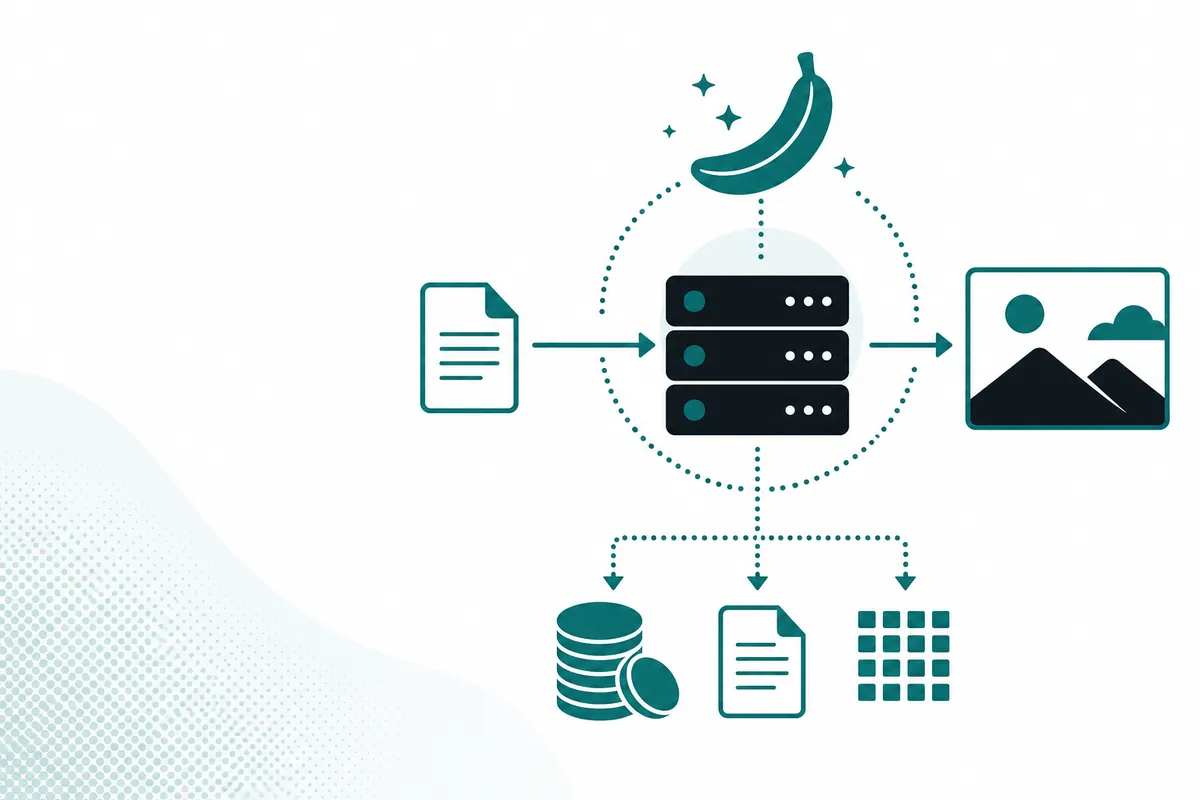
Nano Banana 2.1 is a Google-family image generation and editing model available through Crazyrouter with the exact model ID nano-banana-2.1. For developers, the practical change is an image route with a published base price of $0.035 per request and an OpenAI-style image endpoint. On October 9, 2026, we sent that model a simple composition prompt through https://api.crazyrouter.com/v1/images/generations and received HTTP 200 with a generated-image URL.
That confirms the basic generation path for this account and request. It does not prove every resolution, editing feature, or production workload works equally well. Start with the smallest request below, inspect the image, and then test the options your application actually needs.
What is Nano Banana 2.1 used for?#
You can use this route to create illustrations, product-scene concepts, and other images from a text prompt. The live catalog also describes reference-image inputs for editing. A useful way to evaluate it is to separate visual quality from integration behavior: a beautiful image is not enough if your application cannot reliably parse responses or understand the billing unit.
The earlier nano-banana-2 route remains a separate model ID. Treat 2.1 as another choice in your model configuration, rather than assuming an existing model name silently changes behavior. Keep the old route available while you test prompts, image proportions, and output handling on the new one.
Independent coverage associates this release with Google's Gemini image family. For the manufacturer's current capabilities and availability, check the Gemini image-generation documentation. A gateway alias and a native Google model identifier need not be identical; use the identifier expected by the service you are calling.
Which specifications are confirmed?#
The Crazyrouter catalog describes image_input URL references, aspect_ratio, 1K/2K/4K resolution options, and response_format values of url or b64_json. Its public endpoint type is image generation. Those are catalog descriptions, not a claim that this article exercised every combination.
| Item | What we can establish | What to verify for your application |
|---|---|---|
| Gateway model ID | nano-banana-2.1 | Preserve punctuation exactly |
| Basic generation | One request returned HTTP 200 on October 9 | Repeat with representative prompts |
| Image output | The response contained data[0].url | Download and validate the actual file |
| Resolution | Catalog advertises 1K, 2K, and 4K options | Confirm accepted parameters and billing |
| Reference images | Catalog describes URL references | Test your image formats and access rules |
| Context and limits | No numeric context limit verified here | Check current endpoint documentation |
A text context window is not a useful substitute for an image-input limit. Do not copy a chat-model token limit into an image integration without a source. Likewise, a successful square image says nothing about the behavior of a wide banner or a reference-based edit.
Nano Banana 2.1 vs alternatives#
Choose an alternative based on the output your users need and the code you already operate. Model names alone do not establish a ranking, and one demonstration cannot justify a general quality winner.
| Option | Practical reason to evaluate it | Integration consideration |
|---|---|---|
| Nano Banana 2.1 | New route with a published per-request price | Validate image options and returned files |
| Nano Banana 2 | Preserve an existing prompt baseline | Its catalog billing unit is per image |
| GPT Image 2 | Compare a different image-model family | Check supported request fields separately |
| Google native Gemini API | Use the manufacturer's native interface | Follow native identifiers, authentication, and pricing |
For an application already using a gateway, retaining the same request structure can reduce migration work. That does not make all models interchangeable: reference handling, output formats, and moderation behavior can differ.

How to call Nano Banana 2.1#
Set CRAZYROUTER_API_KEY in your environment before running these examples. Never place a real key in a browser bundle, a public repository, or a shared screenshot. Use a backend request and save the returned image after checking its content type and dimensions.
This is the cURL equivalent of the request body we actually sent:
curl https://api.crazyrouter.com/v1/images/generations \
  -H "Authorization: Bearer $CRAZYROUTER_API_KEY" \
  -H "Content-Type: application/json" \
  -d '{"model":"nano-banana-2.1","prompt":"A red cube to the left of a blue sphere on a white table. No text.","size":"1024x1024","n":1}'
The executed request used Python's HTTP client. Here is a reusable version that checks the HTTP status before reading the output URL:
import os
import requests

response = requests.post(
    "https://api.crazyrouter.com/v1/images/generations",
    headers={"Authorization": "Bearer " + os.environ["CRAZYROUTER_API_KEY"]},
    json={
        "model": "nano-banana-2.1",
        "prompt": "A red cube to the left of a blue sphere on a white table. No text.",
        "size": "1024x1024",
        "n": 1,
    },
    timeout=180,
)
response.raise_for_status()
print(response.json()["data"][0]["url"])
The same HTTP request in Node.js uses built-in fetch:
const response = await fetch("https://api.crazyrouter.com/v1/images/generations", {
  method: "POST",
  headers: {
    Authorization: `Bearer ${process.env.CRAZYROUTER_API_KEY}`,
    "Content-Type": "application/json",
  },
  body: JSON.stringify({
    model: "nano-banana-2.1",
    prompt: "A red cube to the left of a blue sphere on a white table. No text.",
    size: "1024x1024",
    n: 1,
  }),
  signal: AbortSignal.timeout(180000),
});
if (!response.ok) throw new Error(`Image request failed: ${response.status}`);
console.log((await response.json()).data[0].url);
The response from our executed Python request was:
{"data":[{"url":"https://media.crazyrouter.com/task-artifacts/2026/10/09/sync-image/20261009090118804022496ytCV7JO1-1.jpeg","b64_json":"","revised_prompt":""}],"created":1791536501}
The empty b64_json field is not a failure when a URL is returned. Code that requires base64 unconditionally would misread this successful response. The cURL and Node.js examples express the same payload; this article's recorded execution used Python.
Pricing as of 2026-10#
The live Nano Banana 2.1 price row lists 3.50 before any account-specific adjustments. This arithmetic is an estimate from the published rate, not a measured invoice from our test.
The old Nano Banana 2 row uses a different billing label and includes a group discount field. Comparing raw base-price fields without resolving those details can produce a misleading savings claim. Check the applicable account rate in the pricing overview before budgeting a migration.
We have not independently established Google's current official list price for this exact release from an approved pricing source. Use the official Gemini pricing page for that side of the comparison; do not substitute another publisher's quoted figure for a verified list price.
FAQ#
What is nano banana 2.1?#
It is an image generation and editing model in the Google family, exposed here as nano-banana-2.1. Our October 9 test confirmed a basic text-to-image request returned an image URL.
What model name should I put in the API request?#
Use nano-banana-2.1 with the Crazyrouter route shown above. Native Google endpoints may use a different identifier, so do not move the alias between providers without checking.
Does Nano Banana 2.1 replace Nano Banana 2 automatically?#
The catalog exposes separate routes for the two versions. Keep an explicit model setting and compare your saved prompts before changing it.
Can I request base64 instead of an image URL?#
The catalog advertises response_format=url and response_format=b64_json. Our recorded test returned a URL; base64 behavior requires a separate test in your integration.
Is the $0.035 rate an official Google list price?#
No: it is the published Crazyrouter base rate for this route as of October 2026. Consult Google's pricing documentation for native API rates and use the gateway's live row for gateway billing.
Start with a request you can inspect#
Save a small set of representative prompts and compare the resulting images before connecting the route to a user-facing workflow. Record model ID, request options, elapsed time, and account usage so future changes are visible. When you are ready to test your own workload, create an account and use the live pricing page to plan a small paid trial.
<!-- crazyrouter-related-links -->